
Video guides
Short videos, each showing one job in Rostery from start to finish. Every video sits on the written guide it teaches, so you can watch it and then follow the steps and screenshots underneath.
27 videos · 4 sections · Rostery on YouTube
Start here
Rostery in under two minutes
Rostery is NDIS provider software that runs your whole service in one place, from the roster to the money: rostering, a support worker app, timesheets, SCHADS award pay, invoicing and incidents. Plan managers, support coordinators and Support at Home providers each get their own section too.
Getting started5 videos
Playlist on YouTube ↗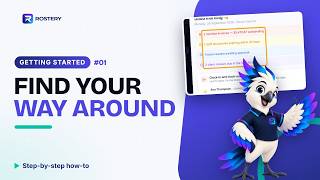 How to find your way around RosteryGuide: Dashboard
 How to set up your organisationGuide: Organisation details and preferences
 How to add your services and pricesGuide: Add a service type
 How to set up a pay groupGuide: Set up a pay group
 How to set your cancellation policiesGuide: Cancellation Policies
People9 videos
Playlist on YouTube ↗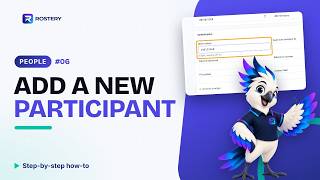 How to add a new participantGuide: Add a new participant
 How to add an NDIS plan and fundingGuide: NDIS Funding Plans
 How to add contacts and documentsGuide: Client Documents
 How to write a care plan and goalsGuide: Care Plan
 How to archive a participant who has leftGuide: Remove a participant who has left
 How to add a new support workerGuide: Add a new support worker
 How to record a worker's checks and qualificationsGuide: Qualifications and checks
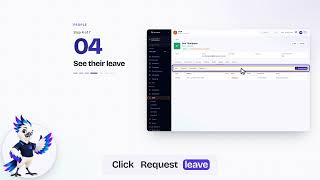 How to set availability and leaveGuide: Tell Rostery when a worker can work
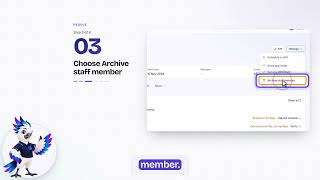 How to archive a worker who has leftGuide: Remove a worker who has left
Scheduling9 videos
Playlist on YouTube ↗ How to add and publish a shiftGuide: Add a shift
 How to find the right worker for a shiftGuide: Suggested workers for a shift
 How to set up a recurring shiftGuide: Add a shift
 How to cancel a shiftGuide: Cancel a shift
 How to change many shifts at onceGuide: Change many shifts at once
 How to copy a week forwardGuide: Copy a week forward
 How to fill a vacant shift with the Job BoardGuide: Job Board
 How to let AI build next week's rosterGuide: AI Auto-Roster
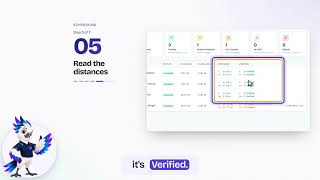 How to check tracking and EVVGuide: EVV
Care & Quality4 videos
Playlist on YouTube ↗
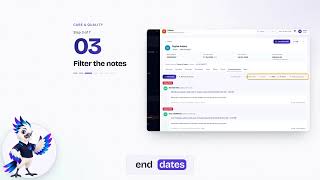


Every name and record on screen comes from a demonstration account with made-up data.