
Scheduling
Job Board
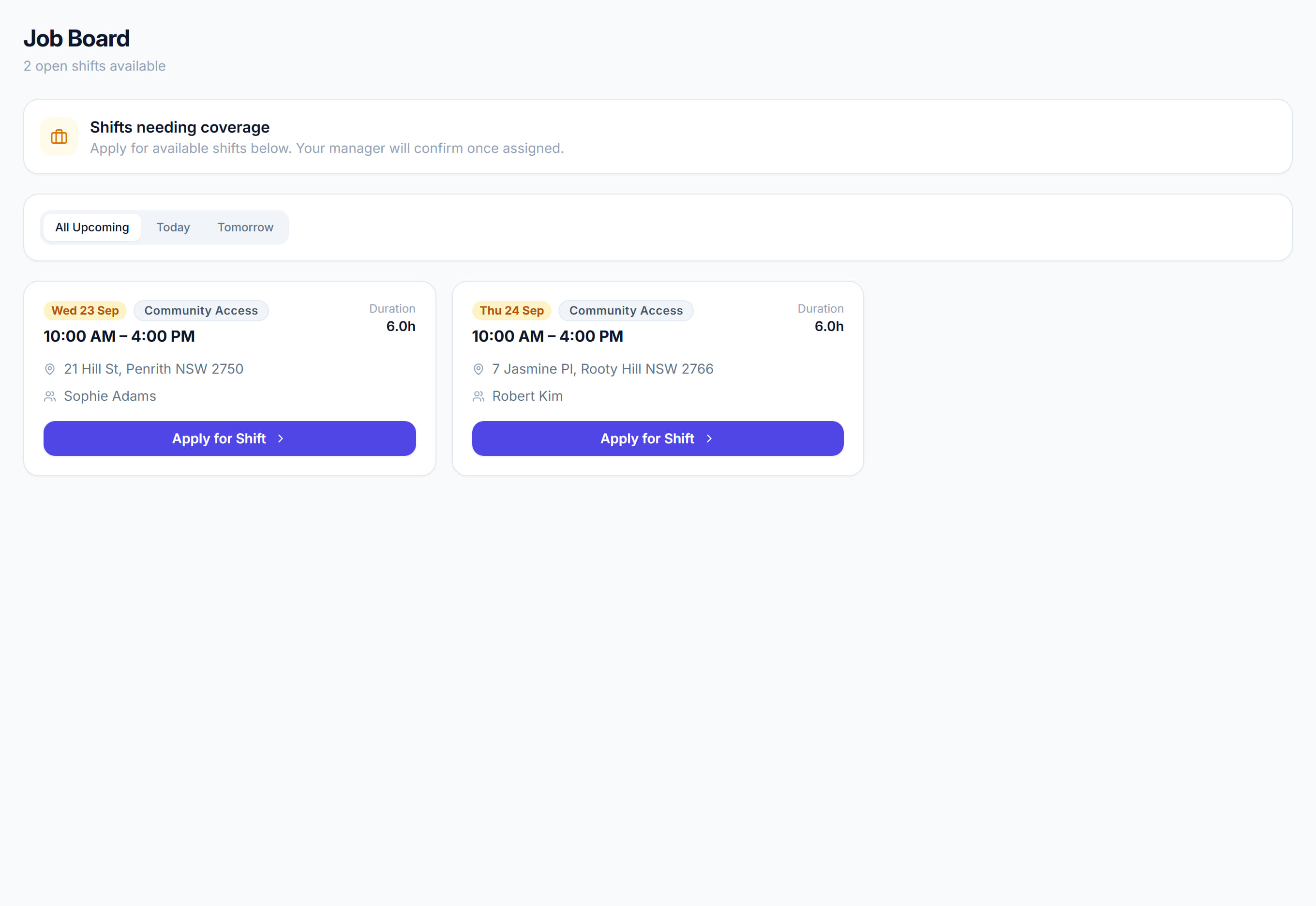
/job-board6 stepsThe Job Board lists shifts with no worker that have been offered out, so eligible workers can apply for them. Coordinators post shifts to it from the Scheduler, and workers see the same list in the mobile app and on this page.
Step by step
- 1
Post an unfilled shift from the Scheduler: open it, turn on Add to Job Board in the Worker section, and save. You can also drag a shift onto the Job Board row.
- 2
Workers see it in the mobile app, or on this page, and click Apply for Shift. Rostery refuses an application that clashes with their other shifts.
- 3
Confirm or turn down the application on the Scheduler. The shift moves to the worker's row as Pending; save it to book them, or clear the worker to reopen it.
- 4
Use All Upcoming, Today and Tomorrow to narrow the list. Each card shows the date, time, duration, address, client and any instructions.
- 5
Turn on Declined shifts automatically added to Job Board in Settings, under Declined Shift Flow, so a shift a worker declines is offered out again.
- 6
Check the Job Board row on the Scheduler for shifts still open. A shift stays there until someone applies or you assign a worker yourself.
The screen
Did this answer your question?
If not, talk to us — we answer from Australia, in business hours.