
Scheduling
Fleet and vehicles
/vehicles6 stepsThe vehicles your organisation owns, who is driving them, and what they cost. It matters to rostering because a shift in a company vehicle is paid and charged differently from a worker using their own car — the kilometre rate is not the same.
Step by step
- 1
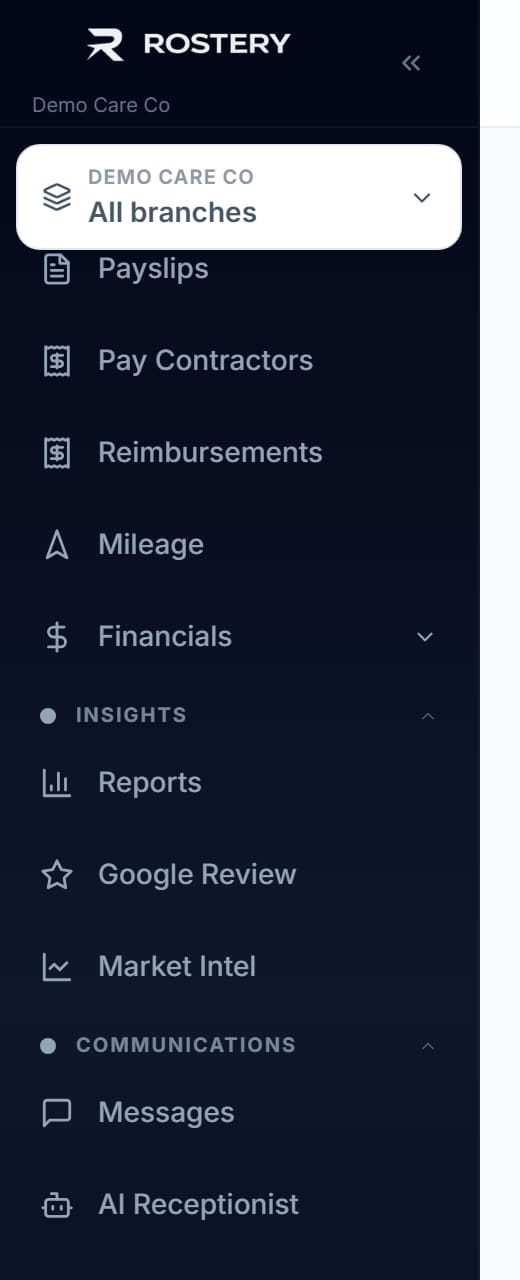
Click Fleet in the left menu.
- 2
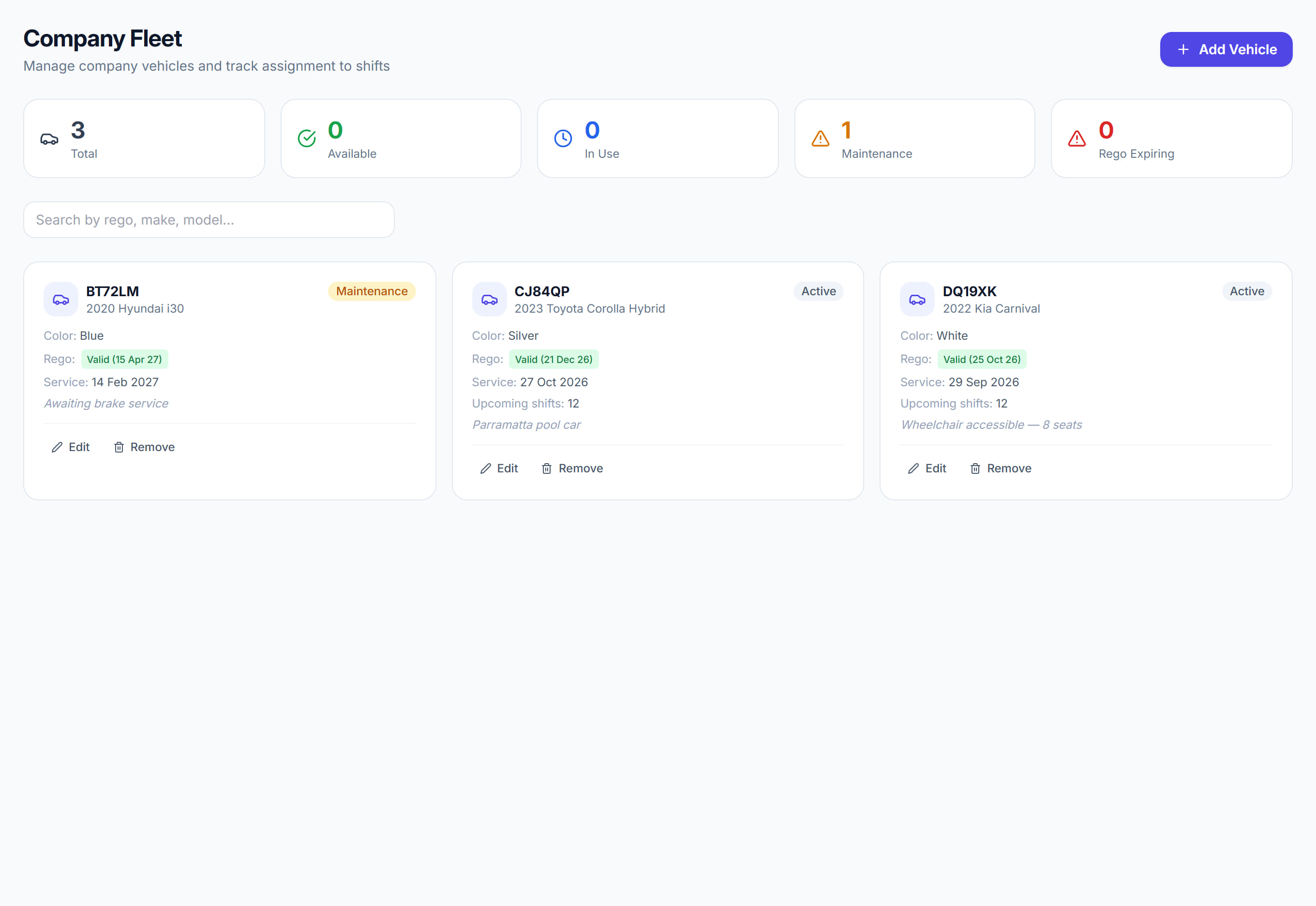
Read the list: each vehicle with its registration, who holds it and its current status.
- 3
Add a vehicle with its registration, make and model.
- 4
Record the registration and insurance expiry dates, so the vehicle is flagged before either lapses.
- 5
Assign the vehicle to a worker or a site.
- 6
When a shift uses a company vehicle, mark it on the shift. The kilometre rate for a company or modified vehicle differs from the rate for a worker’s own car, and the difference reaches both the invoice and the pay.
The screen
Did this answer your question?
If not, talk to us — we answer from Australia, in business hours.