
Scheduling
Copy a week forward
Scheduler5 steps
Written by Fahid Safdar, Founder & Product, Rostery · Checked
Most rosters repeat. Rather than rebuilding a week, copy one you have already made and adjust the differences — or build the pattern once as a template and generate from it.
Step by step
- 1
Set the board to the week you want to copy.
- 2
Copy the period forward to the next week or fortnight.
- 3
Check the result before publishing: public holidays, leave already approved, and anything that was a one-off in the week you copied.
- 4
Fix the exceptions, then publish.
- 5
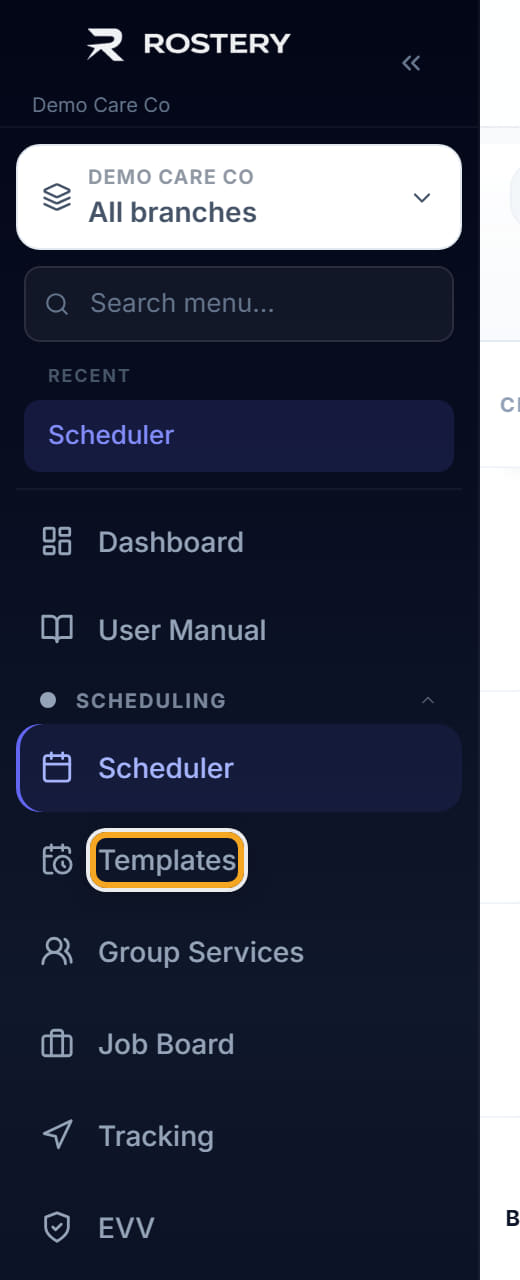
For a pattern you will use repeatedly, build it once under Templates and generate weeks from it instead.
Did this answer your question?
If not, talk to us — we answer from Australia, in business hours.