
Scheduling
Tracking
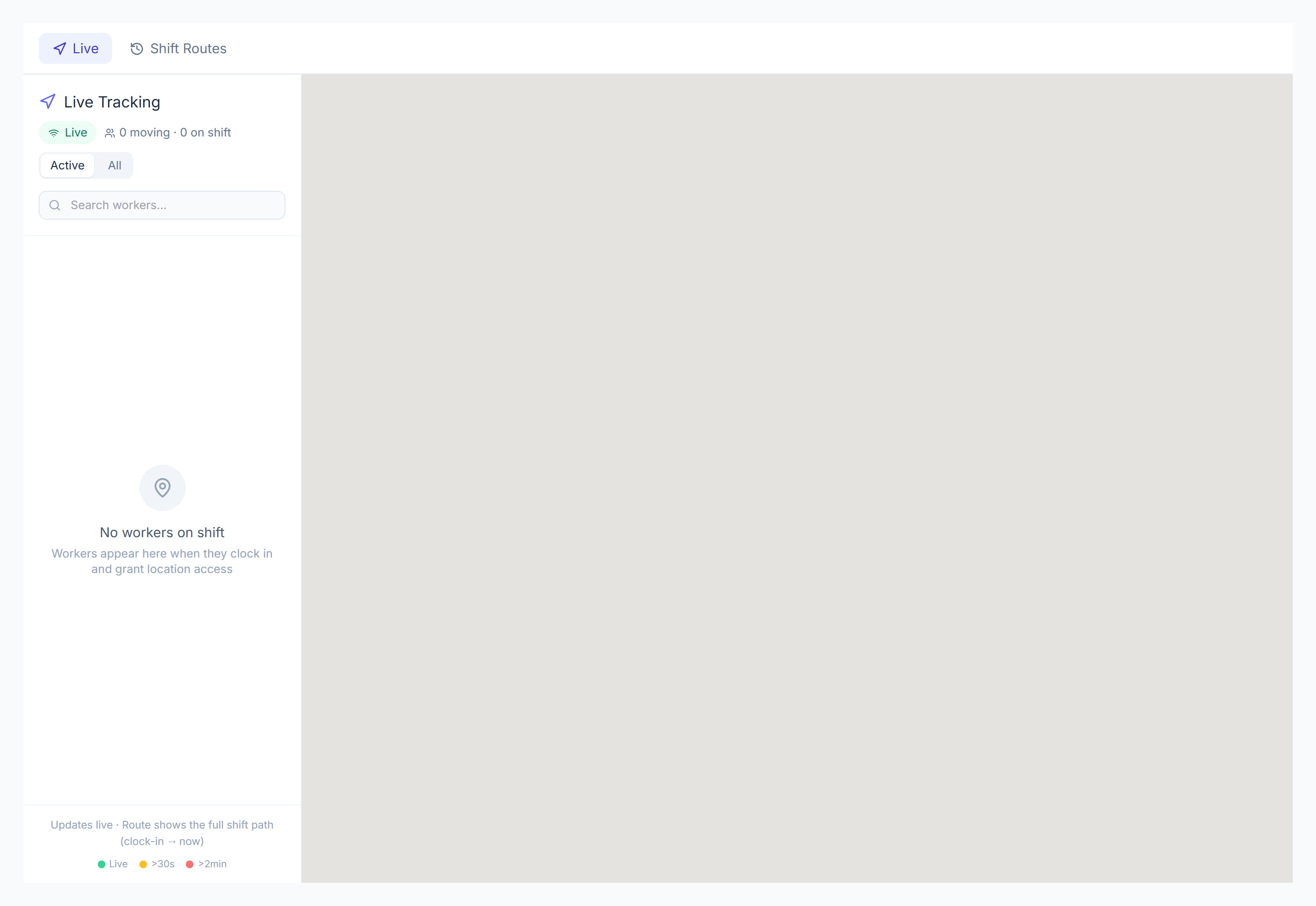
/live-tracking8 stepsTracking shows where workers are during a shift and the route they took. Coordinators use the Live tab to see who is on shift right now, and Shift Routes to check a finished shift's road route, stops and time spent at the client.
Step by step
- 1
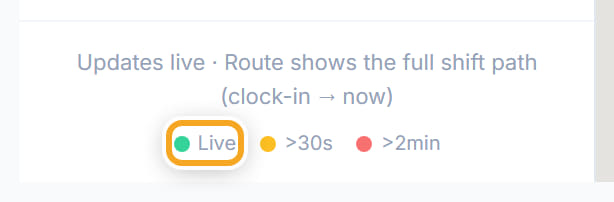
The Live tab lists everyone currently clocked in. A green dot is a recent position, amber is over thirty seconds old, and red is over two minutes old.
- 2
Select a worker in the list to centre the map on them and see the path they have travelled so far on this shift.
- 3
Use Shift Routes to review a completed shift: the whole journey from clock-in to clock-out, with the road route drawn on the map.

- 4
Switch between Active and All at the top of the list. Active shows only workers who are moving, or everyone when nobody is.
- 5
Click the navigation arrow beside a worker to open Visits & time at location: time at the client, time in the community, stops and distance.
- 6
Click Fit all workers to zoom out until everyone on shift is in view. Use Search workers to find one person quickly.
- 7
In Shift Routes, choose a Support worker and the From and To dates, then click a shift to see its route and visit timeline.
- 8
Click Export CSV to download the listed shifts with tracked minutes, time at client, community time, distance, stops and GPS points.
The screen
Did this answer your question?
If not, talk to us — we answer from Australia, in business hours.