
Scheduling
Group Services
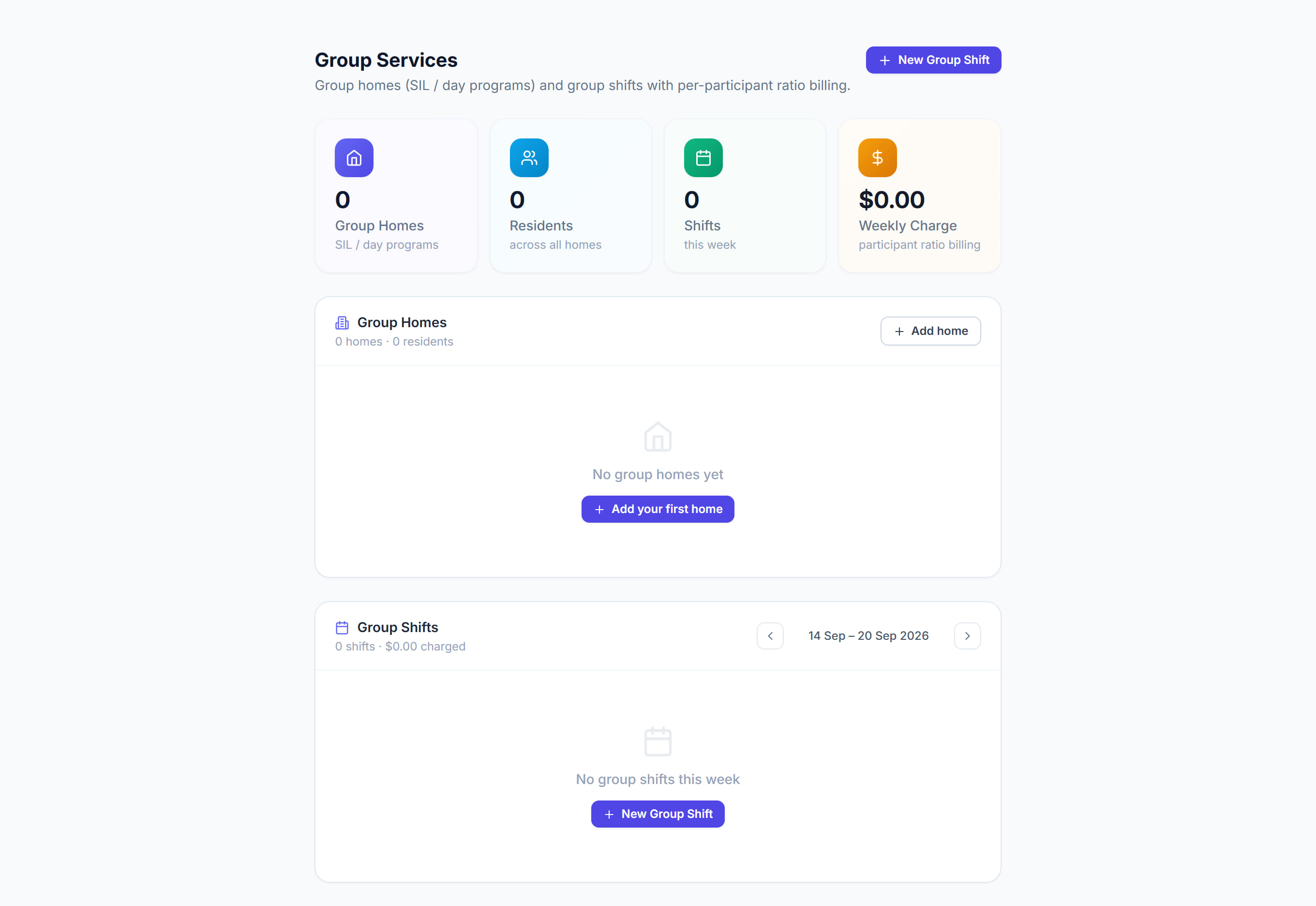
/groups9 stepsGroup Services manages group homes and group shifts, where one worker supports several participants at once. Coordinators set the ratio, and Rostery charges each participant their share of the shift against their own fund, which is how the NDIS expects group supports to be billed.
Step by step
- 1
Click New Group Shift. Choose a Group Home, or leave it as Ad-hoc group, then set the Service Type, Date, Start and End.
- 2
Set the Default Ratio (1:N), any Break (min) and the Carer (optional), then click Create & add participants.
- 3
Click Select Clients and tick everyone attending. Funded residents of the chosen home are ticked for you, and anyone tagged no fund has nothing to bill against.
- 4
Leave Auto-Ratio on to set the ratio to the number of participants, or turn it off and pick a ratio for each person. Click Add Selected.
- 5
Check the billing table: each participant's Fund, Ratio, Hrs, Rate and Line, then the Total client charge, with Charge, Staff pay and Profit beneath it.
- 6
Remove an attendee with the bin icon on their row. The charges recalculate straight away, and an automatic ratio follows the new head count.
- 7
Click Save & close. The shift appears under Group Shifts for that week, showing its participants, carer, ratio, charge and status.
- 8
Click Add home under Group Homes to record a SIL house, group program or day program with its address, colour, maximum residents and residents.
- 9
Click New template under SIL Roster Templates to build a weekly ratio and staff roster grid for one of your homes.
The screen
Did this answer your question?
If not, talk to us — we answer from Australia, in business hours.