
Finance & Payroll
Payslips
/payslips6 stepsWhat each worker is paid for a period, broken down shift by shift, so a question about a number has an answer.
Step by step
- 1
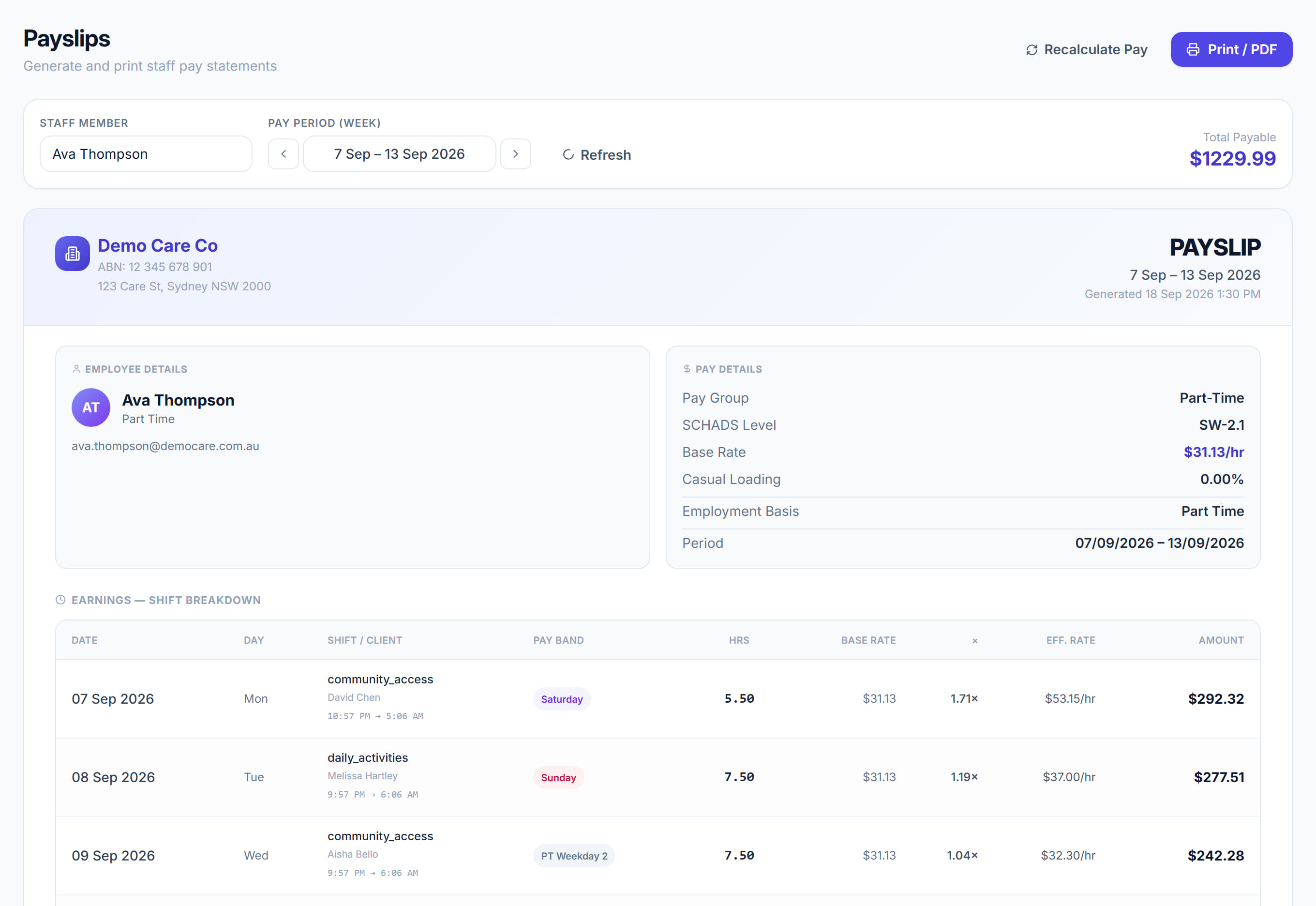
Pick the worker and the week. The payslip is built from approved timesheets only — anything still pending simply is not there.
- 2
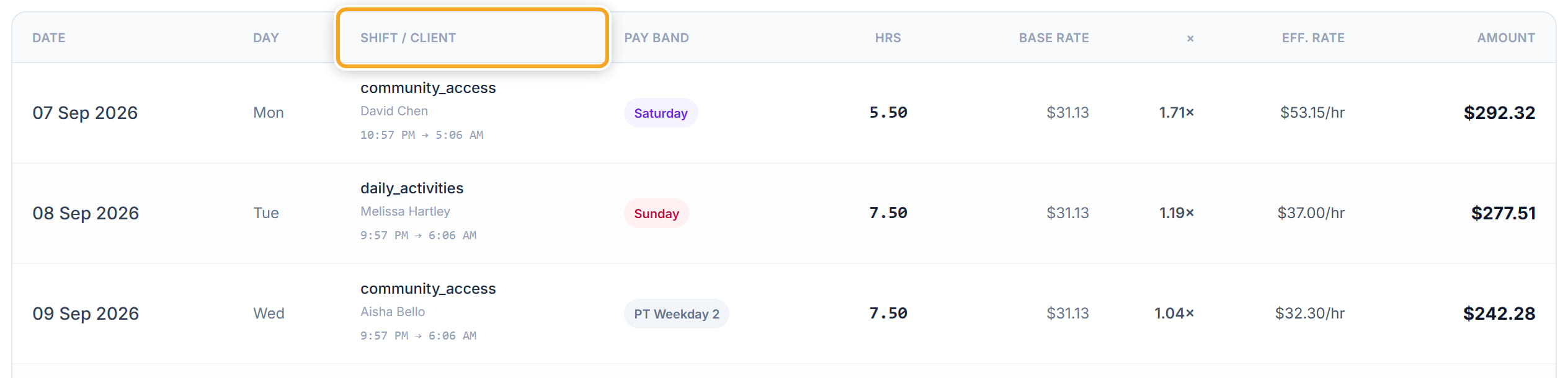
Read the breakdown line by line: Date, Day, Shift / Client, Pay Band, Hrs, Base Rate, Eff. Rate and Amount.
- 3
Check the Pay Band on each line. Weekday Day, Weekday Early, Weekday Evening, Weekday Night, Saturday, Sunday and Public Holiday are the SCHADS penalty bands, and the effective rate is the base rate with that penalty applied.

- 4
Check the allowances and reimbursements underneath — Description, Quantity, Rate. Broken shift, sleepover, mileage and expenses appear here rather than in the hourly lines.
- 5
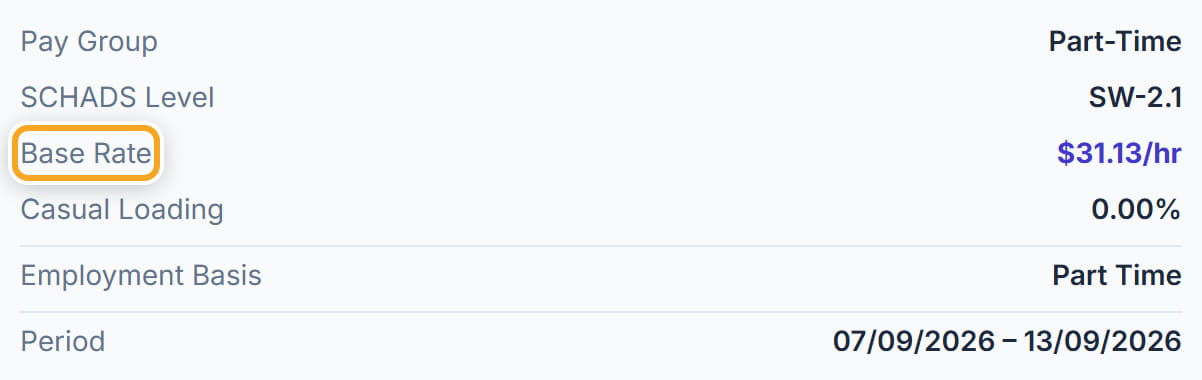
If a figure looks wrong, use Recalculate rather than editing by hand. It re-runs the pay engine over the approved timesheets, so the payslip and the underlying records stay in agreement.

- 6
Print / PDF produces the payslip to send or file.

The screen
Did this answer your question?
If not, talk to us — we answer from Australia, in business hours.