
AI across Rostery
AI Client Brief
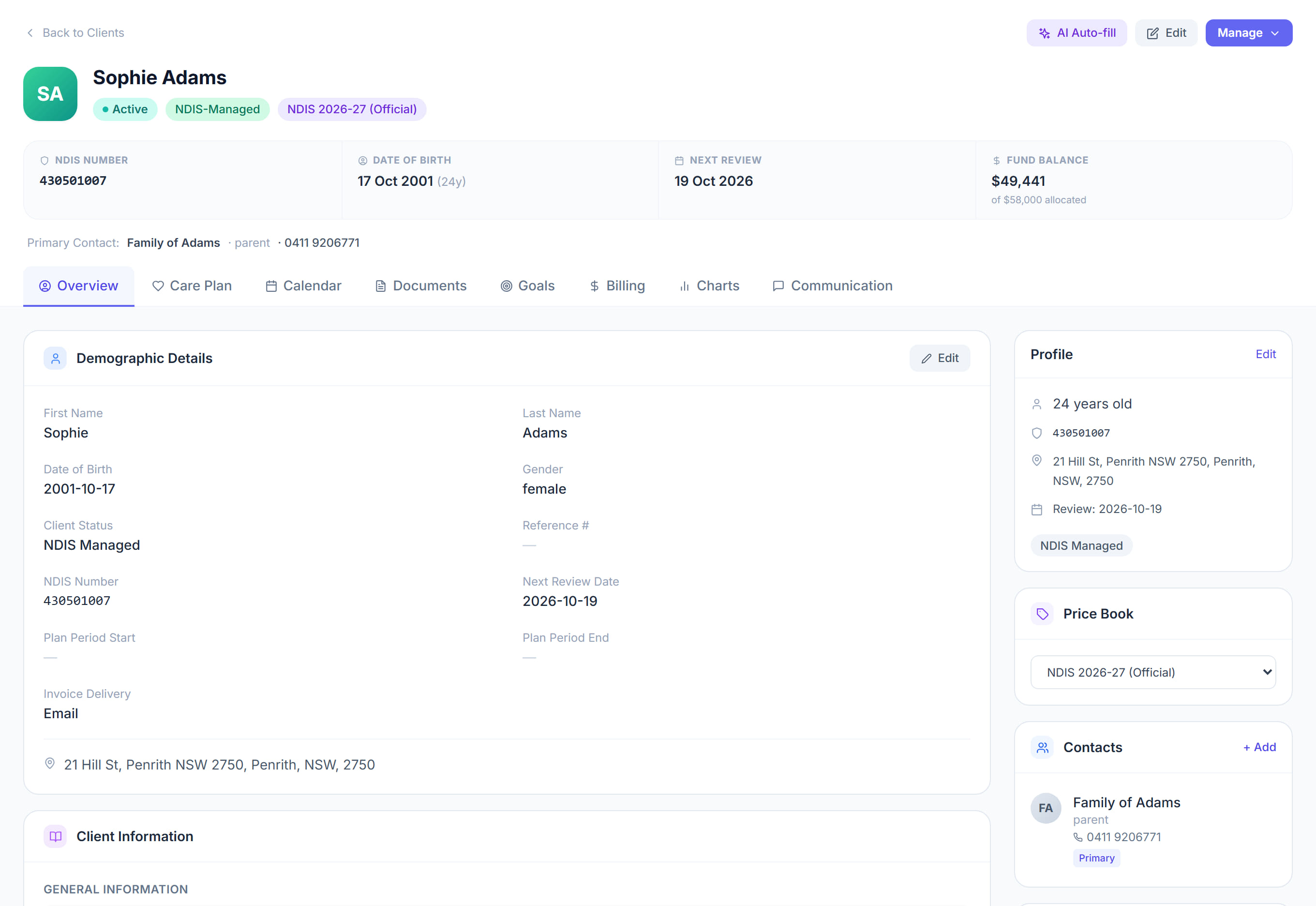
Client profile → Generate Client Brief5 steps
Written by Fahid Safdar, Founder & Product, Rostery · Checked
A short brief on a participant before you work with them: medical history, risks and support needs, pulled from their own record.
Step by step
- 1
Open the participant from Clients.

- 2
Click Generate Client Brief at the top of their profile.
- 3
Wait a few seconds. Rostery reads their profile, recent progress notes, goals, recent incidents and current medications.
- 4
Read the brief. It is written to be read on a phone in about thirty seconds, which is what a worker actually has.
- 5
It is a summary, not the record. If something matters, open the note or incident it came from.
The screen
Did this answer your question?
If not, talk to us — we answer from Australia, in business hours.