
Aged Care
Care Plans
/aged-care?tab=careplans7 stepsCare plans record each aged care participant's goals, the services planned to meet them, and when the plan is next due for review. Care managers use it to keep every funded participant covered by a current plan.
Step by step
- 1
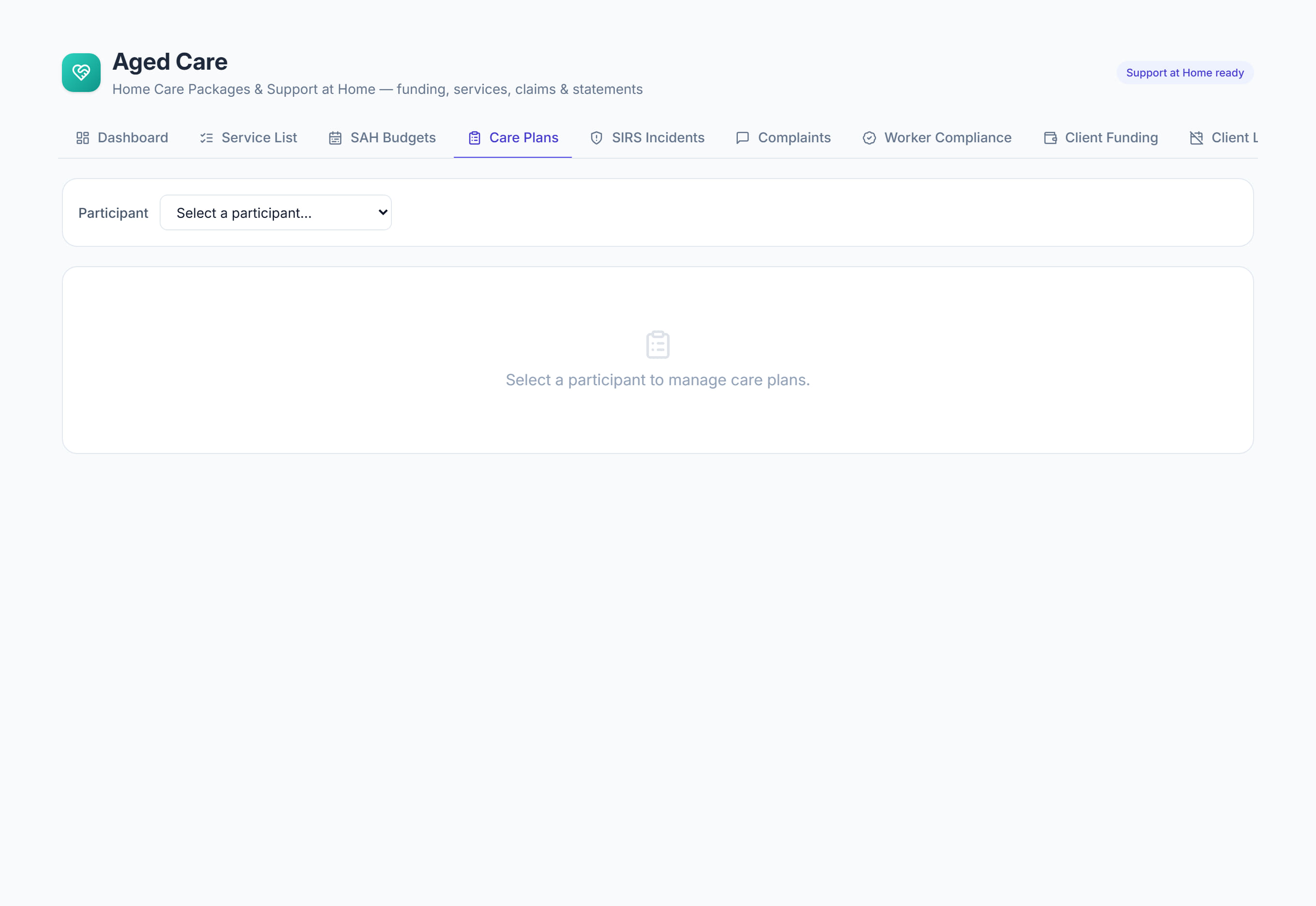
Open Care plans and choose the participant from Select a participant. Their plans are listed with status, planned services, the start date and when the review is due.
- 2
Select New care plan. Enter a title, the goals from their assessment, any clinical notes, the Start date and a Review due date, then select Create care plan.
- 3
Select the plan to open it, then select Add service. Search the service list, pick the item and enter the Frequency and Planned quantity before adding it.
- 4
Check the Medications panel in the open plan. It lists the participant's current medications from the medication chart, which workers also see on each visit in the mobile app.
- 5
Select Edit plan to move the Status from Draft to Active once the plan is agreed, and to Under review while you reassess it.
- 6
Watch the Review due column. A plan turns amber within 30 days of its review date and red once the date has passed.
- 7
After each review, edit the plan to update the goals and clinical notes against the participant's progress, then set the next Review due date.
The screen
Did this answer your question?
If not, talk to us — we answer from Australia, in business hours.