
Aged Care
SIRS
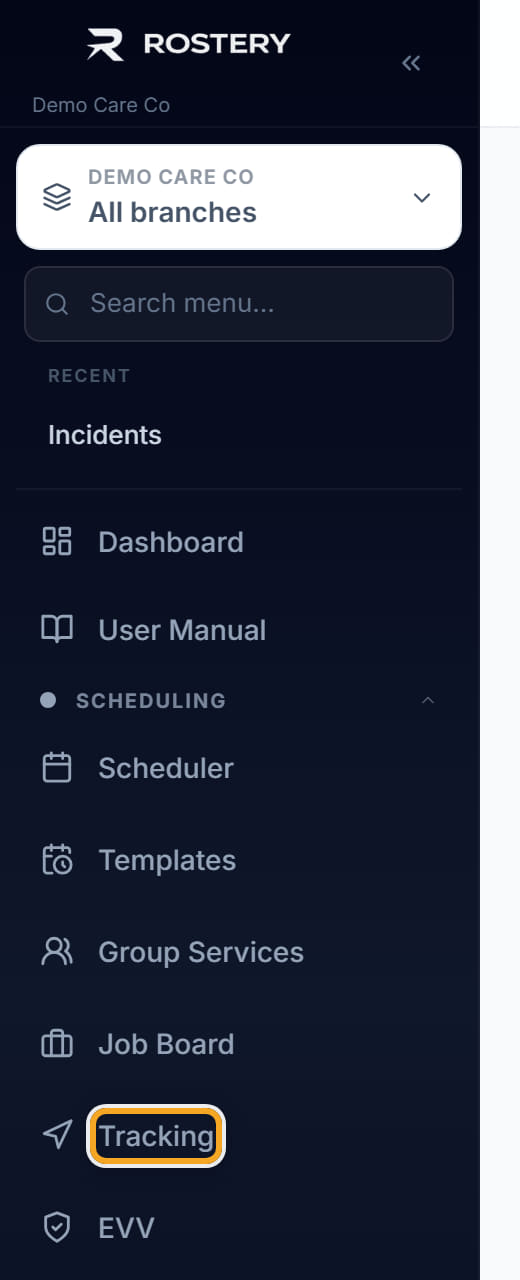
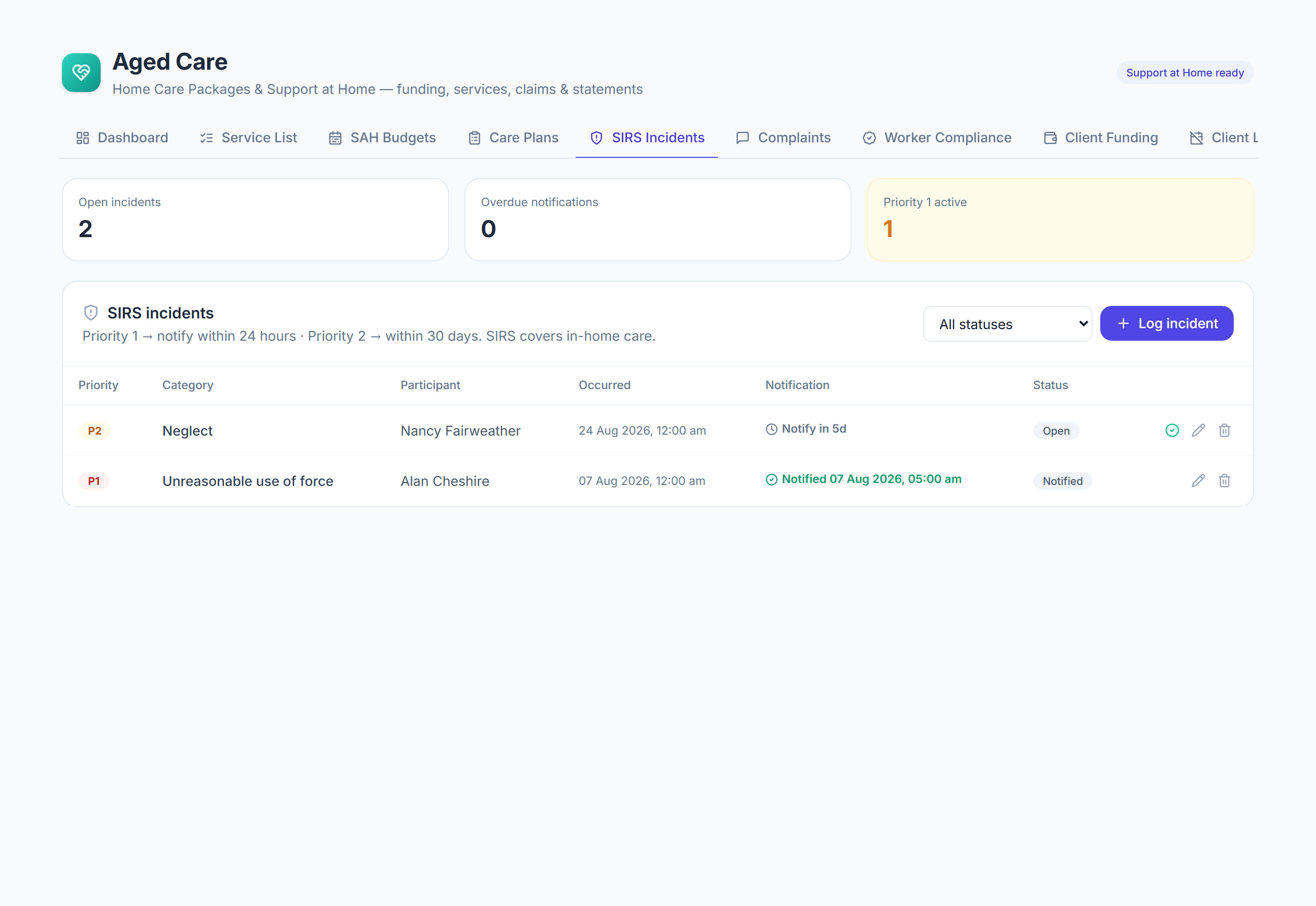
/aged-care?tab=sirs8 stepsSIRS incidents is your register of serious incidents under the Serious Incident Response Scheme. Care managers log each incident, watch its reporting deadline, prepare the portal report and record when it was reported.
Step by step
- 1
Select Log incident and log it against the SIRS categories. Add the participant, when it Occurred, a description and the immediate actions taken, then select Log incident.

- 2
Track the notification against its deadline in the Deadline column: 24 hours from the time it occurred for Priority 1, and 30 days for Priority 2.
- 3
Choose the Priority carefully when logging. The deadline is counted from the time entered under Occurred, not from when you logged the incident.
- 4
Untick Reportable to the Aged Care Quality and Safety Commission for an incident that is not reportable under SIRS. It stays on the register either way.
- 5
Open the incident and select Prepare the portal report. Copy each field, or select Copy all, into the SIRS form in the My Aged Care provider portal.
- 6
Once submitted, enter the Portal notification reference and select Record as reported. This stamps the date and time, so the register shows whether the deadline was met.
- 7
Select Edit to update the Status as you respond, through Notified, Under investigation and Closed, and record the Follow-up.
- 8
Check the figures at the top, especially Past deadline, not yet reported and Priority 1 still open, and use the status filter to review the register.
The screen
Did this answer your question?
If not, talk to us — we answer from Australia, in business hours.