
Aged Care
Aged Care Dashboard
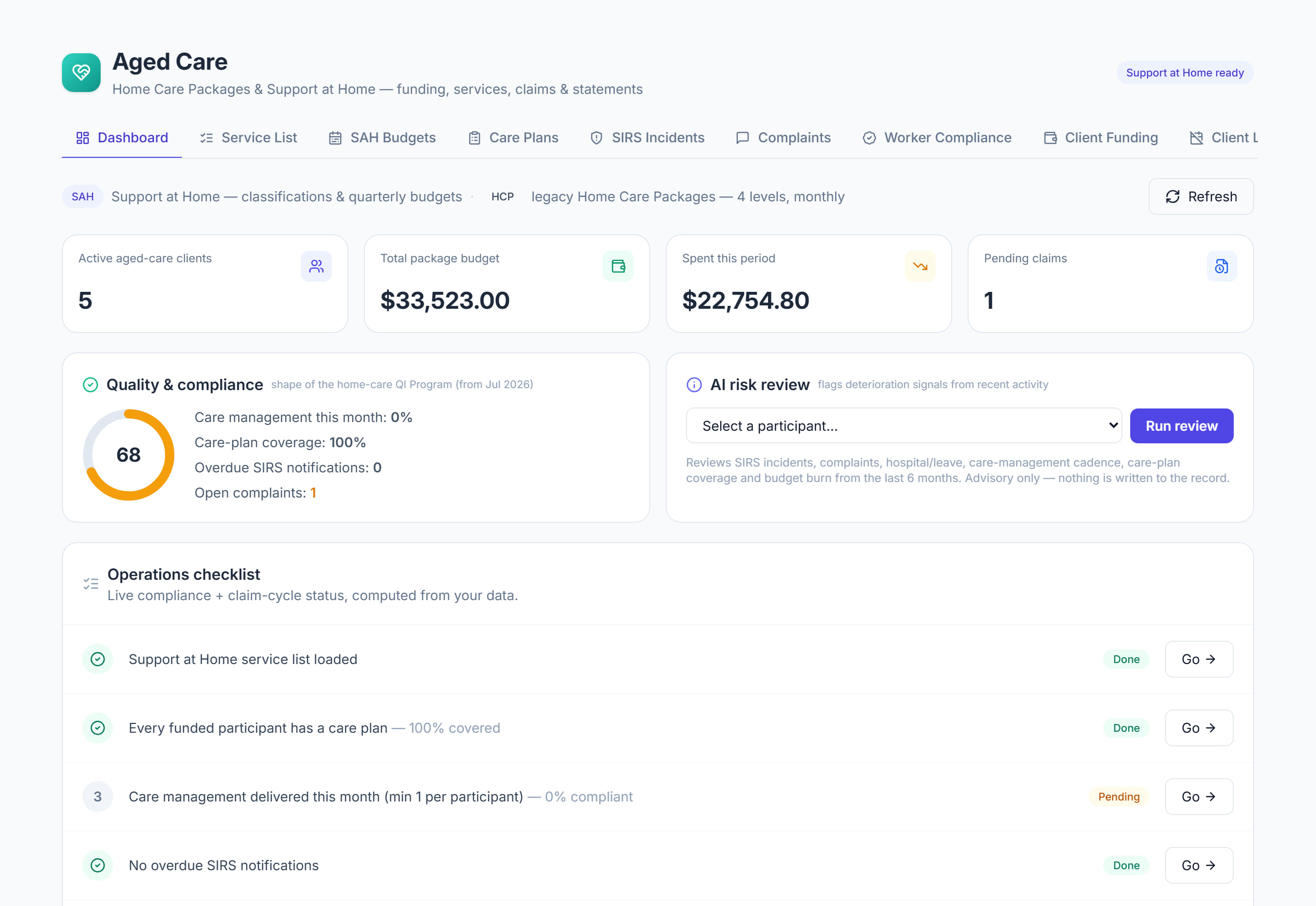
/aged-care?tab=dashboard9 stepsThe aged care Overview opens on the current Support at Home quarter and shows what needs doing. Care managers and administrators use it each day to check budgets against the calendar, overdue work, claims, statements and this week's visits.
Step by step
- 1
Open Aged Care, then Overview. Read the quarter band first: the Quarter gone and Budgets used bars share one timeline, with a line marking today.
- 2
Read the sentence under the bars, such as Spending is 42 points behind the quarter, and note when claims for this quarter are due. Select Refresh to reload the figures.
- 3
Check the four tiles: Participants, Visits this week, Billed this quarter and Care management account. A tile is flagged when visits still need a worker or the account is overdrawn.
- 4
Work through What needs you from the top. Overdue items come first, then items due soon; select a row to open the screen where the work is done, or Show all.
- 5
Check the Quality and compliance score and its four measures. Select a measure, such as Care plan coverage or Open complaints, to go straight to the screen that fixes it.
- 6
Scan Coming up for statement, claim and government report dates in the next 60 days. Dates within a week are shown in amber.
- 7
In Budgets this quarter, look for participants marked Over budget, Will run out or Underused. The dark mark on each bar shows where spending should be today.
- 8
In Claims and statements, check the amounts To lodge, Awaiting payment and Paid, the claimed and paid bars by month, and whether each month's statements have been issued.
- 9
Check Visits this week and Participants by classification. For a closer look at one person, choose them in AI risk review and select Run review; the result is advice only.
The screen
Did this answer your question?
If not, talk to us — we answer from Australia, in business hours.