
Aged Care
Funding
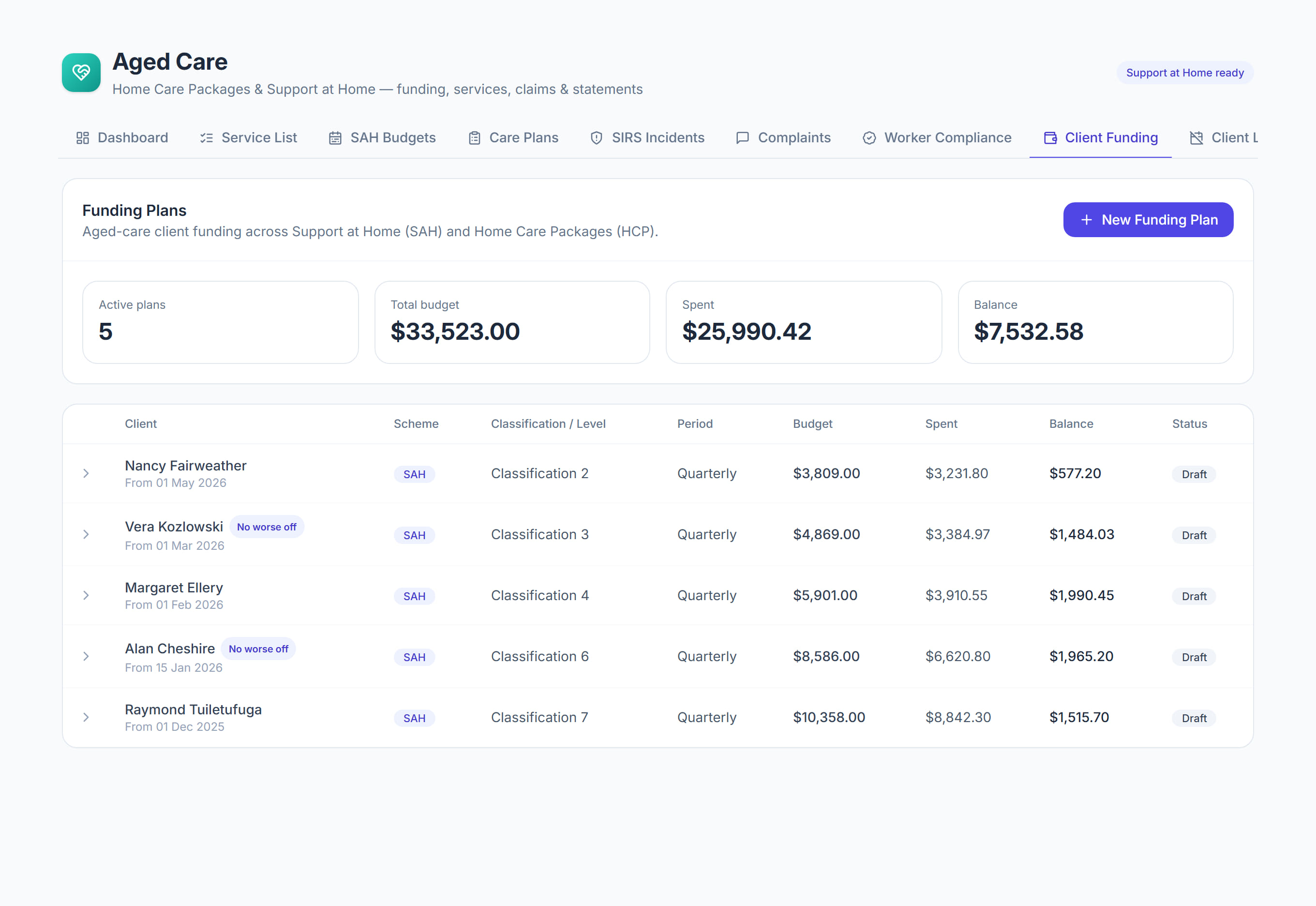
/aged-care?tab=funding9 stepsClient funding holds each participant's Support at Home or Home Care Package funding plan: classification, daily subsidy, supplements, contributions and what is left to spend. Administrators set it up at intake and use it for onboarding dates, care management and exits.
Step by step
- 1
Select New participant if the person is not in aged care yet. Enter their name, My Aged Care ID, 9-digit Services Australia care recipient ID and an email for statements.
- 2
Select New funding plan. Choose the client, the Scheme and the Classification or level, then enter the Daily subsidy rate and any supplements.
- 3
Set the Means category and, if you have it, the Independence and Everyday living rates and date from the participant's Services Australia notice.
- 4
Check the estimated budget at the bottom of the form. For Support at Home, 10% goes to your care management account. Select Create plan.
- 5
Open the plan and fill in the Onboarding dates: funding allocated, referral received and accepted, service agreement signed, and entry registered in the Provider Portal.
- 6
Tick the service types Approved in the Notice of Decision, then select Save. Only services of those types can be claimed.
- 7
Select Log care management each month and enter the time and your hourly rate. Without both, it is logged as a contact only and nothing is claimed.
- 8
Select Service agreement to download the agreement PDF, and use Participant and family portal access to invite the participant or a family member to a read-only login.
- 9
When a participant leaves, select Record exit with the date and reason. The final claim is due within 60 days of the exit date.
The screen
Did this answer your question?
If not, talk to us — we answer from Australia, in business hours.