
Aged Care
Budgets
/aged-care?tab=budgets8 stepsSAH budgets tracks each participant's Support at Home money: the quarterly budget and carryover, the assistive technology and home modifications entitlement, and any restorative care or end-of-life pathway. Coordinators and administrators check it before booking more care.
Step by step
- 1
Review the balance before booking more service. The screen opens on This quarter, every participant, showing For services, Spent, Remaining and how much of each budget is used.
- 2
Read each participant's state: Over budget, Will run out, Underused or On track. The dark mark on the bar shows where spending should be by today.
- 3
Check the Care management account panel. It holds 10% of every participant's quarterly budget, pooled across all of them, with what was credited, claimed and left each quarter.
- 4
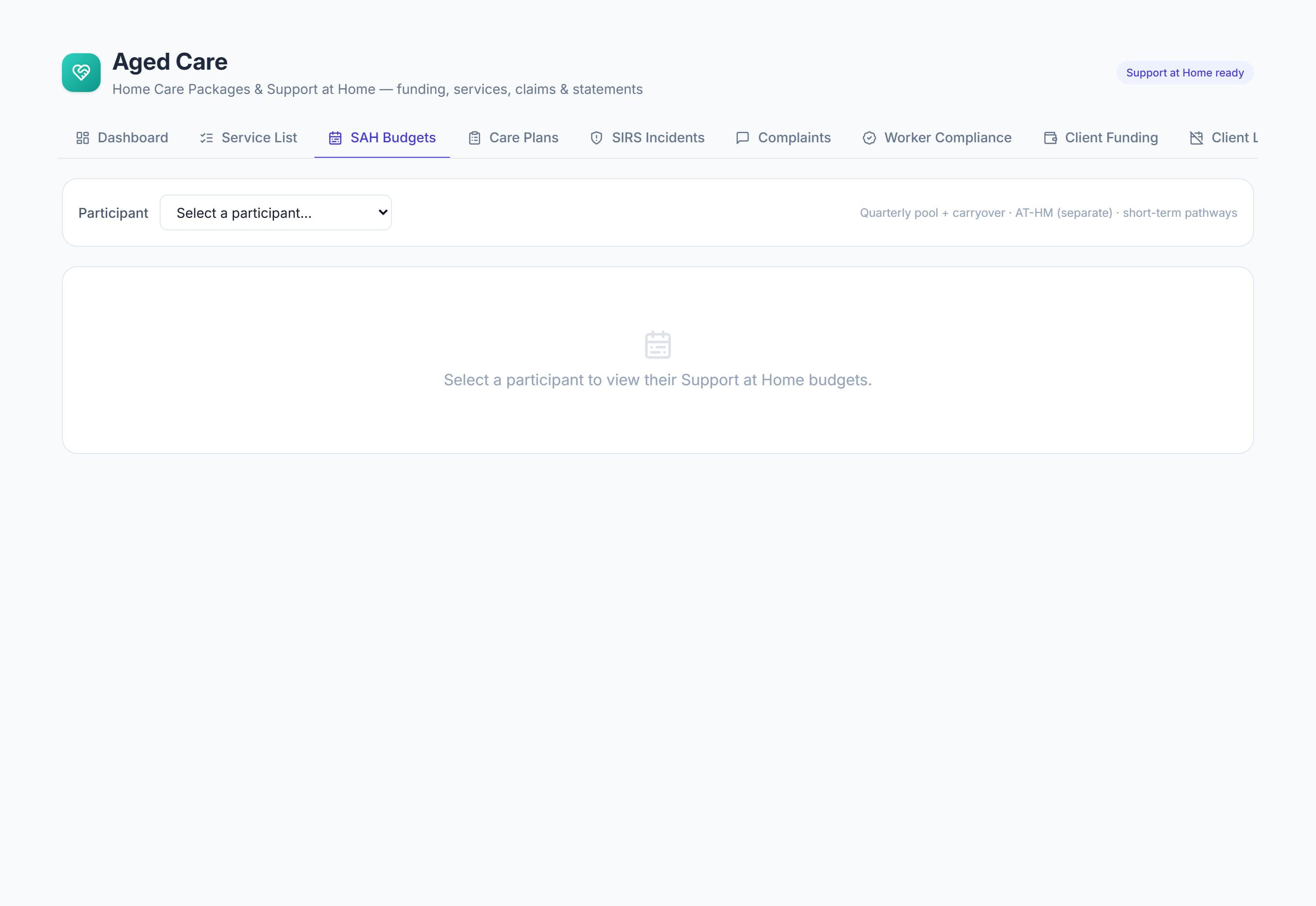
Select a participant in the list, or choose them at the top, to see their quarters, AT-HM entitlement and pathway budgets. Select All participants to go back.
- 5
Select Add quarter and enter the Quarter start, Quarter end and Budget amount from their Notice of Decision. Carryover from the prior quarter is worked out, and capped, when you save.
- 6
Compare the Burn column with the expected figure under it. A quarter spending faster than the calendar is marked At risk, and one past its budget is marked Overspent.
- 7
Select Add entitlement to record an approved assistive technology and home modifications amount. It sits outside the quarterly pool and is tracked separately.
- 8
Select Add pathway when a restorative care or end-of-life pathway is approved, and enter its amount, start and end dates.
The screen
Did this answer your question?
If not, talk to us — we answer from Australia, in business hours.