
Admin & Settings
Cancellation Policies
Settings → Cancellation Policies7 steps
Written by Fahid Safdar, Founder & Product, Rostery · Checked
The rules that decide, when a shift is cancelled, whether the participant is still charged and whether the worker is still paid. They are what turn a cancellation from an argument into a calculation.
Step by step
- 1
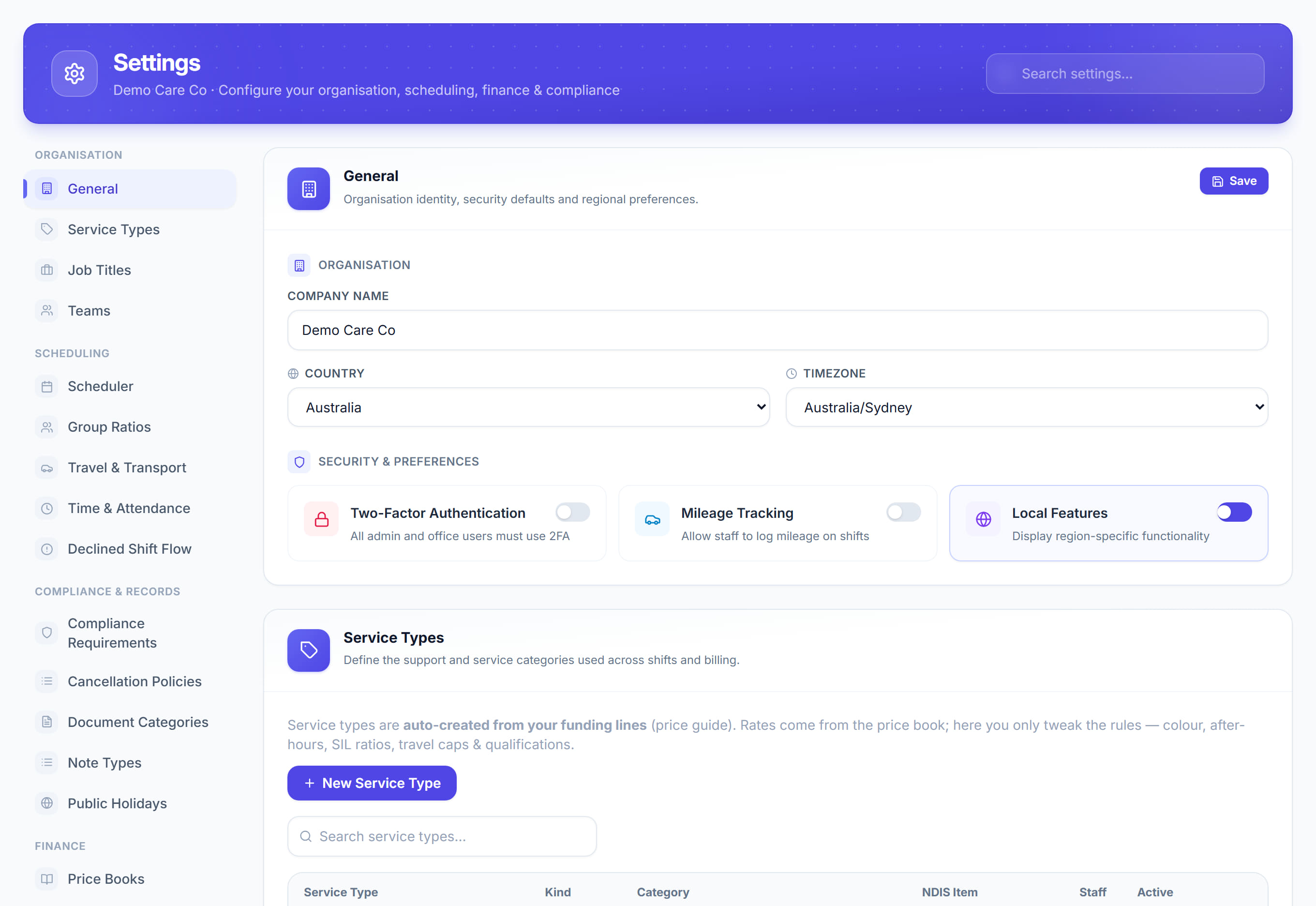
Open Settings and click Cancellation Policies.

- 2
Click New Policy.
- 3
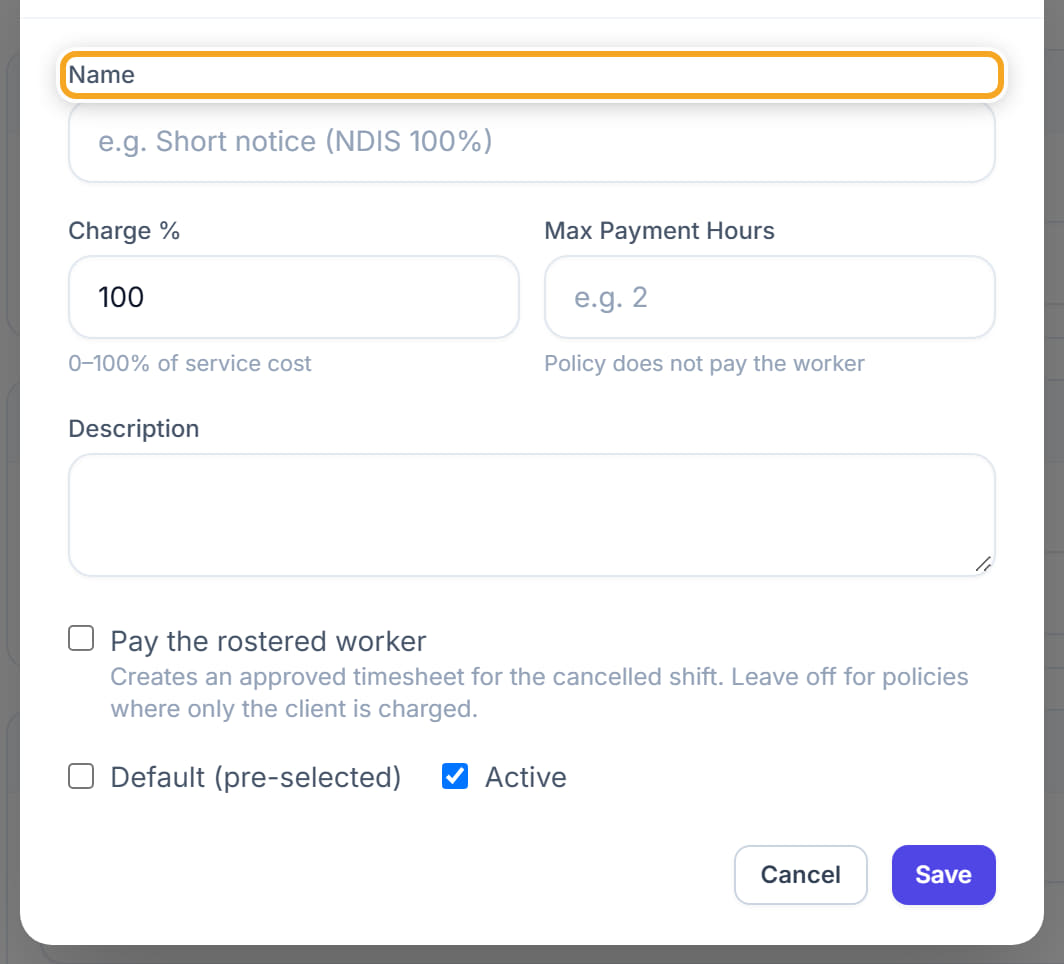
Name it for the situation it covers — short notice, no show, provider cancellation.
- 4
Set the notice period that triggers it.
- 5
Set whether the participant is charged, and how much.
- 6
Set whether the worker is paid, and how much.
- 7
Save. The policy is then offered whenever somebody cancels a shift.
The screen
Did this answer your question?
If not, talk to us — we answer from Australia, in business hours.