
Admin & Settings
Price Books
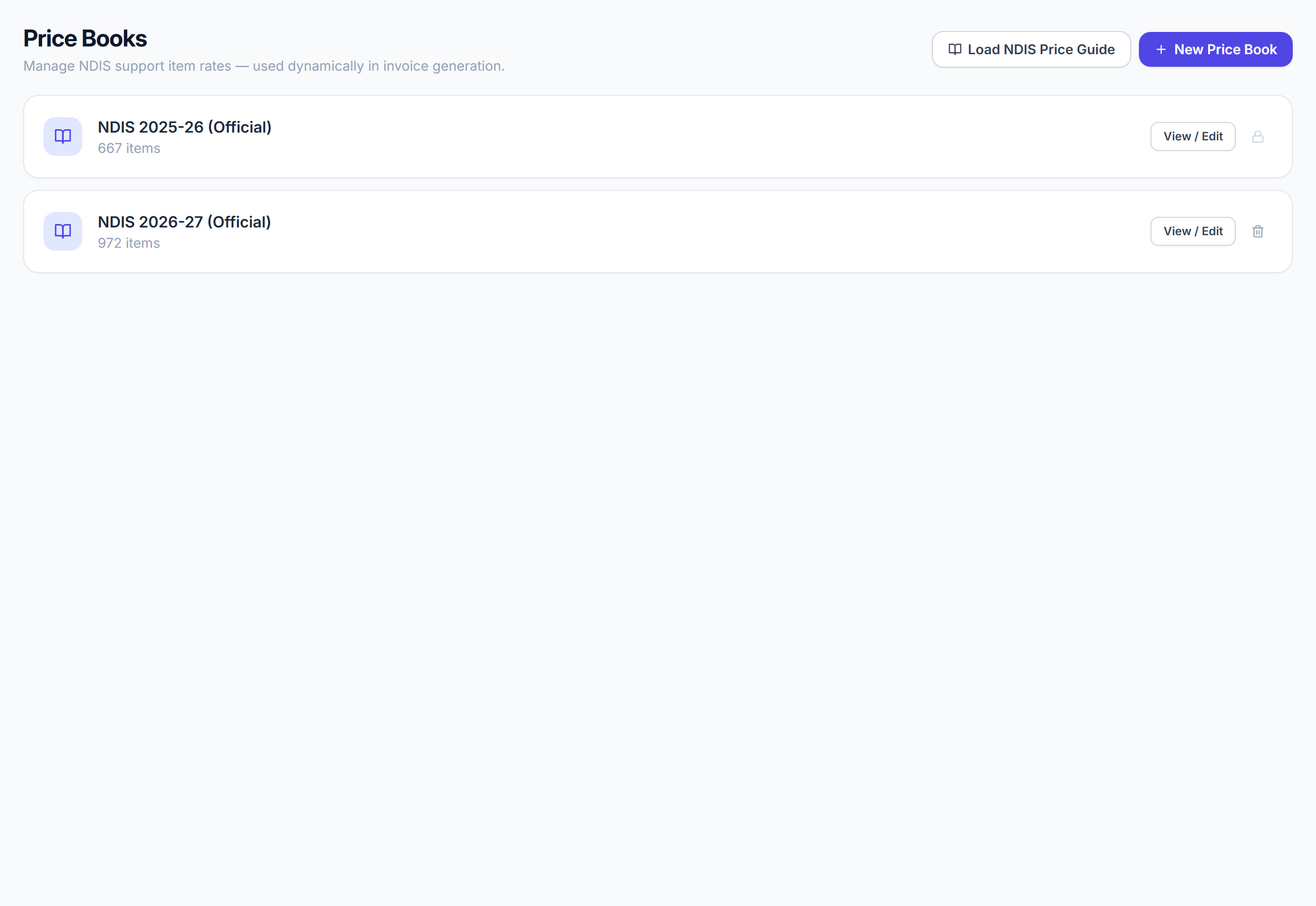
/settings/prices6 stepsThe catalogues services are priced from. Rostery ships with the official NDIS Support Catalogue loaded, so in most cases you are choosing from it rather than typing prices — and when the NDIA publishes a new guide you load it rather than editing the old one.
Step by step
- 1
Open Settings, then Price Books from the left menu.

- 2
Read the books listed — the official NDIS one and any of your own.

- 3
Click Load NDIS Price Guide to bring in a new official guide when the NDIA publishes one.

- 4
Click New Price Book only for a catalogue that is genuinely yours, such as privately funded work.

- 5
Click View / Edit on a book to see its items and prices.

- 6
Set which book a participant is priced from on their profile, under Price Book.

The screen
Did this answer your question?
If not, talk to us — we answer from Australia, in business hours.