
Admin & Settings
Feature Settings — turn pages on and off
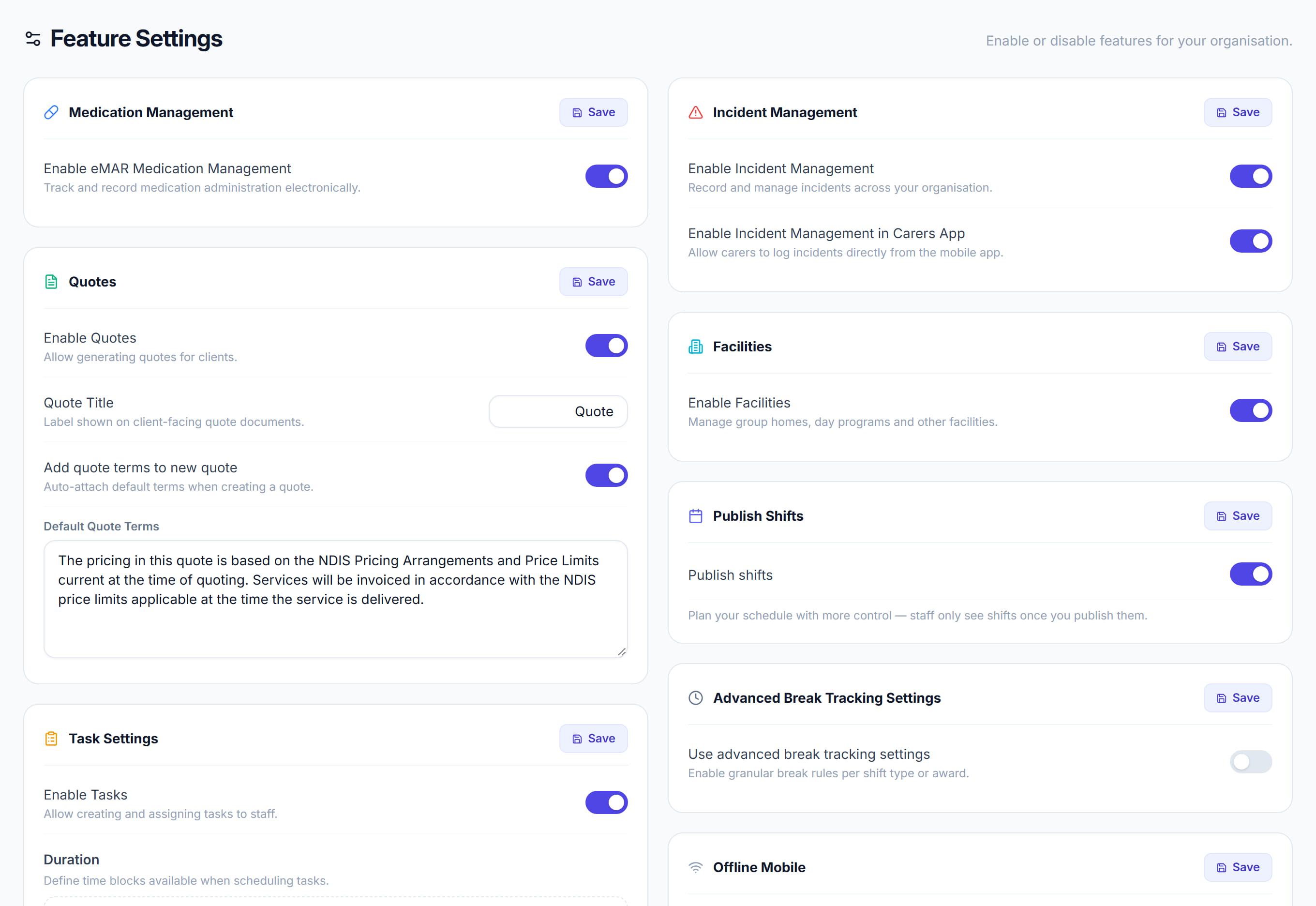
/settings/features10 stepsWhich parts of Rostery your organisation uses. Turning something off hides it from the menu for everyone, which is how you keep the app to the size of the job: Medication Management, Quotes, Tasks, Incident Management, Facilities, Publish Shifts, Advanced Break Tracking, Offline Mobile, Instant Messaging, and the individual pages under Pages & Navigation.
Step by step
- 1
Open Settings, then Feature Settings.

- 2
Turn on Medication Management if you administer medication and want eMAR.

- 3
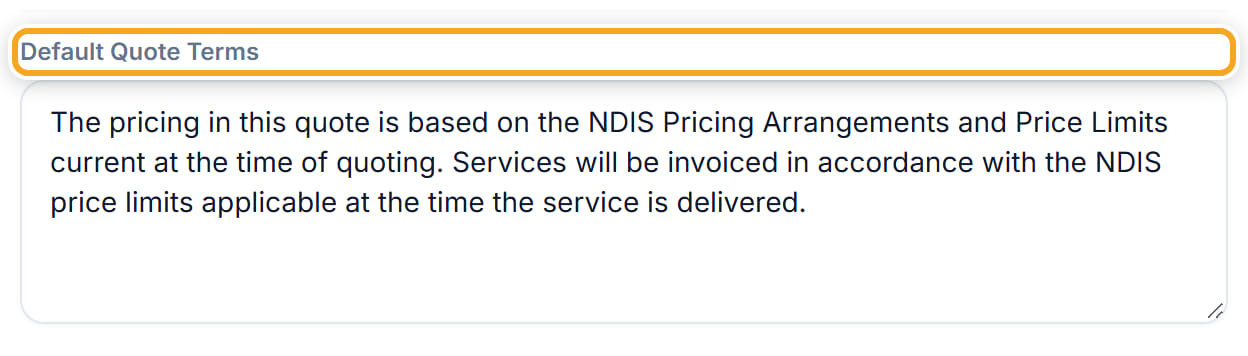
Turn on Quotes if you quote before work, and set the Default Quote Terms that appear on every quote.
- 4
Turn on Task Settings for task management, and set the Task invoice item format if tasks are billed.
- 5
Turn on Incident Management, and decide whether workers can raise incidents from the app.

- 6
Turn on Publish Shifts to keep the draft-then-publish workflow; with it off, shifts are visible as soon as they are saved.

- 7
Turn on Advanced Break Tracking and Offline Mobile if your workers need them.
- 8
Turn on Instant Messaging for in-app chat.
- 9
Use Pages & Navigation to hide individual pages your organisation does not use.
- 10
Click Save. The left menu changes for everyone.
The screen
Did this answer your question?
If not, talk to us — we answer from Australia, in business hours.