
Admin & Settings
Public Holidays
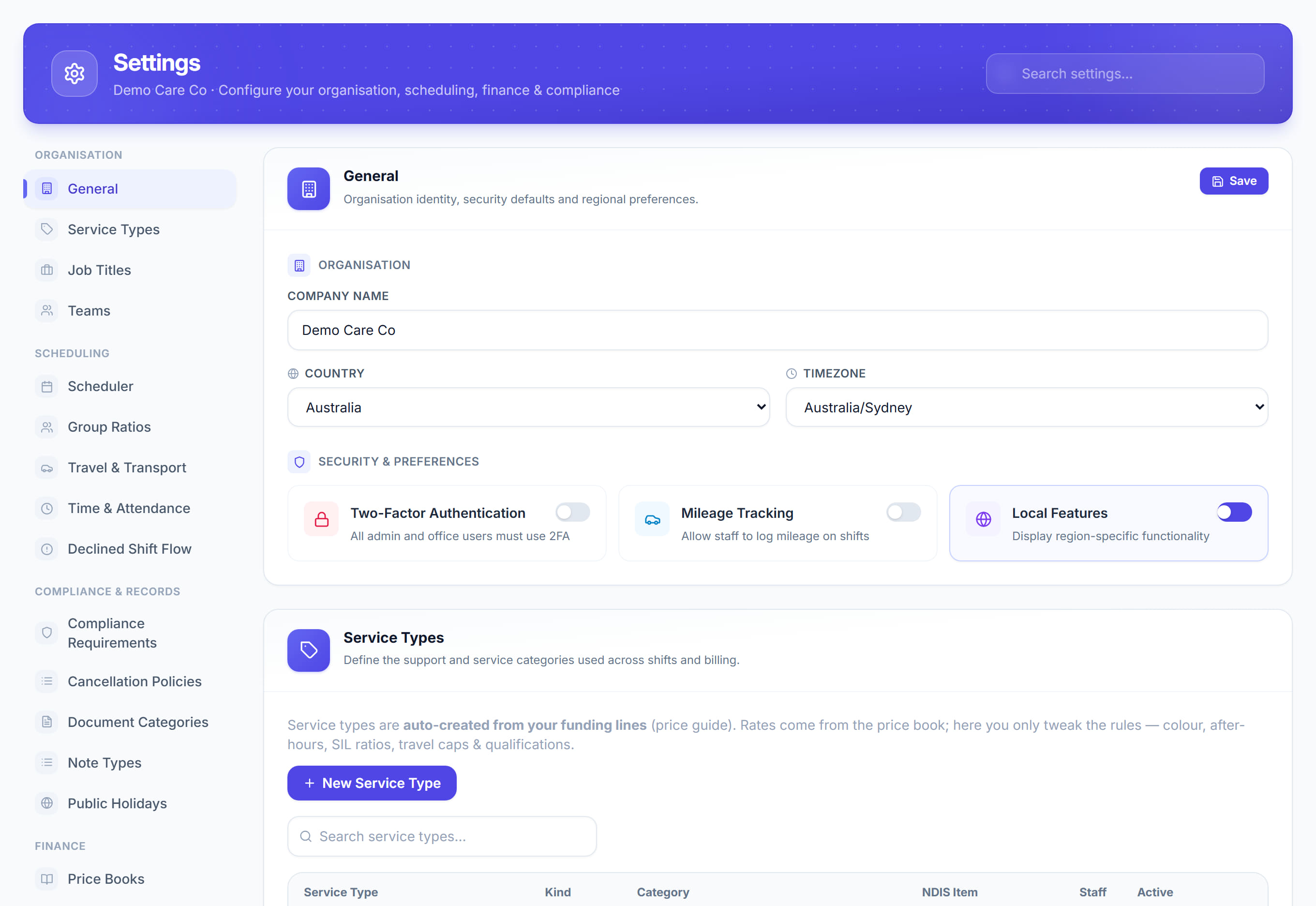
Settings → Public Holidays5 steps
Written by Fahid Safdar, Founder & Product, Rostery · Checked
The dates that attract public holiday rates. Rostery cannot know your state’s holidays or the local show day, so they are set here — and they change what a shift costs and what a worker is paid on that date.
Step by step
- 1
Open Settings and click Public Holidays.

- 2
Add each holiday with its date.
- 3
Add regional holidays as well as national ones — a local show day is paid at public holiday rates for the people who work it.
- 4
Save.
- 5
Check the list at the start of each year. A missing holiday underpays people and undercharges the participant.
The screen
Did this answer your question?
If not, talk to us — we answer from Australia, in business hours.