
Admin & Settings
AI and Automation
/settings/ai-automation8 stepsAI & Automation connects an AI assistant such as ChatGPT to your Rostery data, so an assistant can check the roster, write notes, manage incidents and book shifts within each user's permissions. Administrators turn it on, choose what it may do, and remove assistants they no longer trust.
Step by step
- 1
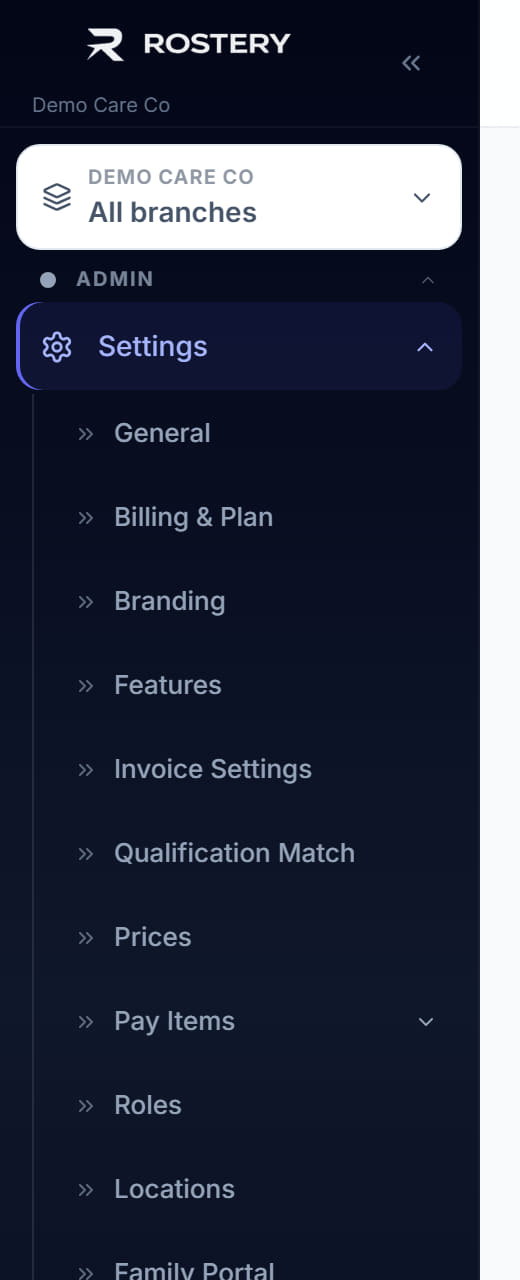
Open Settings from the Admin section of the sidebar, then click AI & Automation in the list of settings beneath it.
- 2
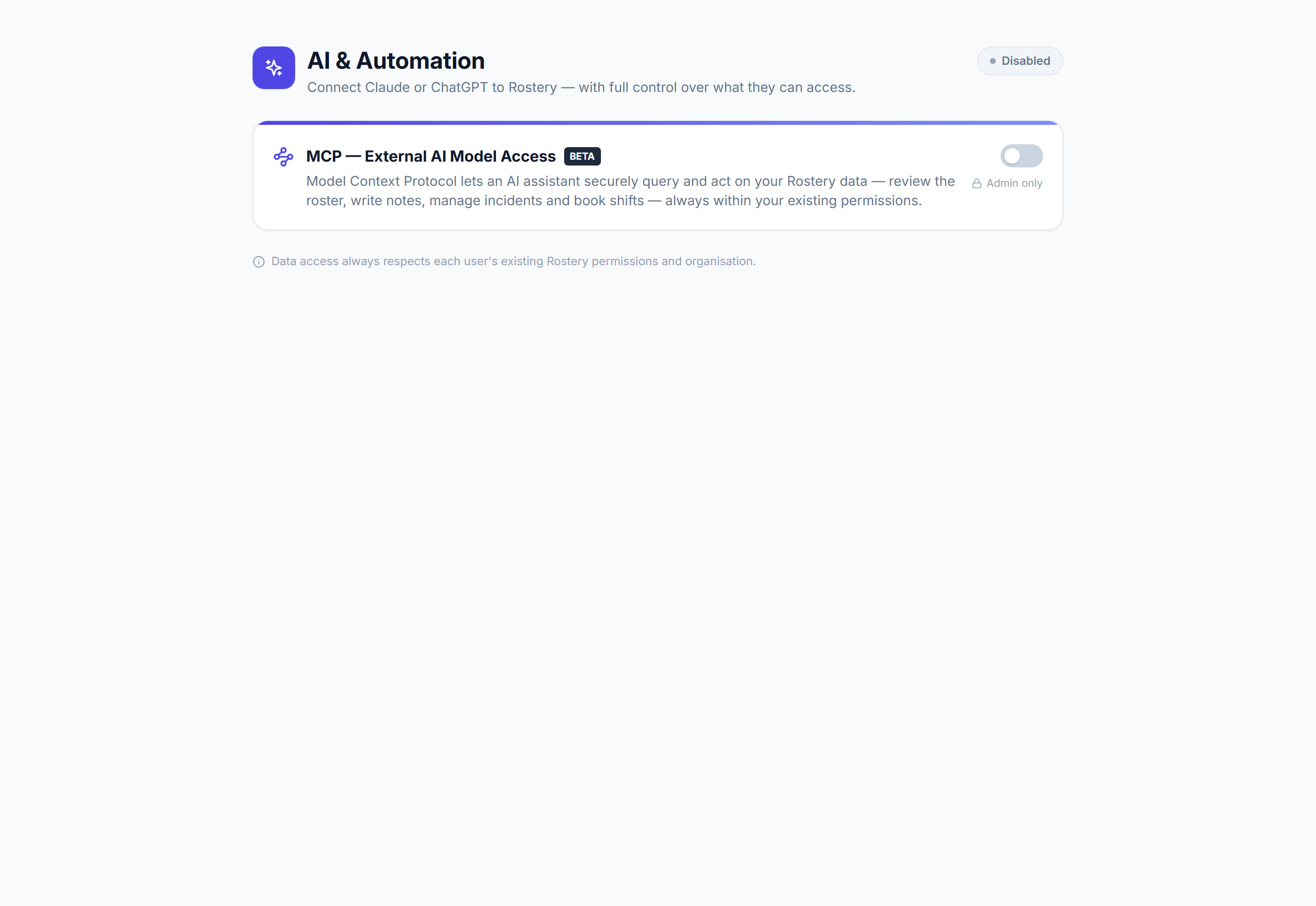
Turn on External AI Model Access with the switch at the top of the page. The badge beside the title changes from Disabled to Active.
- 3
Under Choose an assistant, pick ChatGPT or Other assistants, then copy the MCP Server URL shown below the two options.
- 4
Follow Connect in a few clicks: add a custom connector in the assistant, paste the URL, then sign in with your Rostery email and password.
- 5
Under Access control, turn on Back office access to let coordinators and other office roles connect read-only. Leave it off to keep access to admins.
- 6
Turn on Write actions only if admins should add notes, log incidents, and book or update shifts through the assistant.
- 7
Read What the AI can access. Timesheets, invoices, pay and rates, bank details and settings are never exposed to an assistant.
- 8
Remove an assistant under Connected assistants with the bin icon, which revokes its access. It has to connect again to return.
The screen
Did this answer your question?
If not, talk to us — we answer from Australia, in business hours.