
Admin & Settings
Invoice Settings
/settings/invoices7 stepsWritten by Fahid Safdar, Founder & Product, Rostery · Checked
How invoices are numbered, what they say, what tax they carry and how they reach people. Set it once and every invoice follows.
Step by step
- 1
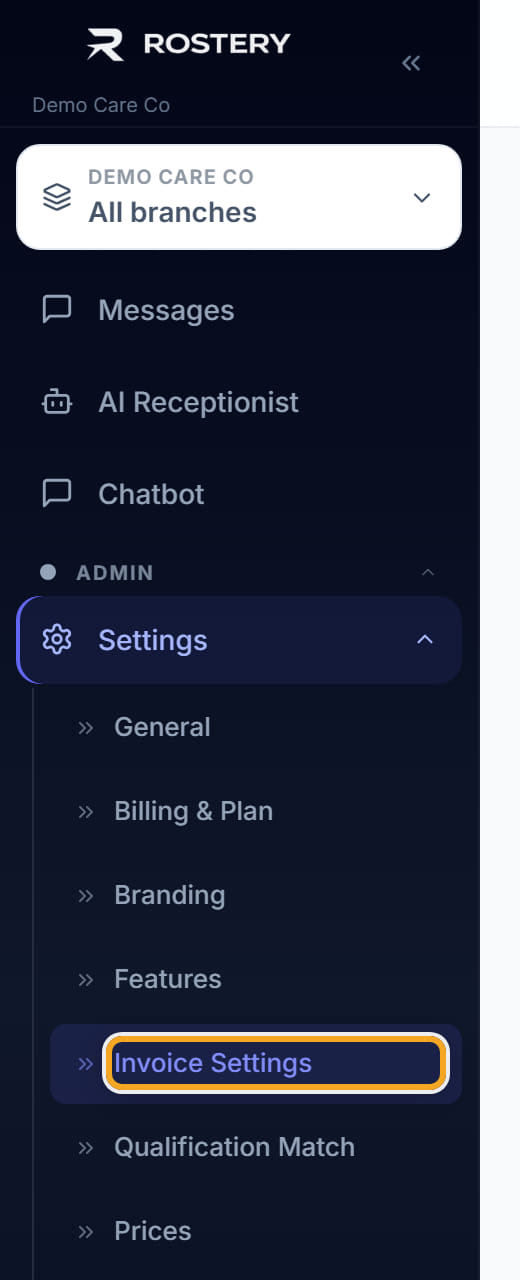
Open Settings, then Invoice Settings.
- 2
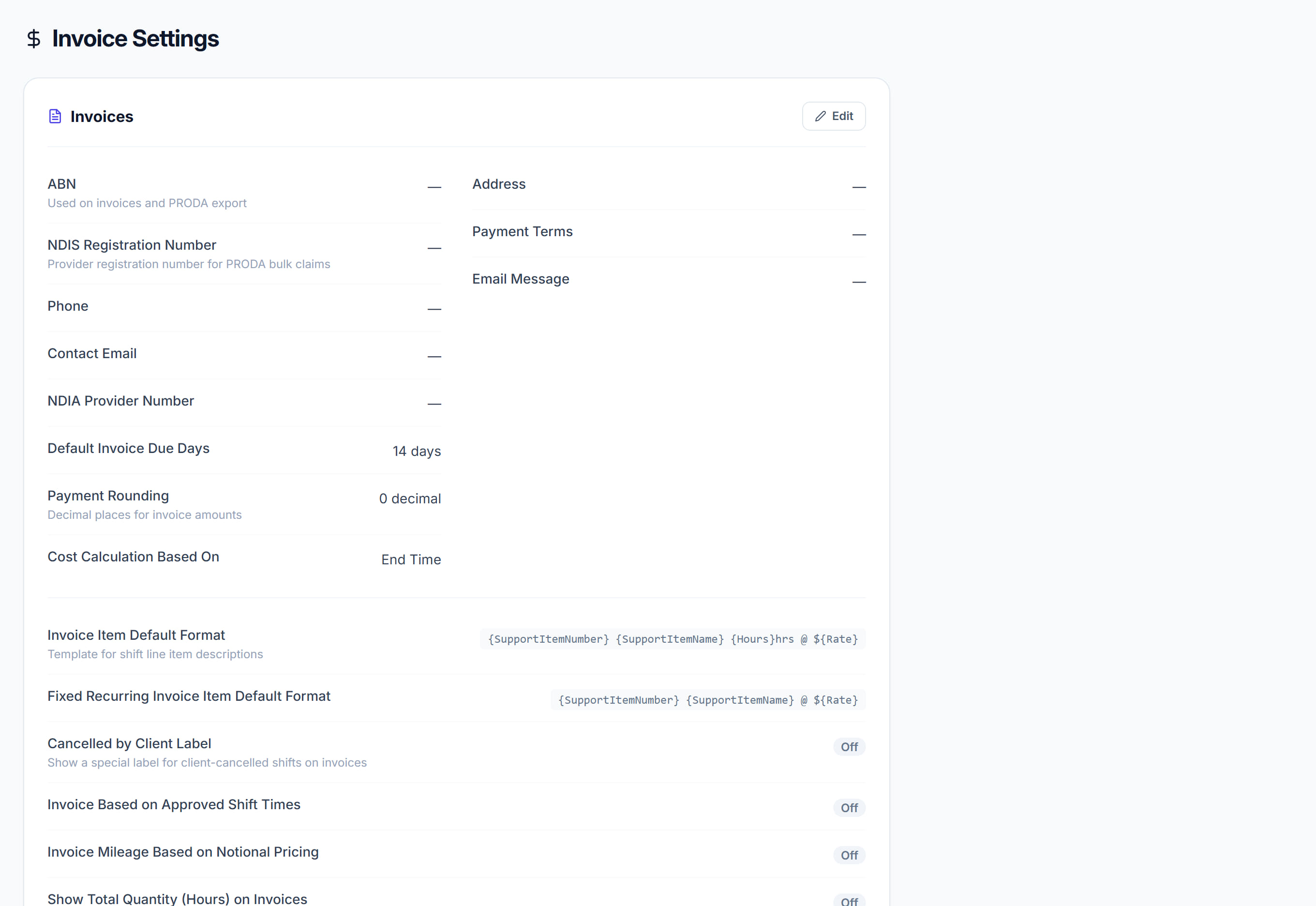
Click Edit.
- 3
Set the invoice number format and the next number so it continues from your existing sequence rather than restarting.
- 4
Set the payment terms and the notes that appear on every invoice.
- 5
Click Add Tax Rate for each rate you use, and set which is the default. Most NDIS supports are GST-free, so check rather than assume.
- 6
Set how invoices are delivered by default. It can still be overridden per participant.
- 7
Save.
The screen
Did this answer your question?
If not, talk to us — we answer from Australia, in business hours.