
The mobile app
Timesheets
Every shift the worker has clocked, with the clock-in and clock-out times, where each was recorded, the hours, and whether the office has approved it yet, so they can see where each one is up to without ringing the office.
Step by step
- 1
Tap Timesheet in the bar at the bottom, or My timesheet in the menu.

- 2
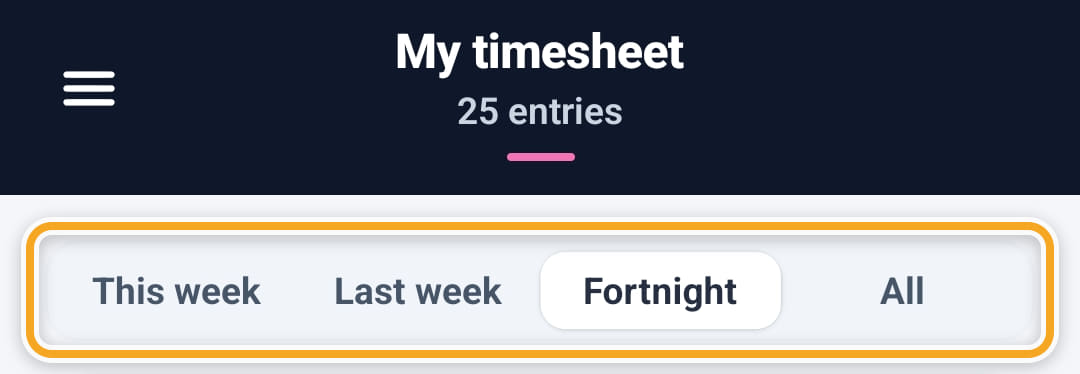
Choose the period along the top: This week, Last week, Fortnight or All.
- 3
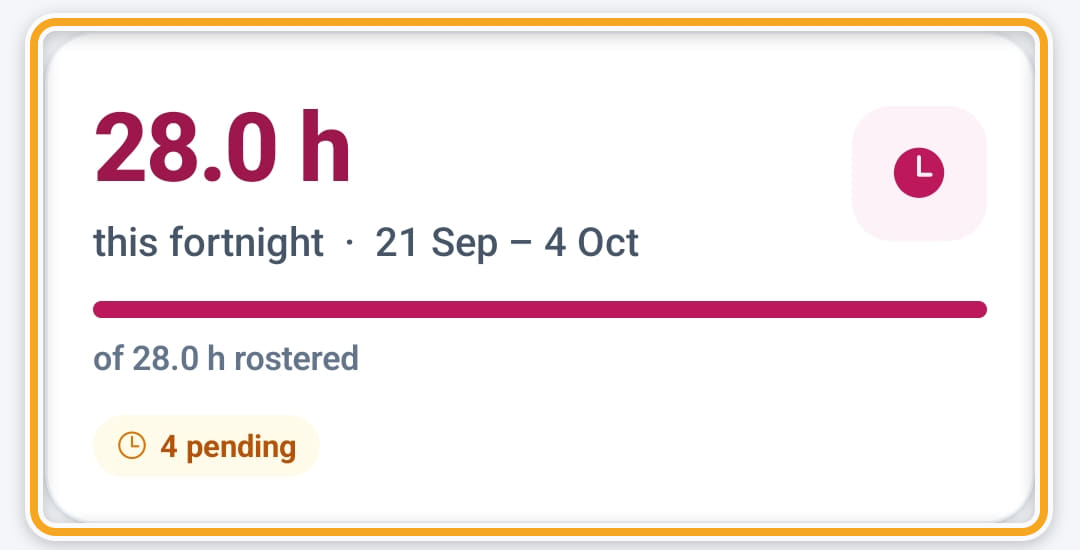
The card at the top totals the hours worked in that period against the hours rostered, and counts the entries that are approved, pending and rejected, so nobody has to ring and ask.
- 4
Below it, each shift shows its clock-in and clock-out times, how far from the address each one was, and the hours.
- 5
There is nothing to submit: clocking out sends the entry for approval.
- 6
Entries are grouped by week, Monday to Sunday, newest first, each with its total hours. Breaks and kilometres show under the times when there are any.
- 7
The chip under each time reads Verified, Outside the area, or No location recorded. Tap No location recorded to see why that happens.
- 8
An entry the office sent back turns red and shows their reason. Tap it to open the shift and check the times and notes, or message the manager.
Did this answer your question?
If not, talk to us — we answer from Australia, in business hours.