
The mobile app
Chart records
Shift → Chart5 steps
Written by Fahid Safdar, Founder & Product, Rostery · Checked
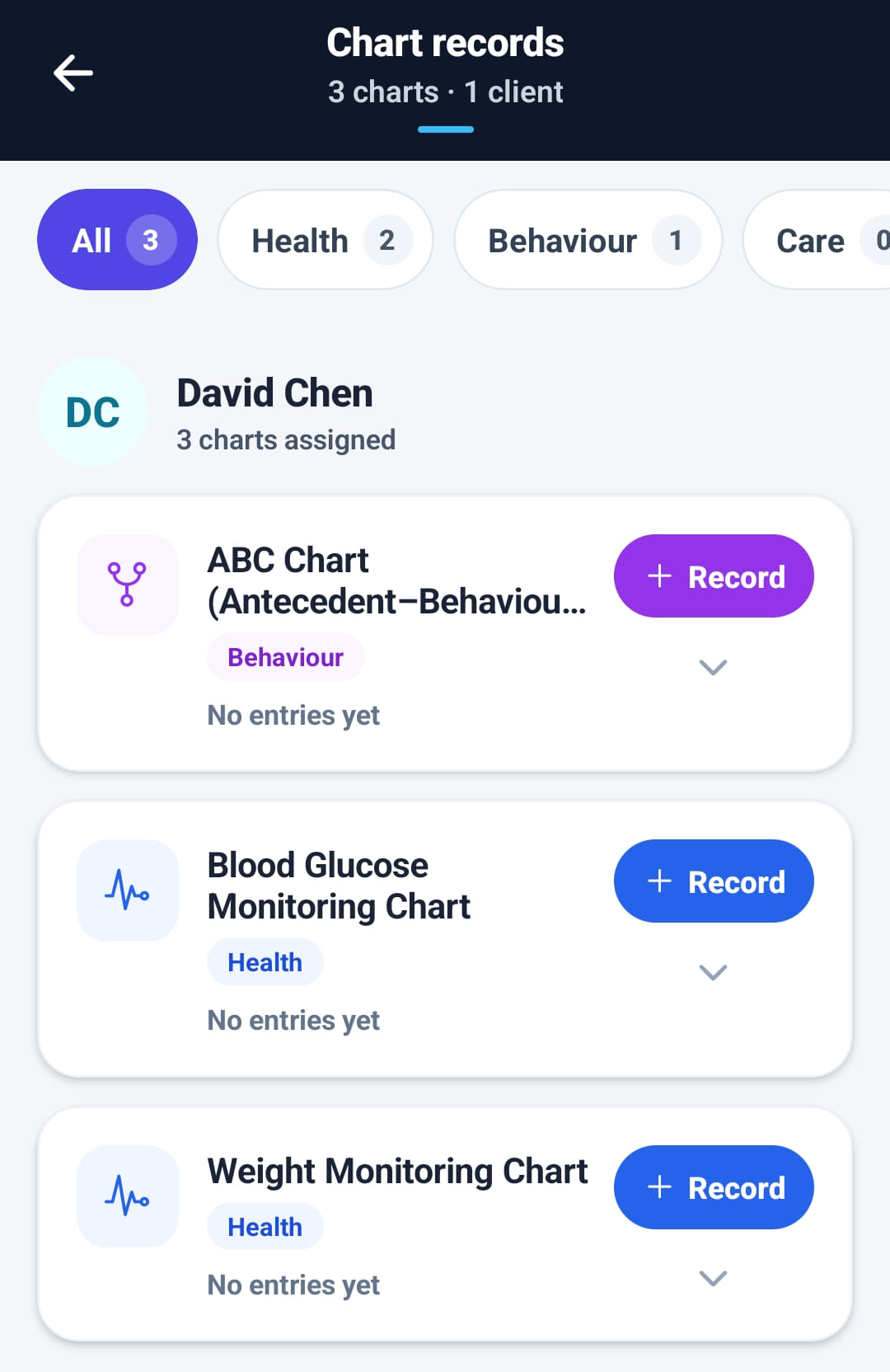
Filling in the charts the office has assigned to a participant — health readings, behaviour records, personal care — from the phone, at the time.
Step by step
- 1
Open the shift and tap Chart under During this shift. It only appears when the participant has charts; Chart records in the menu lists them for every participant they work with.
- 2
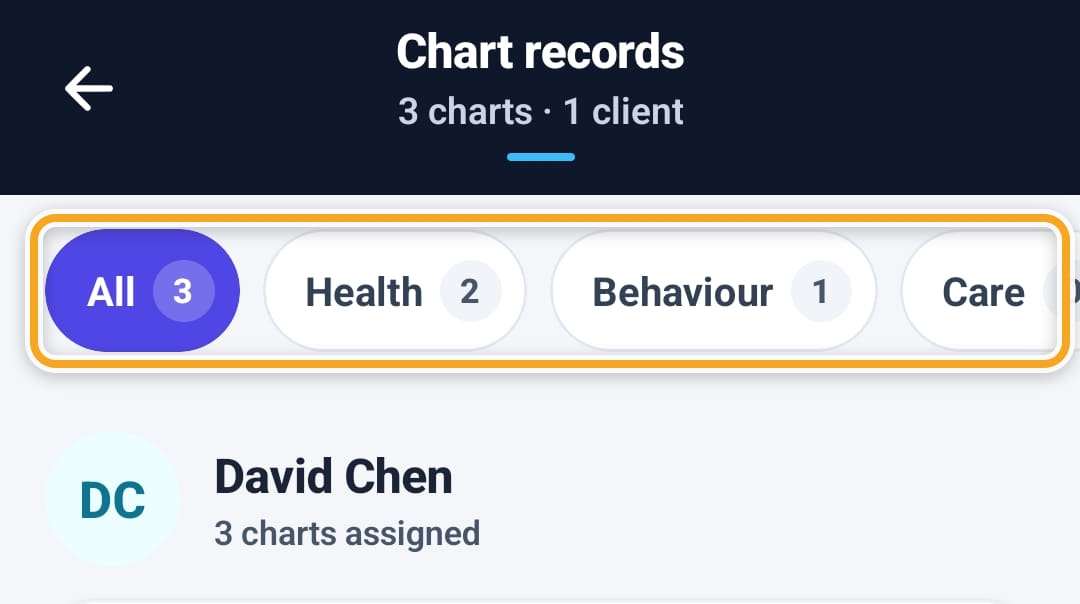
Filter with Health, Behaviour or Care along the top.
- 3
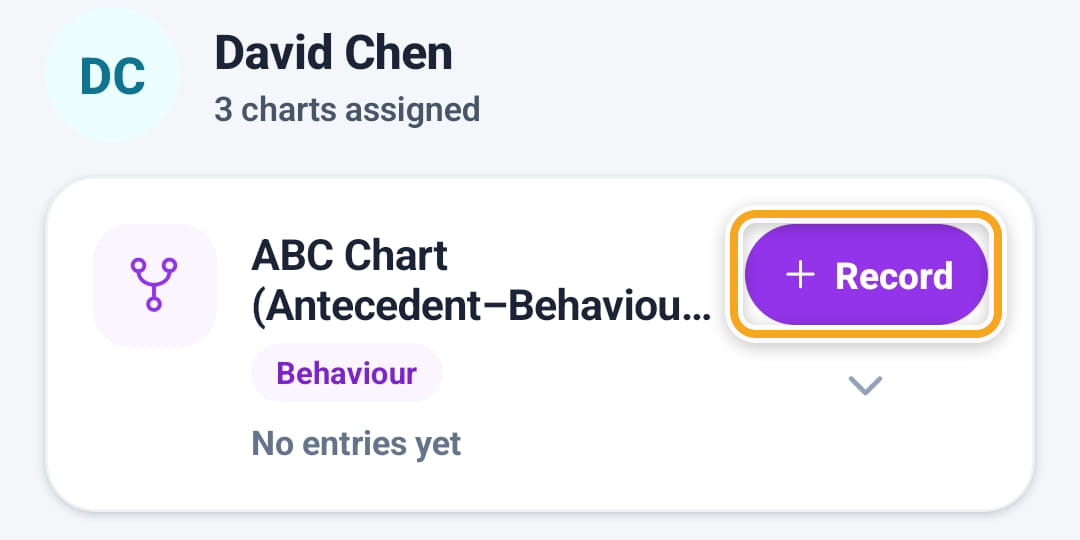
Tap Record on a chart and fill in the entry.
- 4
A reading outside the safe range is marked critically high or low, and the app asks before saving it.
- 5
Tap the arrow on a chart to see the entries already recorded.
The screen
Did this answer your question?
If not, talk to us — we answer from Australia, in business hours.