
The mobile app
Job Board
Open shifts the office has posted for any worker to claim, from today onwards. It is first come, first served: a claim takes the shift off the board, and it waits in the worker’s schedule as pending until the office approves it.
Step by step
- 1
Tap Job board in the bar at the bottom. The red number is how many open shifts are posted.

- 2
Tap a shift to see its details, or tap Claim shift on it and then tap again to confirm.
- 3
The shift goes onto their schedule as pending until the office approves the claim.
- 4
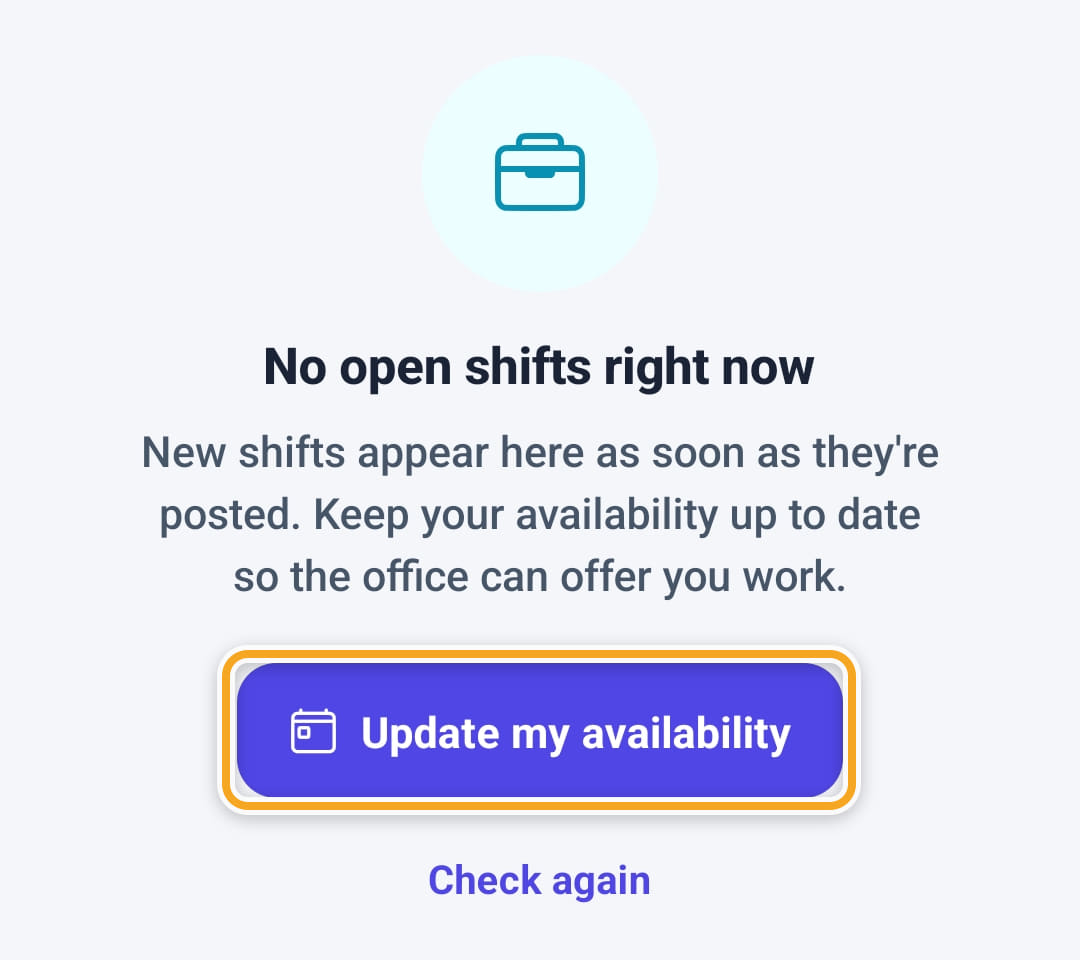
With nothing posted it says No open shifts right now. Update my availability opens Availability; Check again looks again.
- 5
Each shift carries a type label: Standard, Overnight, Sleepover or Double-up.
- 6
The details show When, Shift type, Break, Where (with Open in Maps), Area and Notes for this shift, with Claim this shift to take it.
- 7
After a claim, View in schedule on the confirmation opens that day in My schedule.
Did this answer your question?
If not, talk to us — we answer from Australia, in business hours.