
The mobile app
Finding your way around
Bottom bar and menu5 steps
Written by Fahid Safdar, Founder & Product, Rostery · Checked
Where everything lives. The bar along the bottom holds the five screens a worker uses every day; the menu holds the rest.
Step by step
- 1
The bar along the bottom holds Home, Schedule, Job board, Timesheet and Profile. The red number on Job board is how many open shifts are posted.

- 2
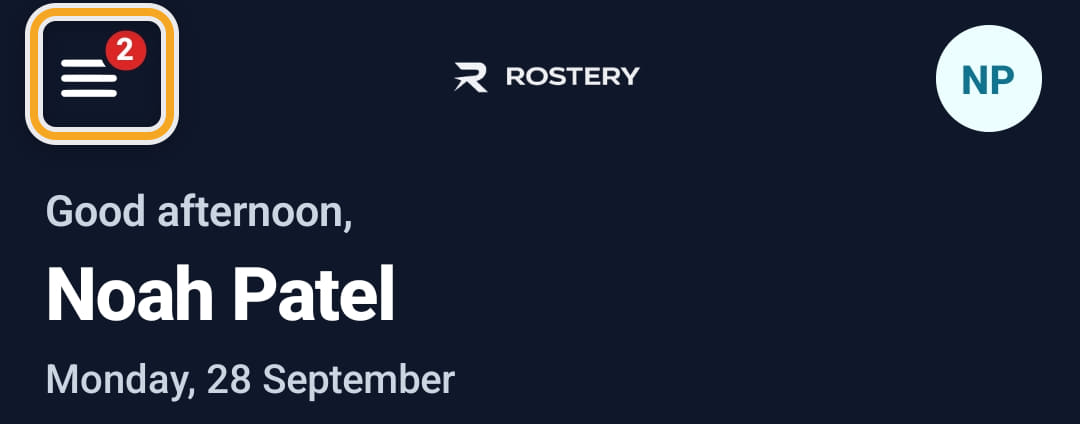
Tap the menu button (three lines) at the top left for everything else. A red number on it is unread messages.
- 3
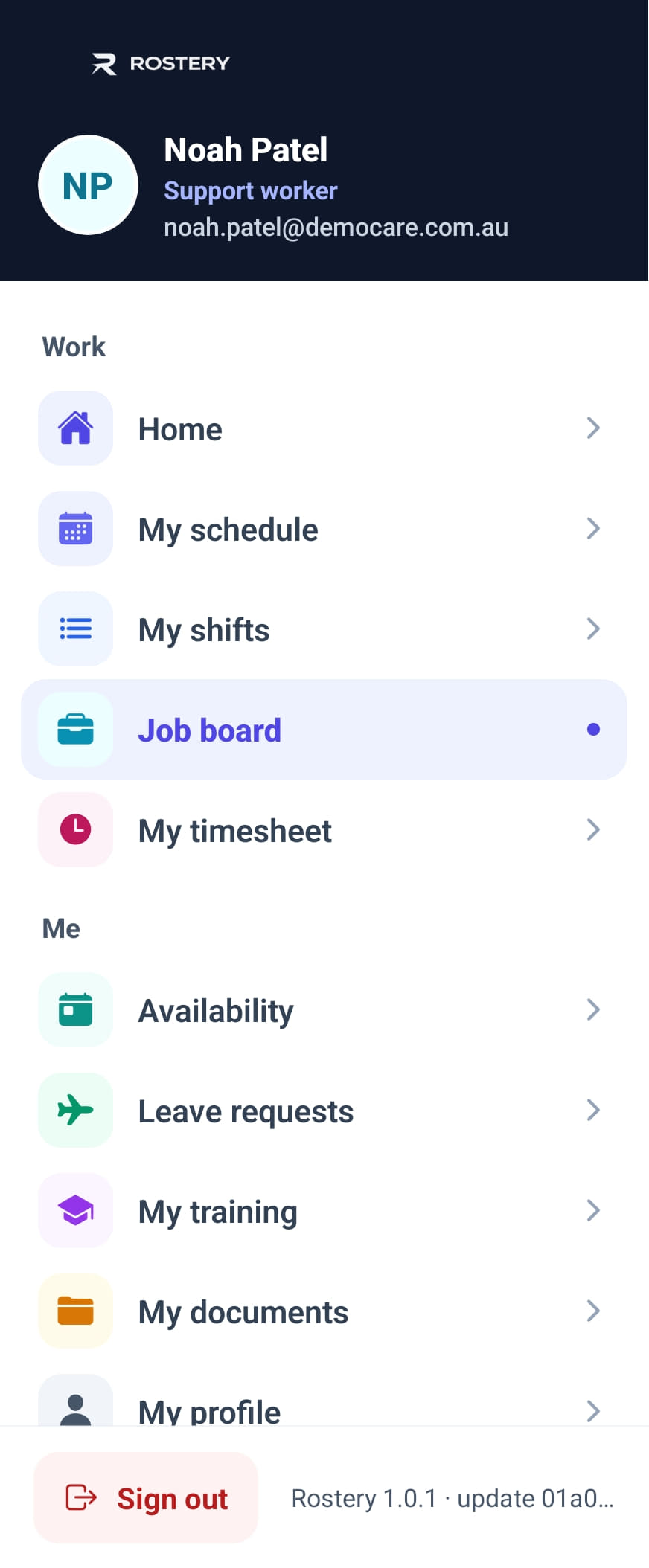
Work holds Home, My schedule, My shifts, Job board and My timesheet.
- 4
Me holds Availability, Leave requests, My training, My documents and My profile.
- 5
Support, further down, holds Incidents, Chart records, Messages and Reimbursements.
The screen
Did this answer your question?
If not, talk to us — we answer from Australia, in business hours.