
The mobile app
Leave
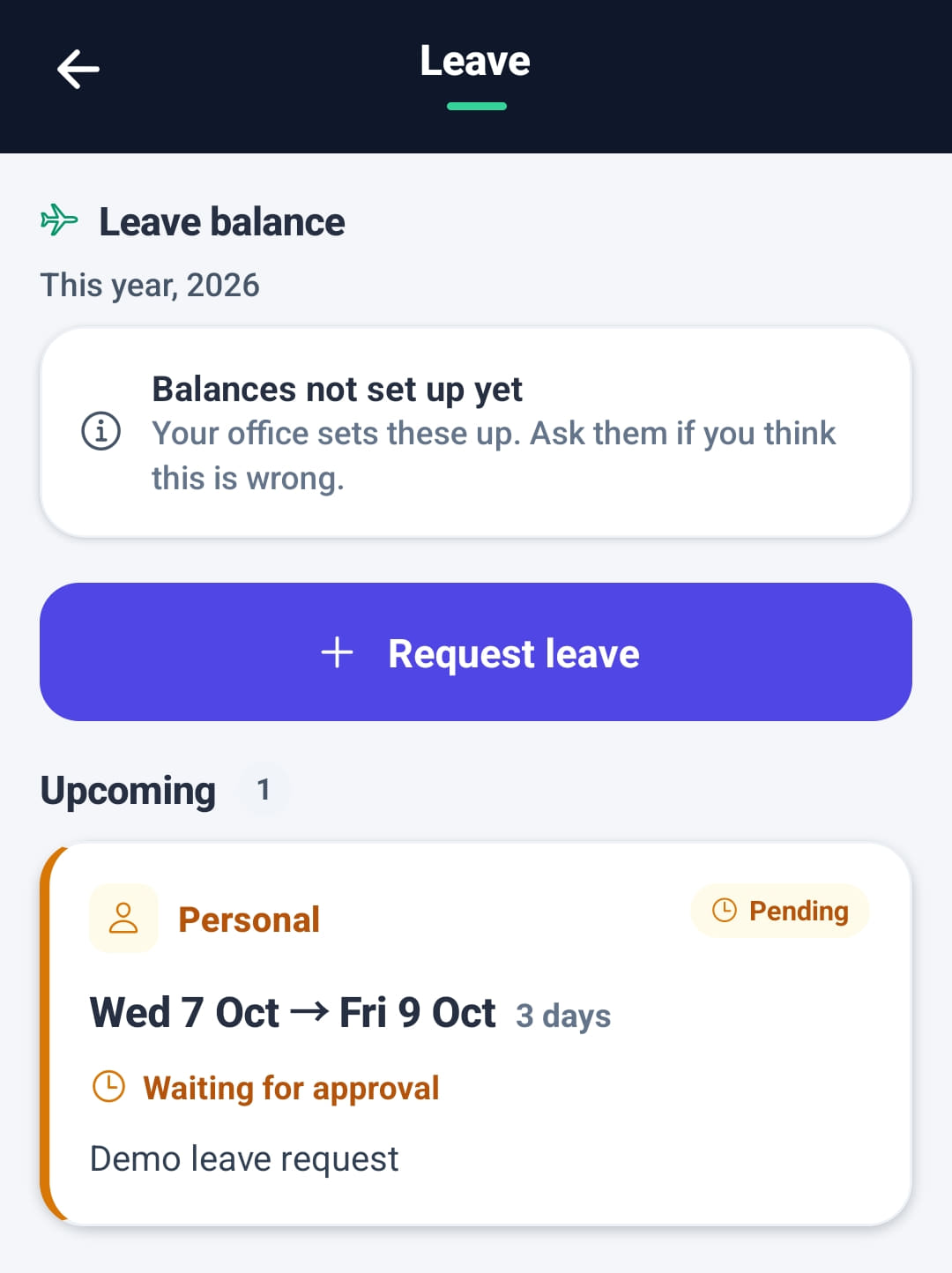
Requesting time off from the phone and following it to a decision. The worker sees their leave balance for the year, sends the request, and sees who approved or declined it. An administrator can approve or decline from the phone too.
Step by step
- 1
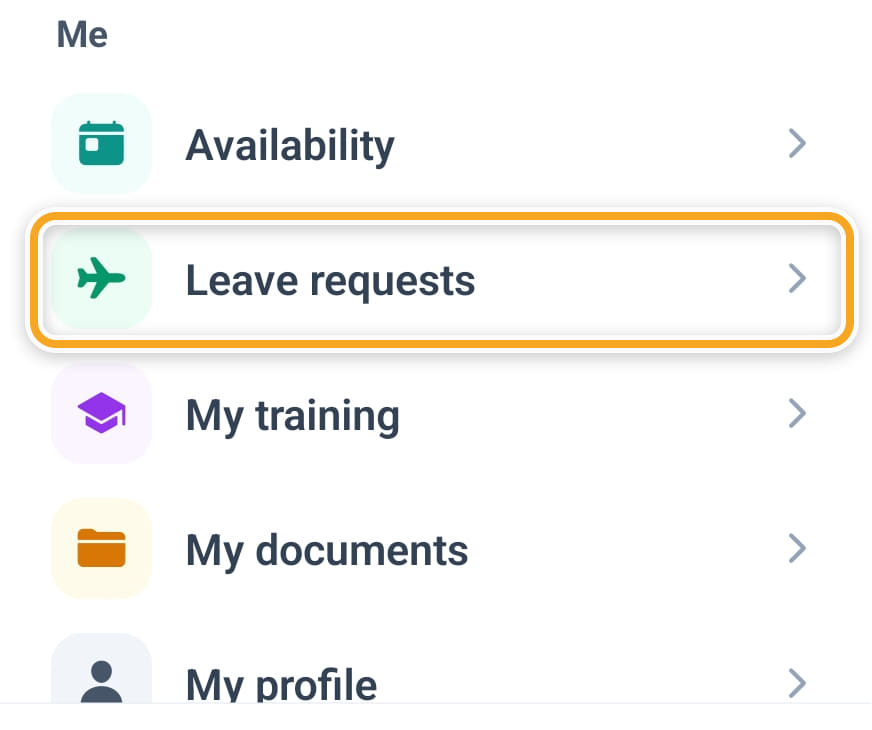
Open Leave requests from the menu, or Leave in Quick actions on Home.
- 2
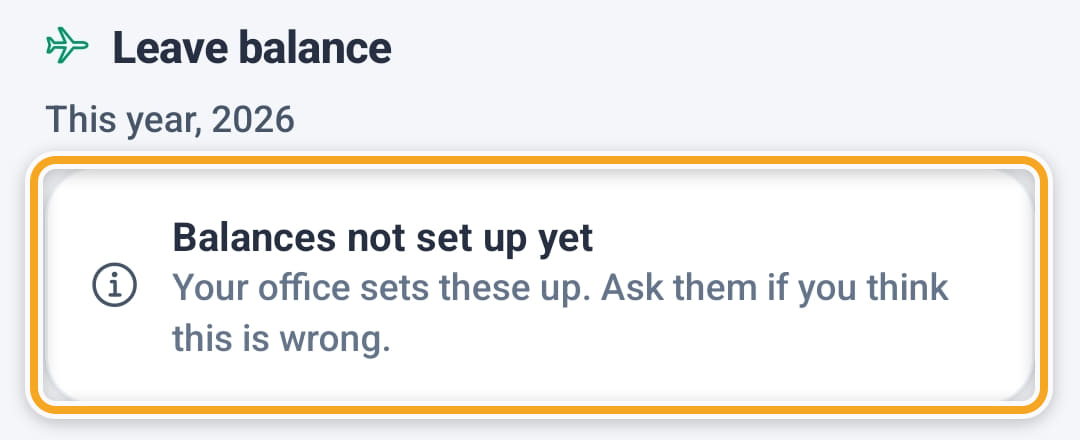
Leave balance at the top shows the hours left of each type this year, once your office has set balances up.
- 3
Tap Request leave, choose the Type of leave (Annual, Sick, Personal or Other) and the Dates, and add a reason if it helps.

- 4
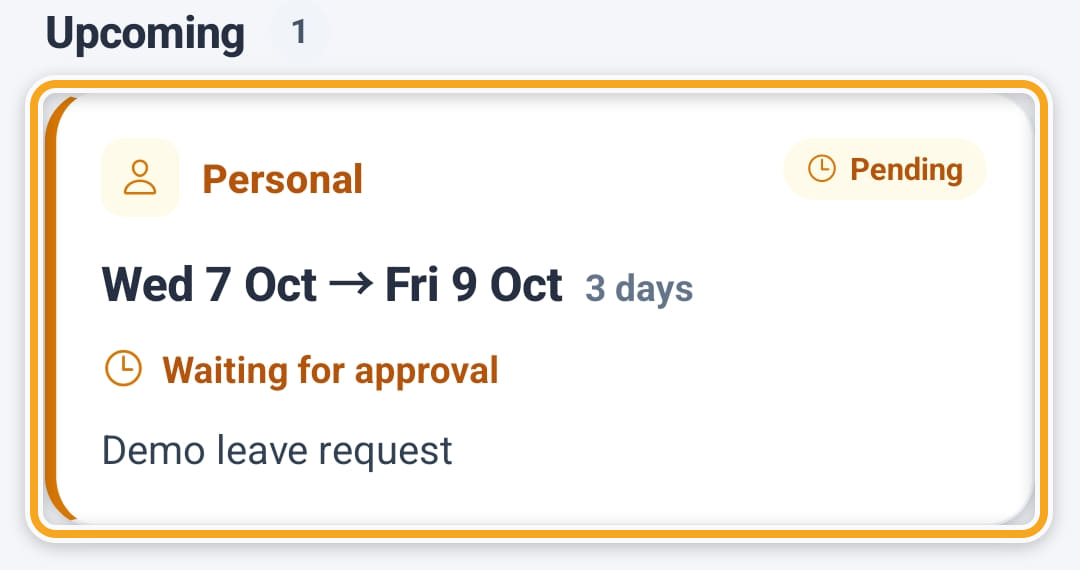
Tap Send request. It shows under Upcoming as Waiting for approval, and arrives on your Leave screen.
- 5
Once you approve it, any shifts they had on those dates are taken off them and become open shifts to fill.
- 6
Once the dates are picked, the form shows how many days the request uses and how many hours of that type are left.
- 7
When it is decided, the request shows Approved by or Declined by with the person’s name, and a declined one shows why.
- 8
Signed in as an administrator, Leave shows Team requests with Waiting for your approval first. Approve warns how many of their shifts will go back on the roster as open shifts. Decline takes an optional reason, and the worker gets an email.
The screen
Did this answer your question?
If not, talk to us — we answer from Australia, in business hours.