
Plan Management
Provider Payments
/plan-management?view=payments6 stepsPaying providers for invoices the NDIA has already reimbursed, as a bank file. The last step in the cycle, and the one with real money in it.
Step by step
- 1
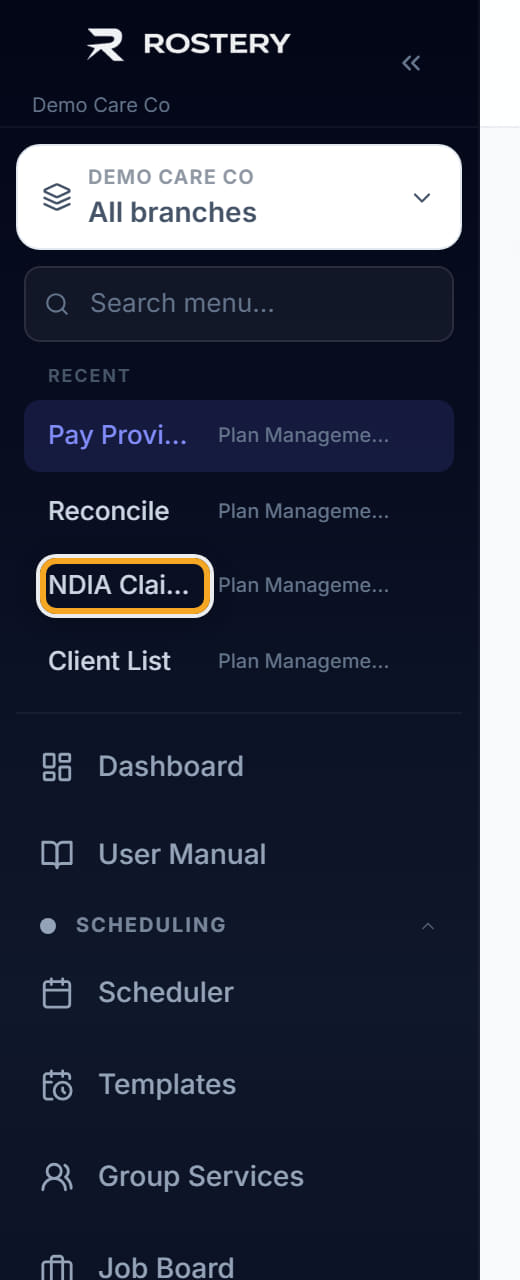
Select reconciled invoices. Only invoices the NDIA has actually paid are eligible — paying an approved-but-unpaid invoice spends your own money.
- 2
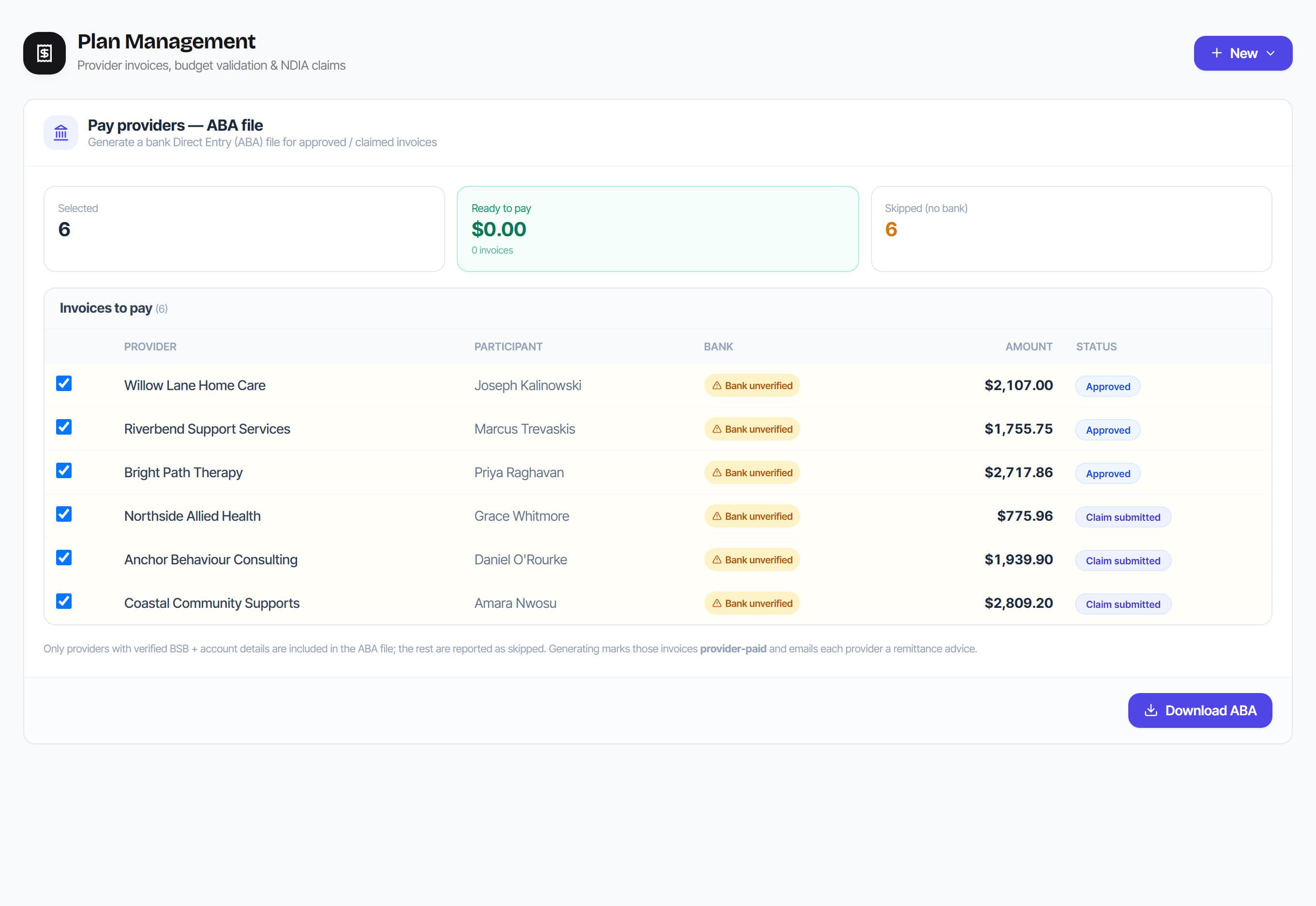
Check who is being left out. The run tells you which providers were skipped and why: no BSB or account number, excluded from ABA, or bank details changed and not yet re-verified.

- 3
Generate the payment batch. Rostery groups by provider, so a provider with three invoices receives one payment rather than three.
- 4
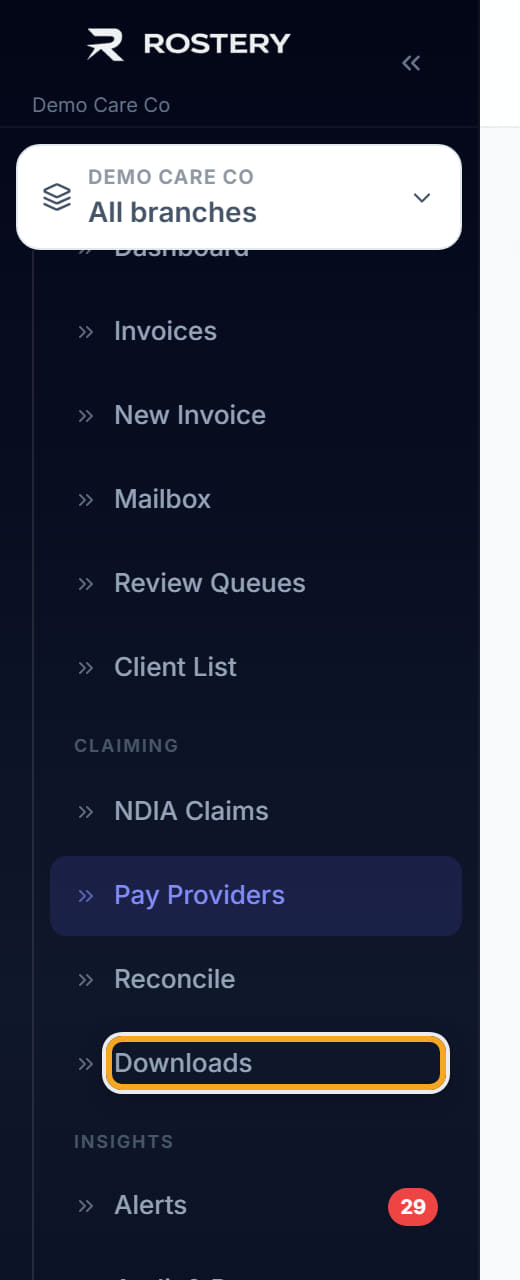
Download the ABA file and upload it to your bank.
- 5
Mark the batch Processed once the bank has taken it. Only then do the invoices settle — generating the file does not pay anyone.
- 6
Send remittance advice to the providers you have paid.
The screen
Did this answer your question?
If not, talk to us — we answer from Australia, in business hours.