
Plan Management
Providers
/plan-management?view=providers7 stepsThe providers you pay: their ABN, their bank details, and whether anyone has verified that those details are really theirs.
Step by step
- 1
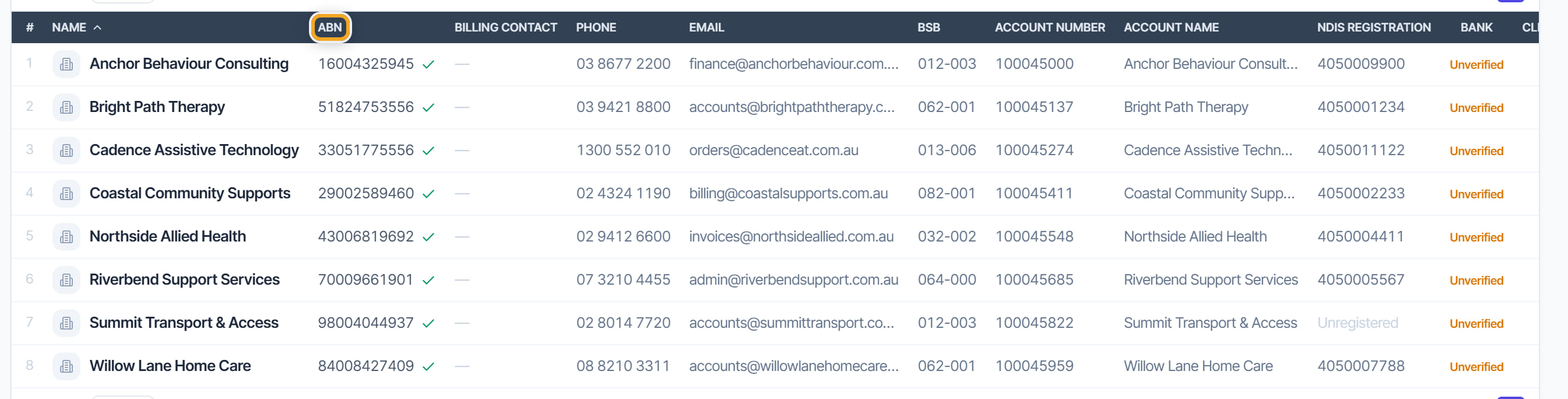
Add the provider with their ABN. It is validated against the eleven-digit checksum, and it is column sixteen of every claim line they appear on.
- 2
Record their remittance email so payment advice reaches the right place.
- 3
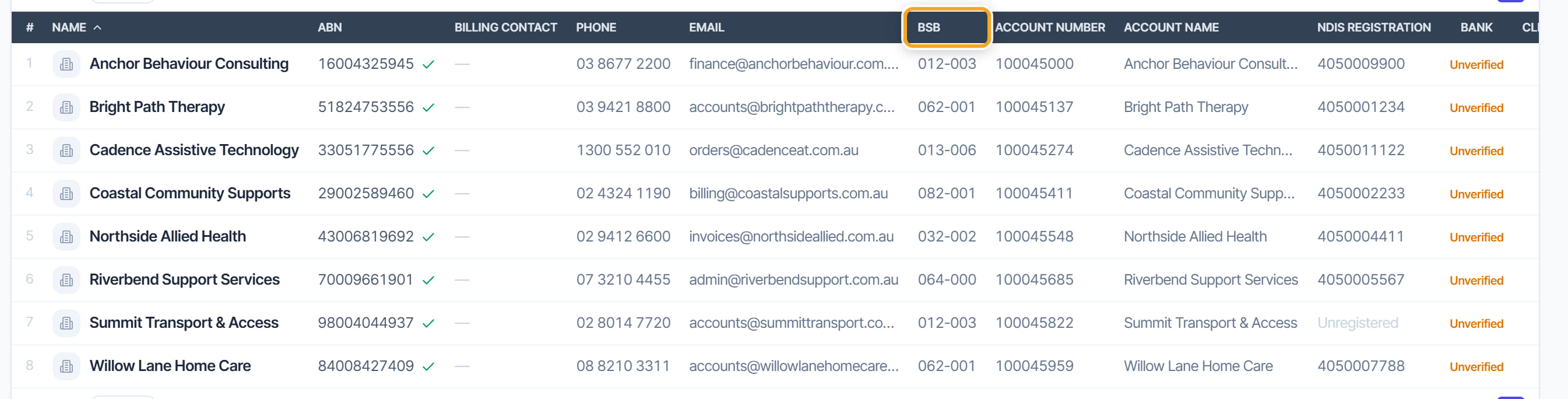
Enter bank details — BSB, account number and account name.
- 4
Expect the provider to go on hold. Entering or changing bank details puts them on a verification hold automatically.
- 5
Verify out of band. Ring the provider on a number you already hold — not one from the invoice — and confirm the account. Then release the hold on their profile.
- 6
Note that the person who entered the details cannot be the person who verifies them. Rostery refuses it, and that separation is the control.
- 7
Use Exclude from ABA for a provider you pay another way, so they stop appearing in the skipped list every run.
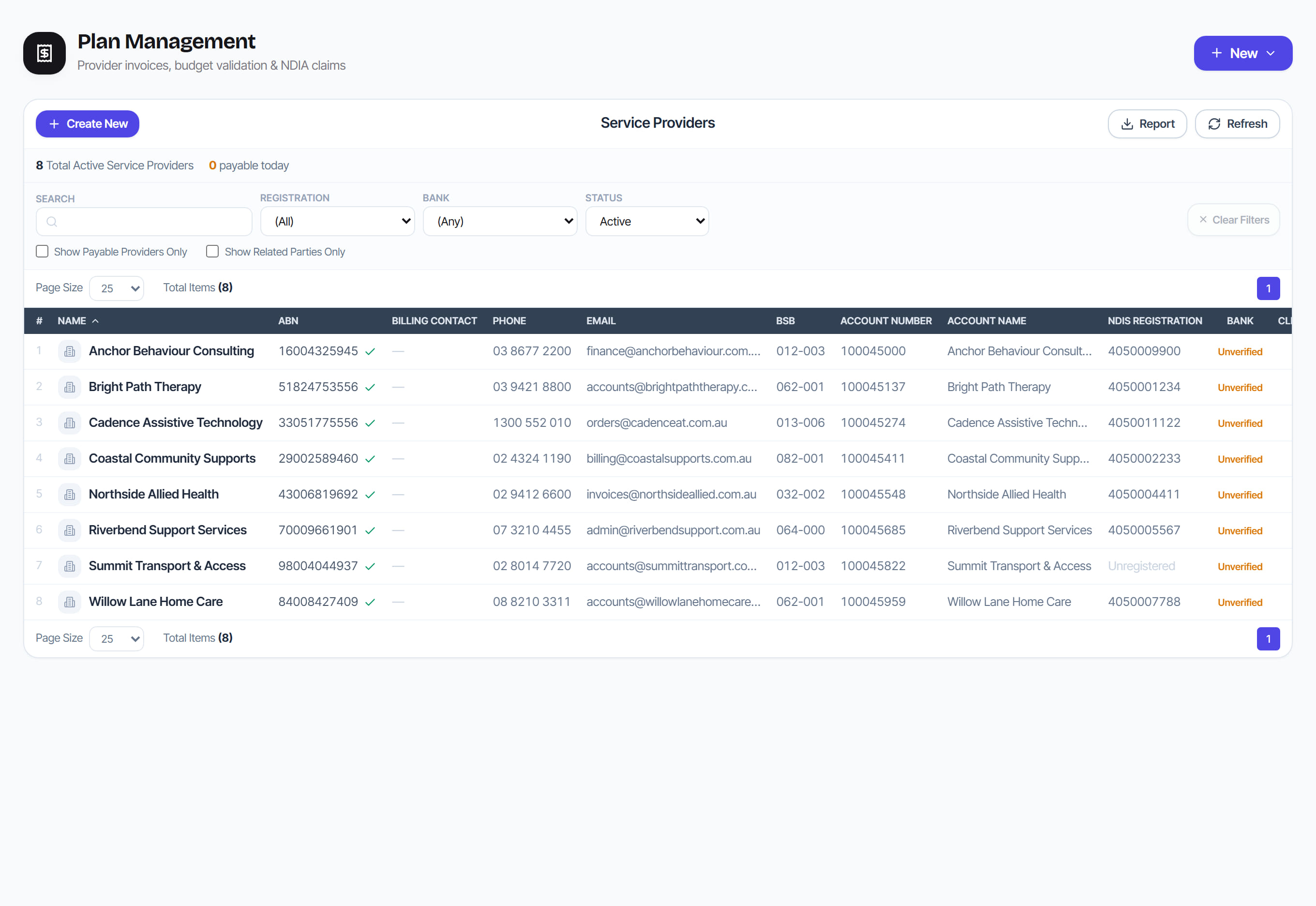
The screen
Did this answer your question?
If not, talk to us — we answer from Australia, in business hours.