
How do I…?
Set up a pay group
A pay group is a named set of rates. Putting a worker in one is what turns their hours into money — and it is the single most common reason a new worker’s first pay run comes out at nil.
Do this
- 1
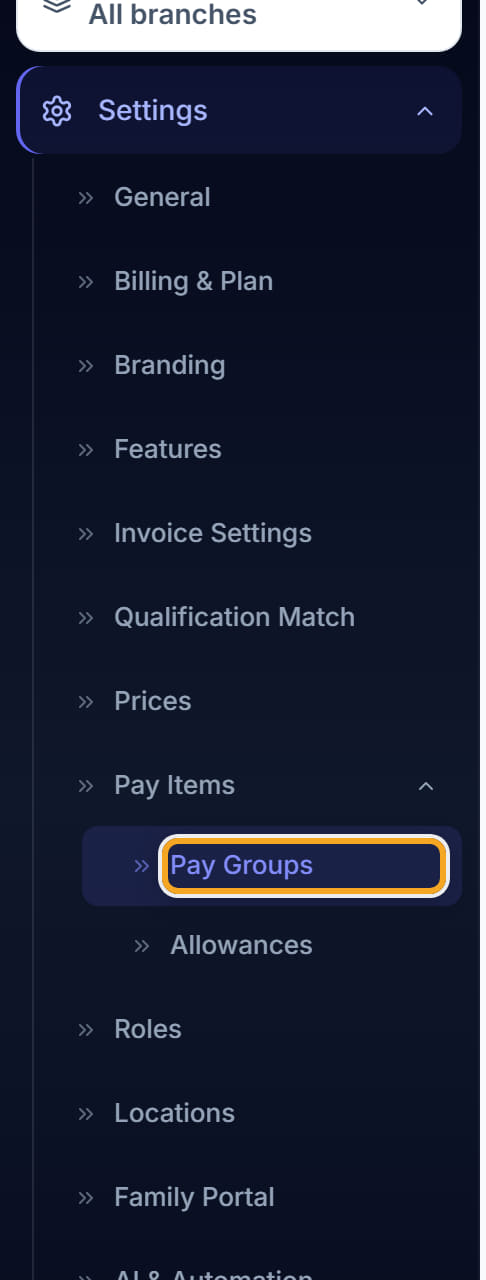
Go to Settings, then Pay Groups.
- 2
Pick a group from the list on the left, or click New Pay Group to start one.

- 3
The badges under the name tell you what the group is: its SCHADS level, its base hourly rate, and whether casual loading is included.

- 4
Click the pencil beside the name to change the level or the base rate.
- 5
The table lists the rate bands — the day of week, the hours, and the multiplier applied to the base rate. A weekday day-shift is usually ×1.00, evenings and weekends more.
- 6
Click Add Rule to add a band, or click an existing one to change it.

- 7
Save, then go to each worker and set this pay group on their Overview tab.
Did this answer your question?
If not, talk to us — we answer from Australia, in business hours.