
How do I…?
Add a qualification or check to a worker
Staff profile → Qualifications8 steps
Written by Fahid Safdar, Founder & Product, Rostery · Checked
NDIS Worker Screening, First Aid, CPR, Police Check, Driver Licence.
Do this
- 1
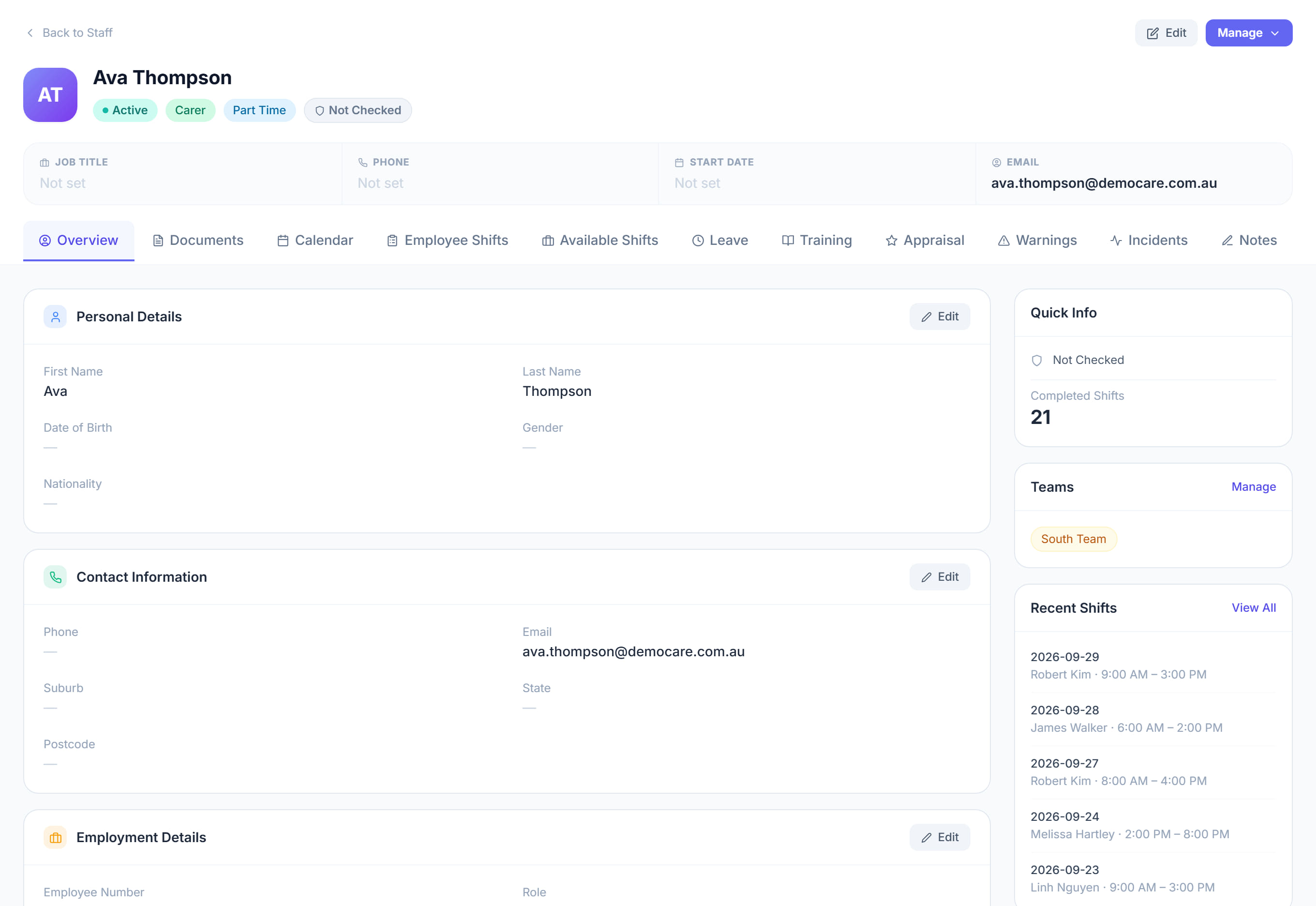
Open the worker from the Staff list.

- 2
Go to the Qualifications section.
- 3
Click Add.
- 4
Pick what it is from the list.
- 5
Put in the expiry date. This is the important bit — it is what makes Rostery warn you before it lapses.
- 6
Upload the certificate if you have it.
- 7
Set the status to Verified once you have actually seen it.
- 8
Click Save.
The screen
Did this answer your question?
If not, talk to us — we answer from Australia, in business hours.