
How do I…?
Write down what support a participant needs
Client profile → Support Needs5 steps
Written by Fahid Safdar, Founder & Product, Rostery · Checked
Telling Rostery what this person needs help with, so it can suggest the right workers.
Do this
- 1
Open the participant.
- 2
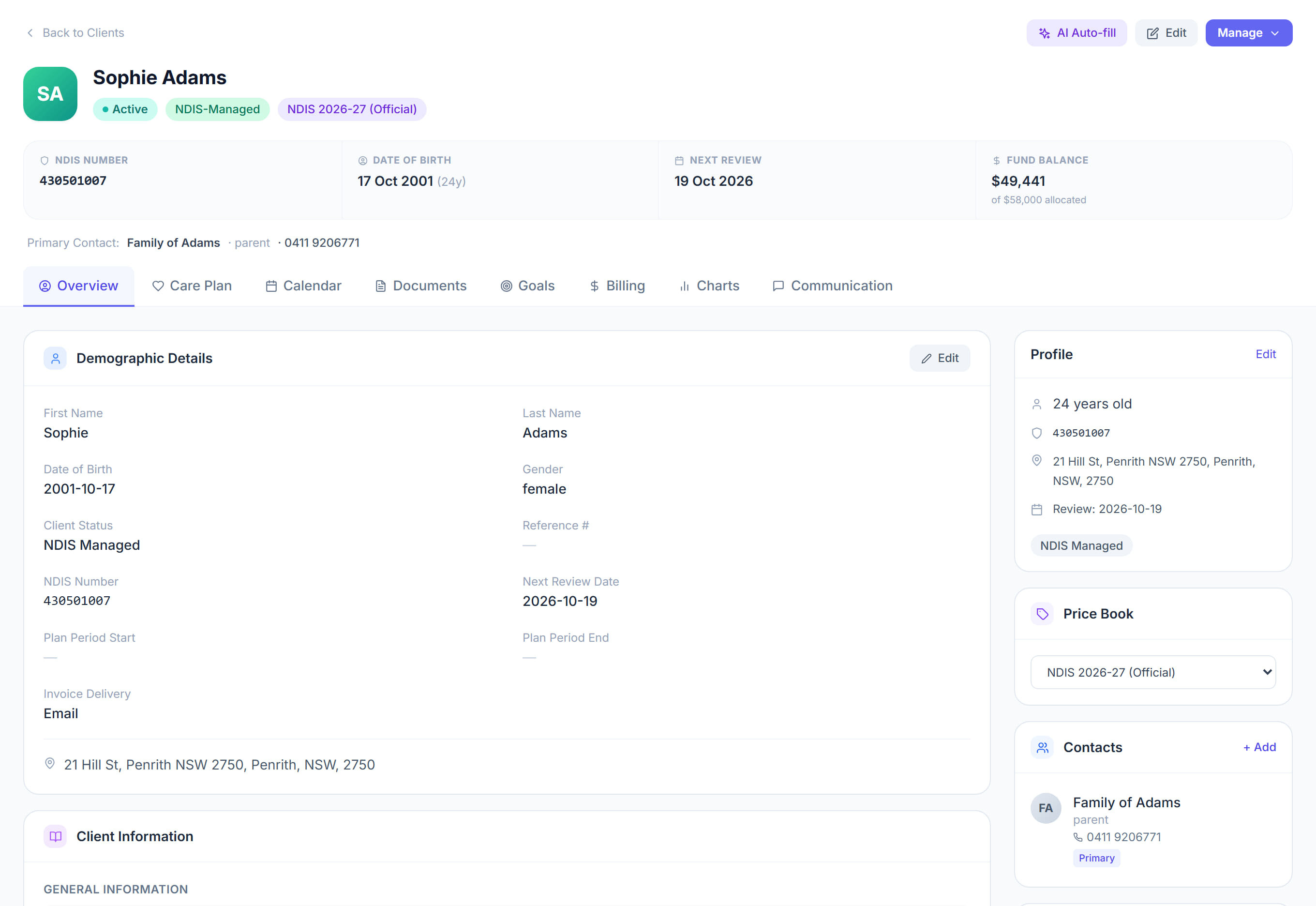
Find the Support Needs section.
- 3
Tick everything that applies — hoist transfers, medication help, personal care, behaviour support, and so on.
- 4
Click Save.
- 5
Now when you roster a shift for this person, Rostery ranks workers by how much of that they are actually qualified for.
The screen
Did this answer your question?
If not, talk to us — we answer from Australia, in business hours.