
People
Client Documents
Client profile → Documents5 steps
Written by Fahid Safdar, Founder & Product, Rostery · Checked
Files that belong to this participant — the plan itself, service agreements, consent forms, correspondence. Anything with an expiry date is watched, so a lapsed document surfaces before it becomes a problem.
Step by step
- 1
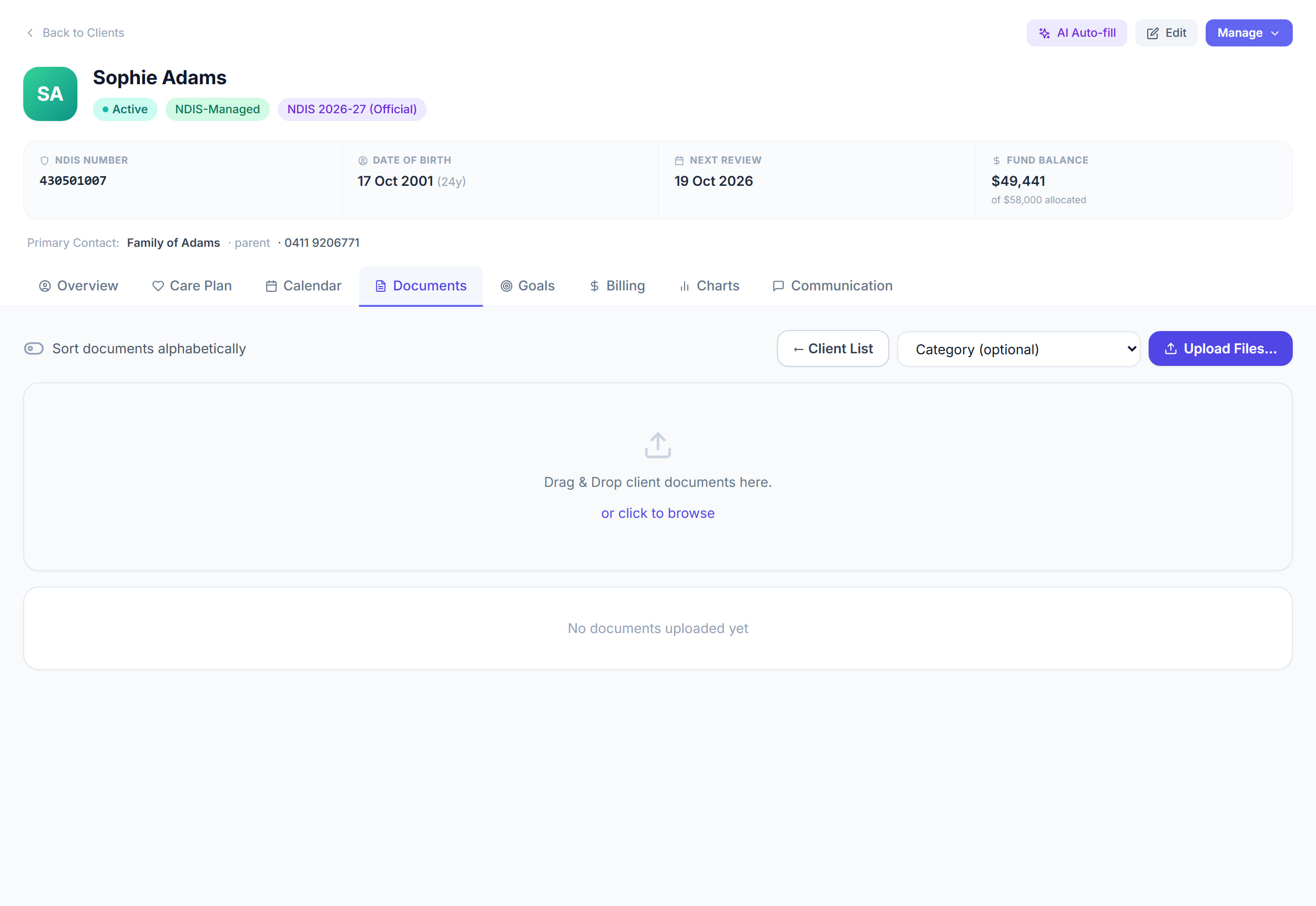
Open the participant and click the Documents tab.
- 2
Click the button to upload, or drag a file onto the panel.
- 3
Choose the category so the document files itself in the right place.
- 4
Put in the expiry date if the document has one. This is the part that matters — it is what makes Rostery warn you before it lapses.
- 5
Click Save.
The screen
Did this answer your question?
If not, talk to us — we answer from Australia, in business hours.