
People
Client Information — what a worker needs to know
Four blocks of free text that travel with the participant to whoever is on shift. This is where the things that are not fields go — how to get in, what upsets them, what good support looks like for this person.
Step by step
- 1
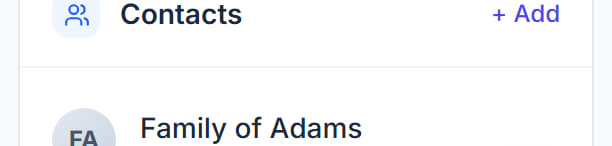
Open the participant and find the Client Information panel on the Overview tab.
- 2
Use General Information for the background someone new would need: who they live with, how they communicate, what their week normally looks like.
- 3
Use Need to Know for what must be read before the first shift. Access to the home, a dog, an allergy, a behaviour that has a known trigger. Keep it short — this is the block people actually read.
- 4
Use Useful Information for the things that make a shift go well but are not safety-critical: the café they like, the route they prefer, what they want called by.
- 5
Click Edit on Support Needs to record what support this participant requires. This is not just prose — it is what the Scheduling Assistant matches workers against, so a need recorded here changes who gets recommended.
- 6
Click ADD on any block to start an entry, and save.
The screen

Did this answer your question?
If not, talk to us — we answer from Australia, in business hours.