
People
Staff Leave
Staff profile → Leave4 steps
Written by Fahid Safdar, Founder & Product, Rostery · Checked
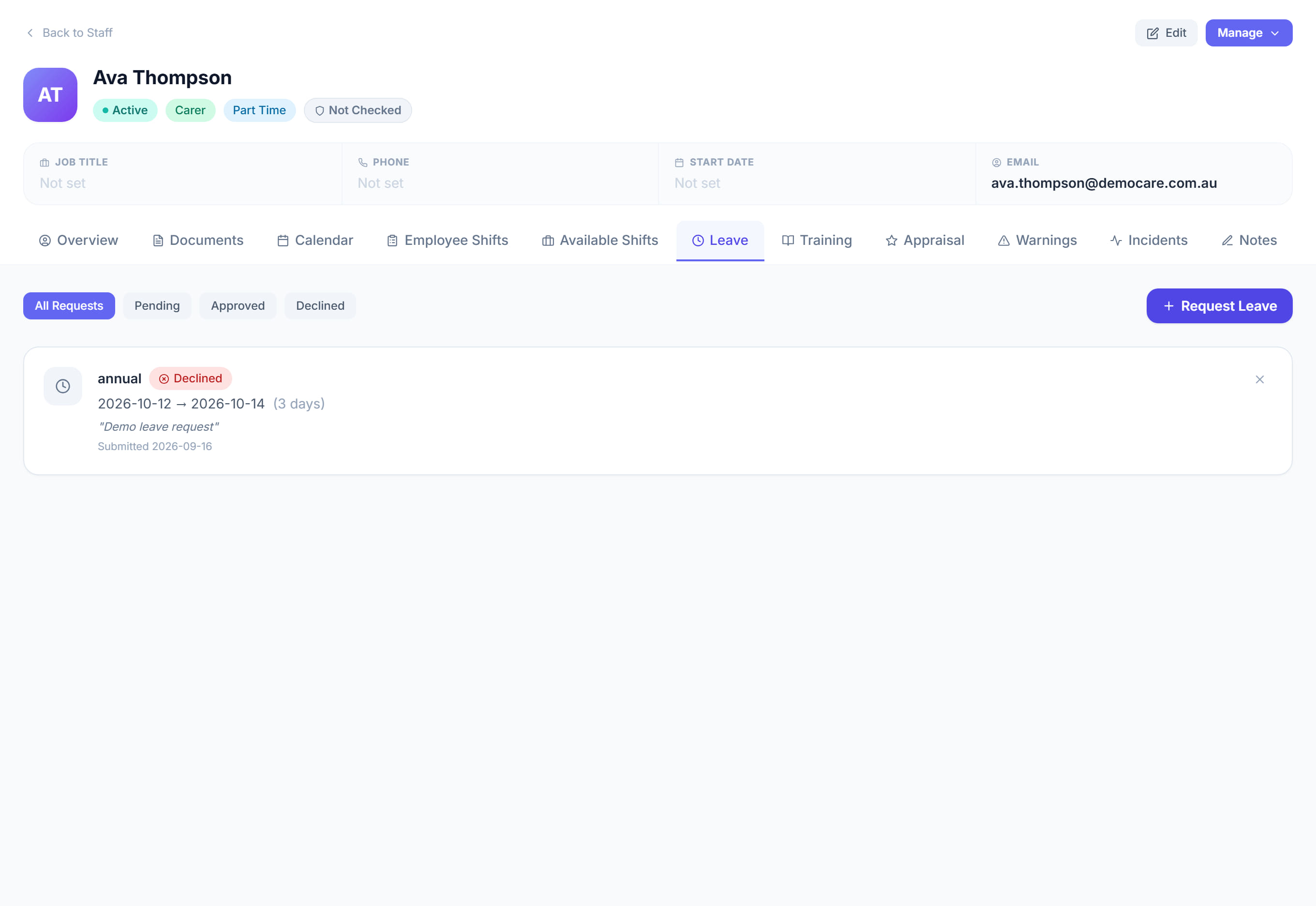
This worker’s leave: requested, approved and remaining. Approved leave blocks rostering, which is what stops somebody being booked while they are away.
Step by step
- 1
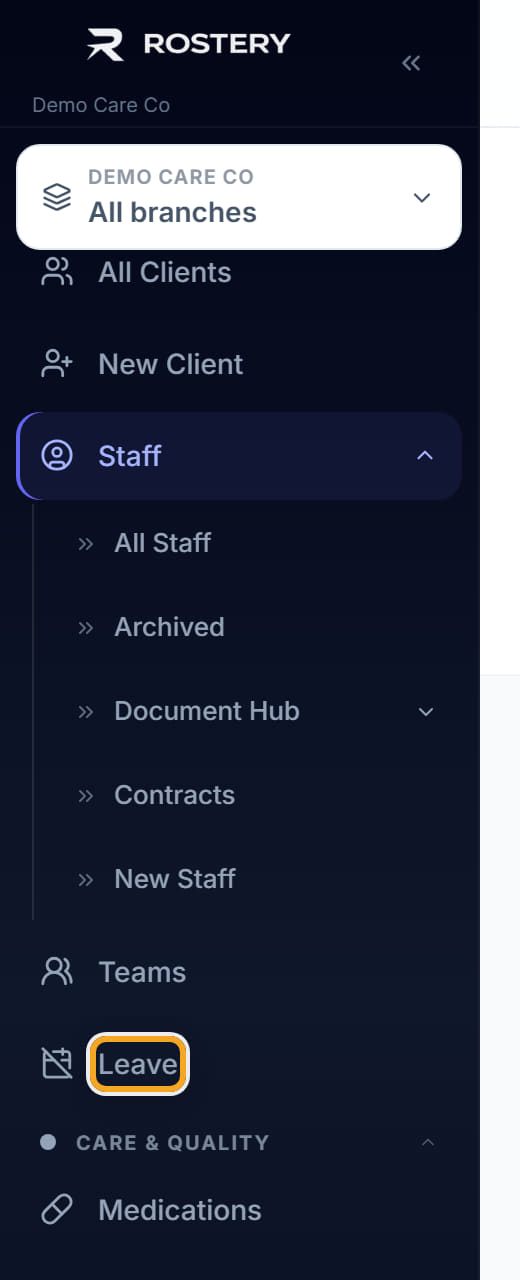
Open the worker and click the Leave tab.
- 2
Read the requests in date order.
- 3
Approve or decline anything pending.

- 4
Check the roster for the same dates before approving — approving leave does not remove shifts already booked over it.
The screen
Did this answer your question?
If not, talk to us — we answer from Australia, in business hours.