
People
Staff Training
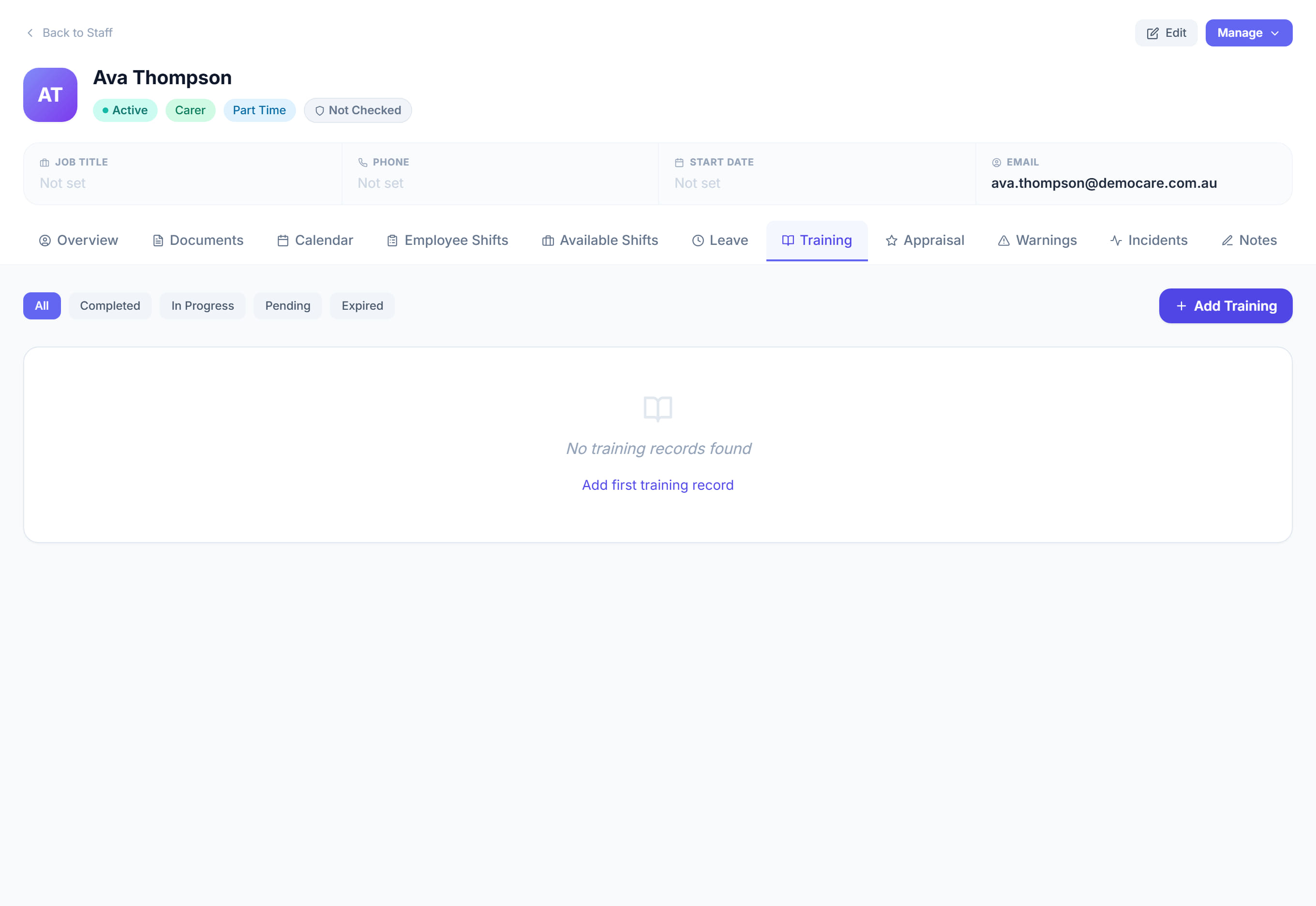
Staff profile → Training5 steps
Written by Fahid Safdar, Founder & Product, Rostery · Checked
Training completed and training outstanding. It sits beside documents because an auditor asks for both, and because training is usually the thing that expires quietly.
Step by step
- 1
Open the worker and click the Training tab.

- 2
Record training with what it was, the date completed and who delivered it.

- 3
Set an expiry if it has to be refreshed.
- 4
Save.
- 5
Use the list to see who is overdue before it is asked for.
The screen
Did this answer your question?
If not, talk to us — we answer from Australia, in business hours.