
People
Client Goals
The participant’s own NDIS goals and the progress recorded against them. This is what a plan review is built on, so it is worth keeping current rather than writing up the week before.
Step by step
- 1
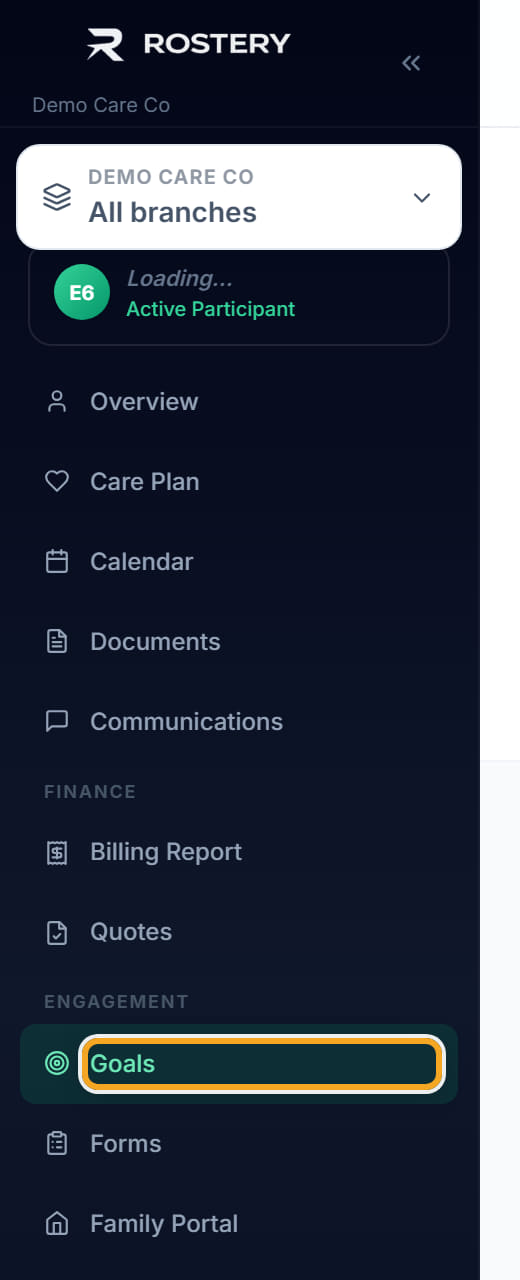
Open the participant and click the Goals tab.
- 2
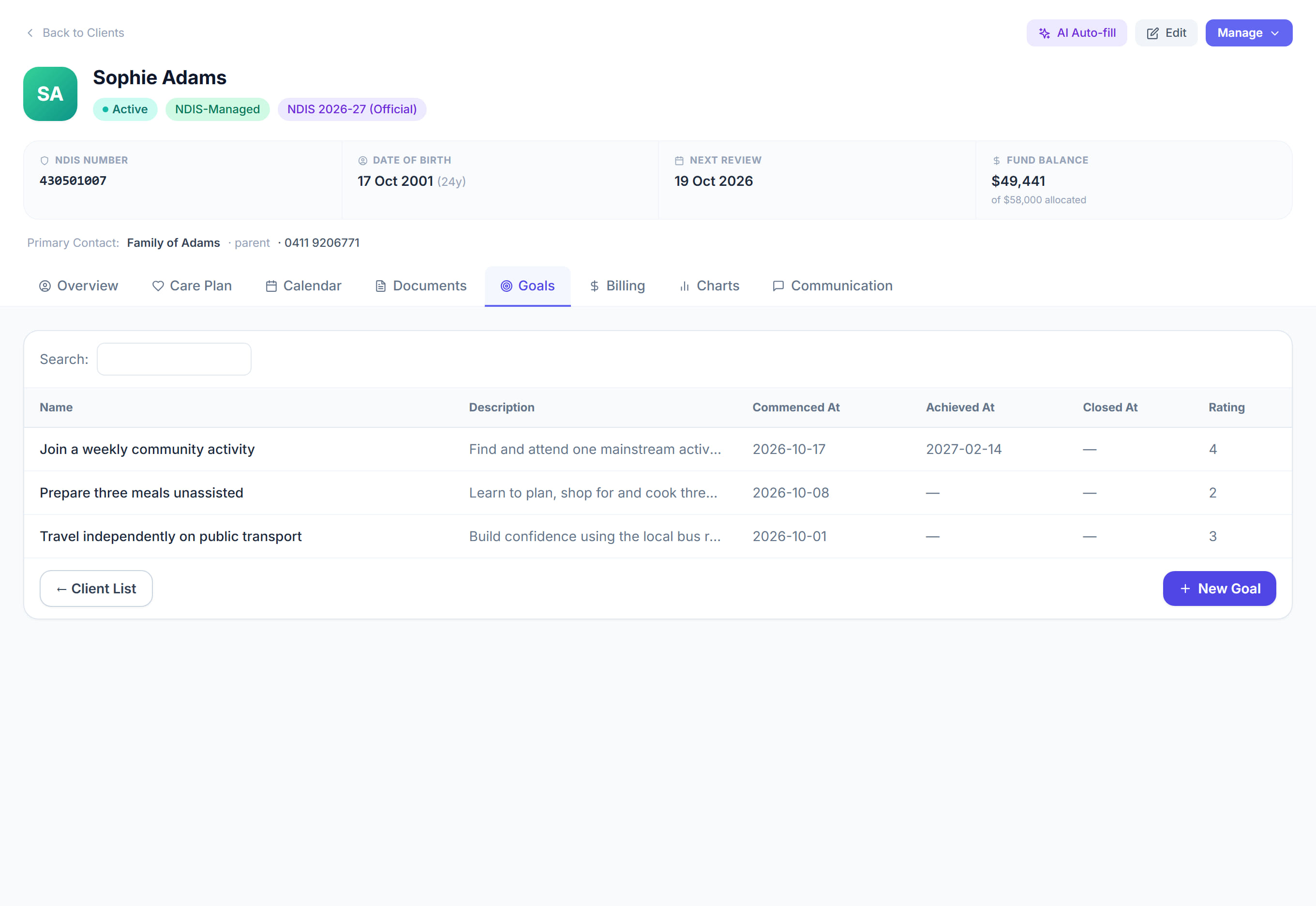
Click + New Goal.

- 3
Write the goal in the participant’s words rather than the scheme’s — "travel independently on public transport" beats "increase community access".
- 4
Add a description saying what achieving it would actually look like.
- 5
Set Commenced At, and Achieved At once it is reached.

- 6
Record progress as it happens. Each entry is dated, and together they are the evidence at review.
- 7
Use the rating to show movement between reviews.
The screen
Did this answer your question?
If not, talk to us — we answer from Australia, in business hours.