
People
Leave
/leave7 stepsLeave holds workers' leave requests and your decisions on them. Workers send requests from the mobile app, and office staff and administrators approve or decline them here, see which rostered shifts each request affects, and add leave on a worker's behalf.
Step by step
- 1
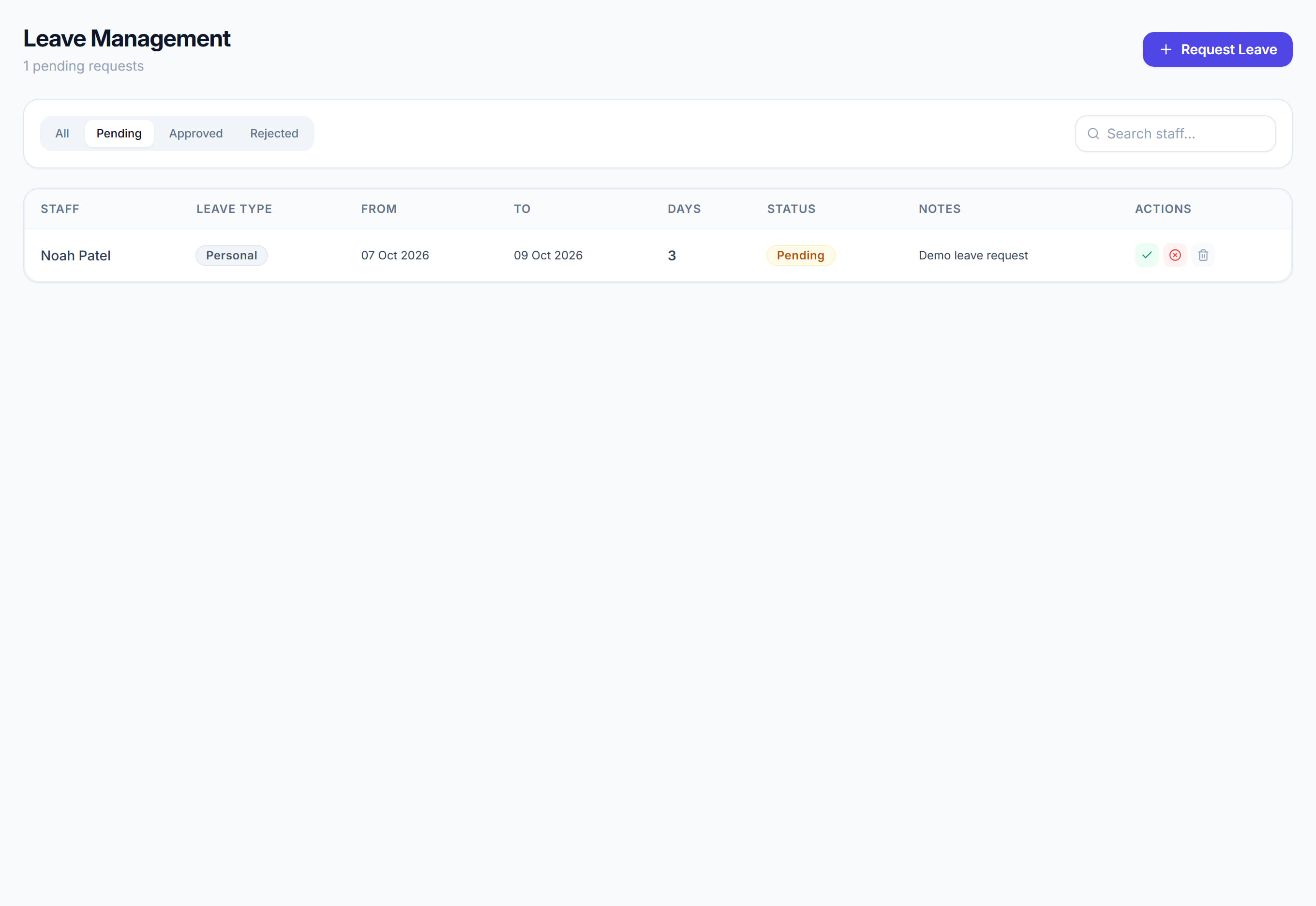
Open the Pending tab to see requests waiting for a decision. Check the Roster column first: it counts the shifts the worker already has in that period.
- 2
Click Approve or Decline on the row. Approving asks you to confirm, then takes the worker off every shift in the leave period.
- 3
When you decline, add a Reason if you want to explain why. The worker is emailed that their leave was declined.
- 4
Click a row, or choose Review details from its menu, to see the leave type, notes, who else is away then and the worker's leave balance this year.
- 5
Click Request leave to add leave for a worker yourself. Choose the Staff member, Leave type, First day and Last day, then click Submit request.
- 6
Use Search staff and the Dates boxes to find a request, and the Approved, Declined and All tabs to see decisions already made.
- 7
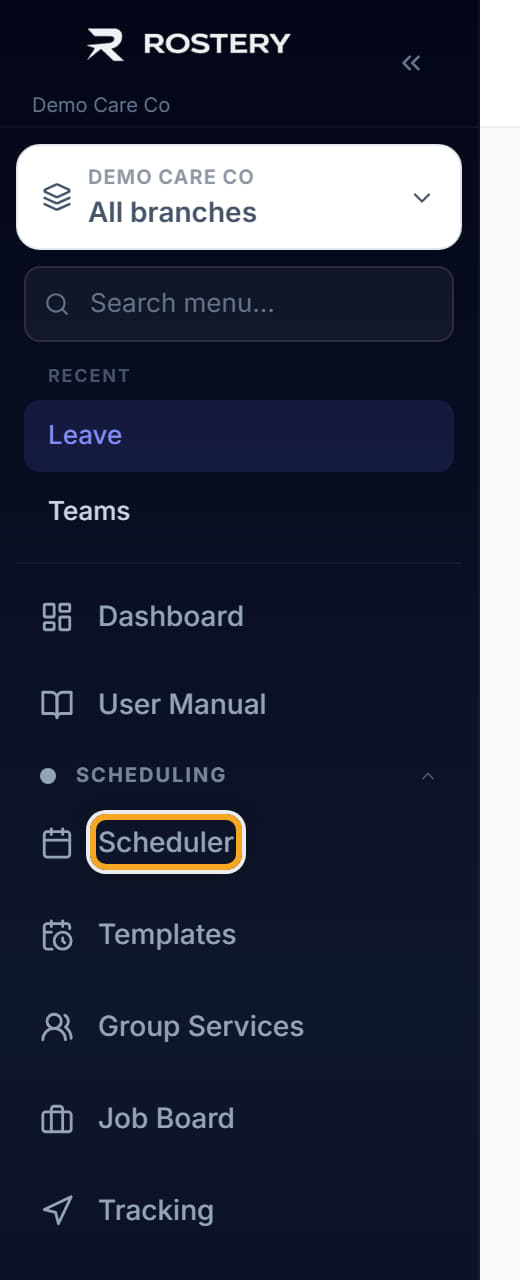
Find cover for the shifts that approval left without a worker. They stay on the Scheduler as unassigned shifts until you fill them.
The screen
Did this answer your question?
If not, talk to us — we answer from Australia, in business hours.