
People
Care Review, Risks and Issues
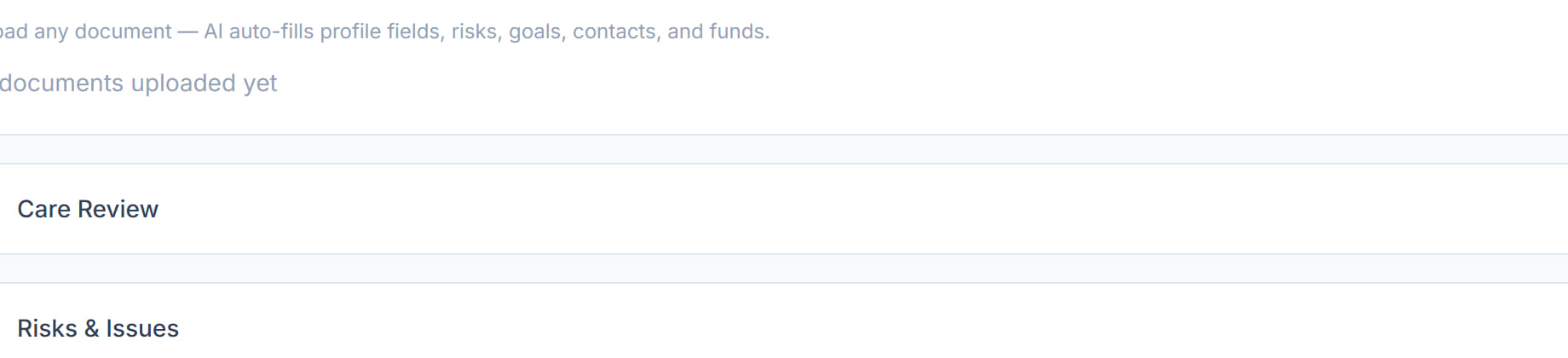
Two panels near the foot of the Overview that carry the review history and the open risks. They are what an auditor asks for and what a new coordinator reads first.
Step by step
- 1
Open the participant and scroll to Care Review.

- 2
Click Add data to record a review — when it happened, who did it, what was decided and when the next one is due.
- 3
Scroll to Risks & Issues.

- 4
Click + Add Risk / Issue for anything that could cause harm or interrupt support — a health risk, an environmental hazard, a funding shortfall.

- 5
Record what the risk is, how likely and how serious it is, and what is being done about it.
- 6
Review the open ones when circumstances change rather than only at the scheduled review.
The screen
Did this answer your question?
If not, talk to us — we answer from Australia, in business hours.