
People
Qualifications and checks
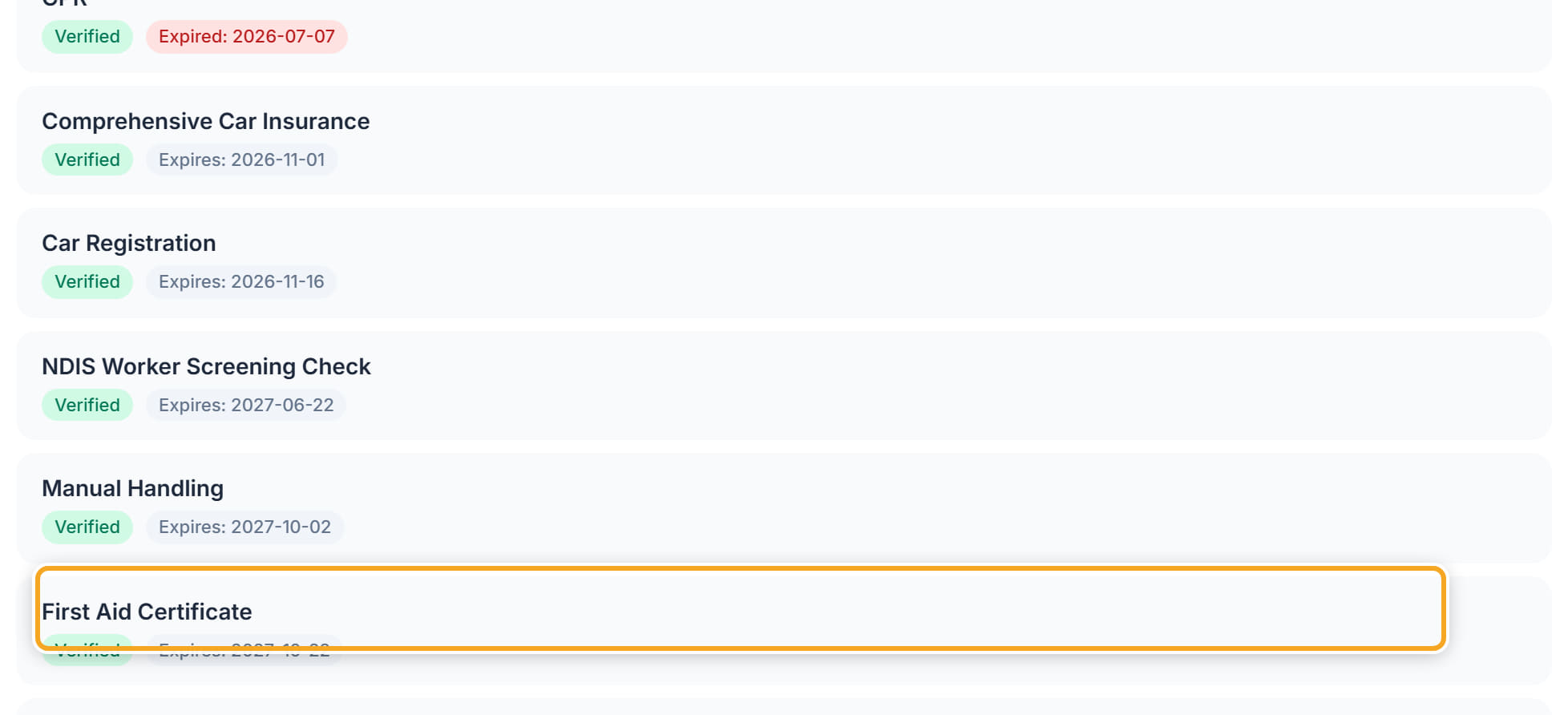
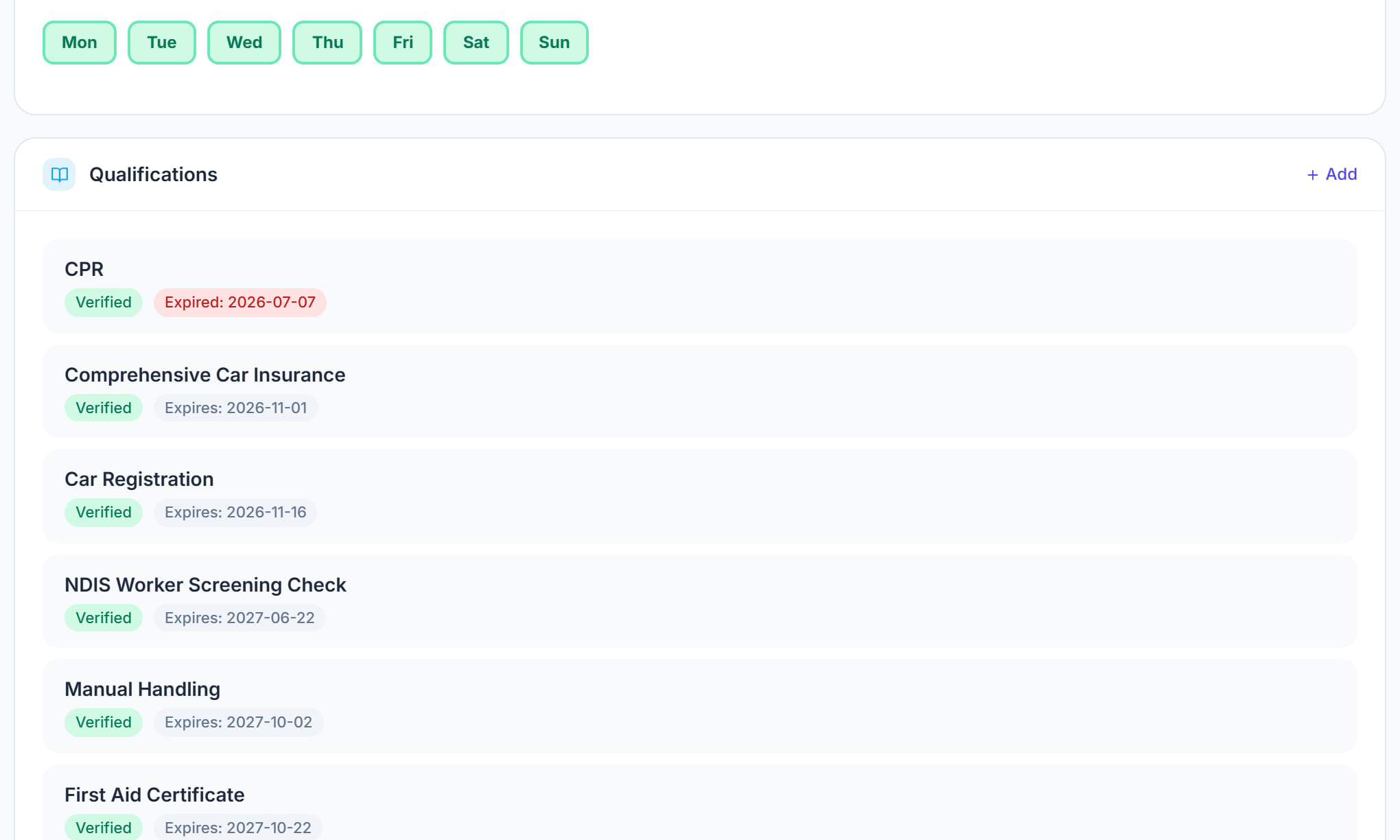
What this worker is cleared and trained to do — NDIS Worker Screening Check, First Aid, CPR, manual handling, medication handling, driver licence, insurances, and any certificates. Expiry is the point of this panel: an expired check is a compliance failure from the moment it lapses.
Step by step
- 1
Open the worker and scroll to Qualifications.

- 2
Click + Add.

- 3
Choose the qualification — the usual ones are listed, from NDIS Worker Screening Check and First Aid Certificate to Manual Handling, Hoist Training, Medication Handling and Certificate IV.
- 4
Record the issue date and the expiry date. Without an expiry nothing can warn you.
- 5
Attach the certificate itself under the Documents tab so the evidence sits with the record.
- 6
Save. Expiring qualifications appear on the dashboard and in the compliance report before they lapse.
- 7
Check what is recorded here against what the participants this worker supports actually need — that is what the Scheduling Assistant matches on.
The screen
Did this answer your question?
If not, talk to us — we answer from Australia, in business hours.