
People
Teams
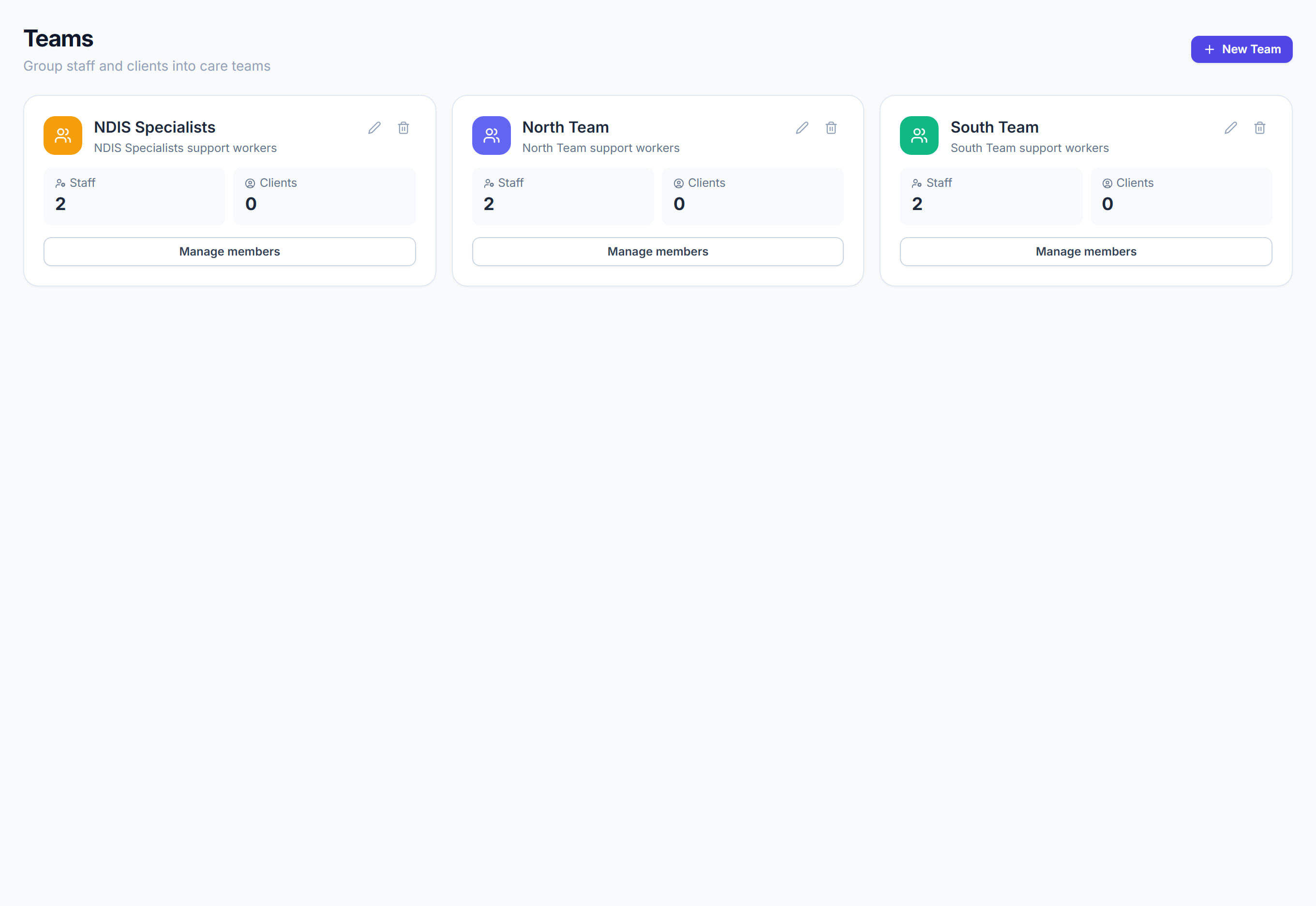
/teams6 stepsThe Teams page groups staff and clients into named, colour-coded teams, such as a house, a region or a coordinator's caseload. Office staff and administrators create teams and manage who is in them, and each person's profile shows the teams they belong to.
Step by step
- 1
Check membership in the list. The Staff column shows up to five faces and a head count, and Clients shows how many clients each team has.
- 2
Click New team to add one. Give it a Name, an optional Description and a Colour, then click Create team.
- 3
Click Members, or the team's row, to open its drawer. Add people with Add staff and Add clients, which search as you type.
- 4
Remove someone with the cross beside their name. Click Save members when you are done, as changes are not kept until you save.
- 5
Use the menu at the end of a row to choose Edit team, Manage members or Delete team.
- 6
Click the Team, Staff or Clients column heading to sort the list. A Search teams box appears once you have more than six teams.
The screen
Did this answer your question?
If not, talk to us — we answer from Australia, in business hours.