
People
Environmental, Psychological, Sensory and Health details
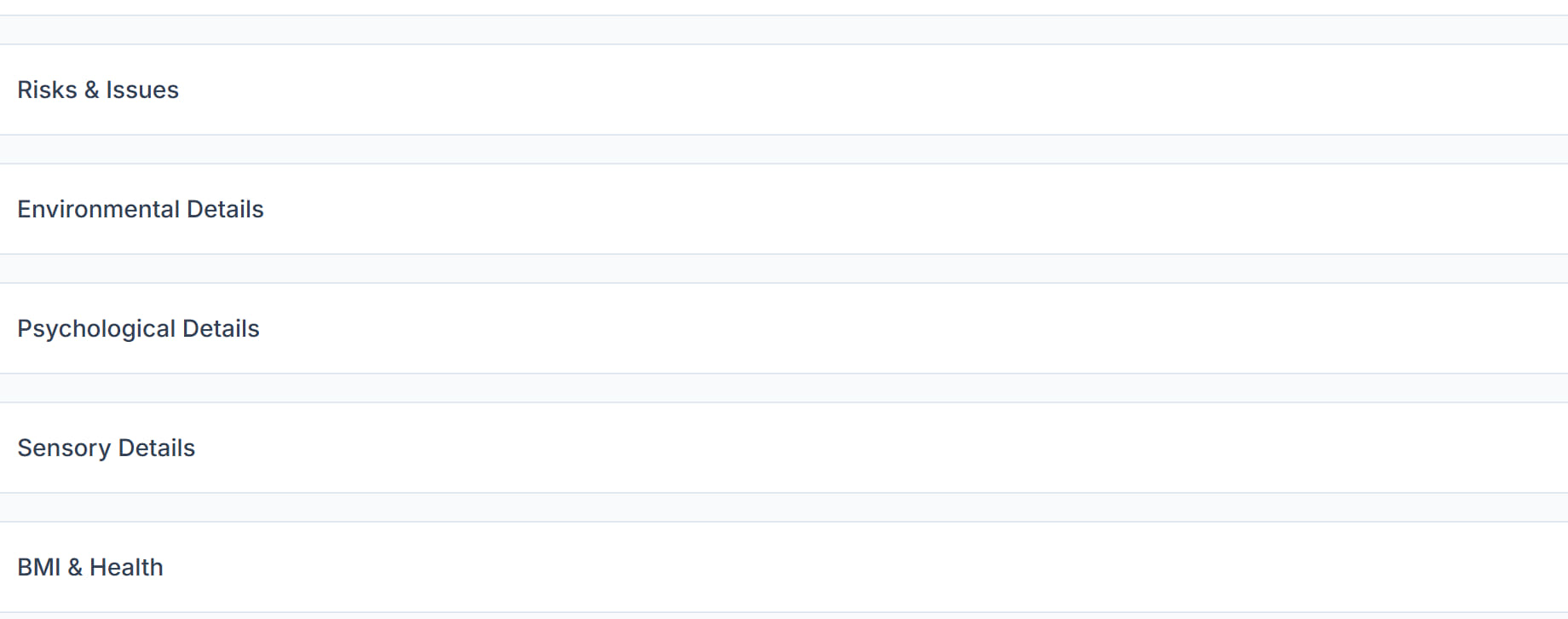
Four collapsible panels at the foot of the Overview holding the detail a worker needs but does not need every day. They are collapsed on purpose: open the one you need rather than scrolling past all four.
Step by step
- 1
Open the participant and scroll to the bottom of the Overview tab.
- 2
Open Environmental Details for the home itself — home type, living arrangement, access and entry notes, pets, mobility aids and home modifications.

- 3
Open Psychological Details for diagnoses and conditions, behavioural notes, known triggers, coping strategies and the mental health contact.

- 4
Open Sensory Details for vision, hearing and anything else that changes how a worker should communicate.

- 5
Open Health for the clinical picture that sits alongside medications and care plan.
- 6
Fill in what you hold and leave the rest empty. A half-filled panel is more useful than an invented one.
- 7
Open Audit Log, the last panel, to see who changed what on this record and when.
The screen
Did this answer your question?
If not, talk to us — we answer from Australia, in business hours.