
Care & Quality
Forms
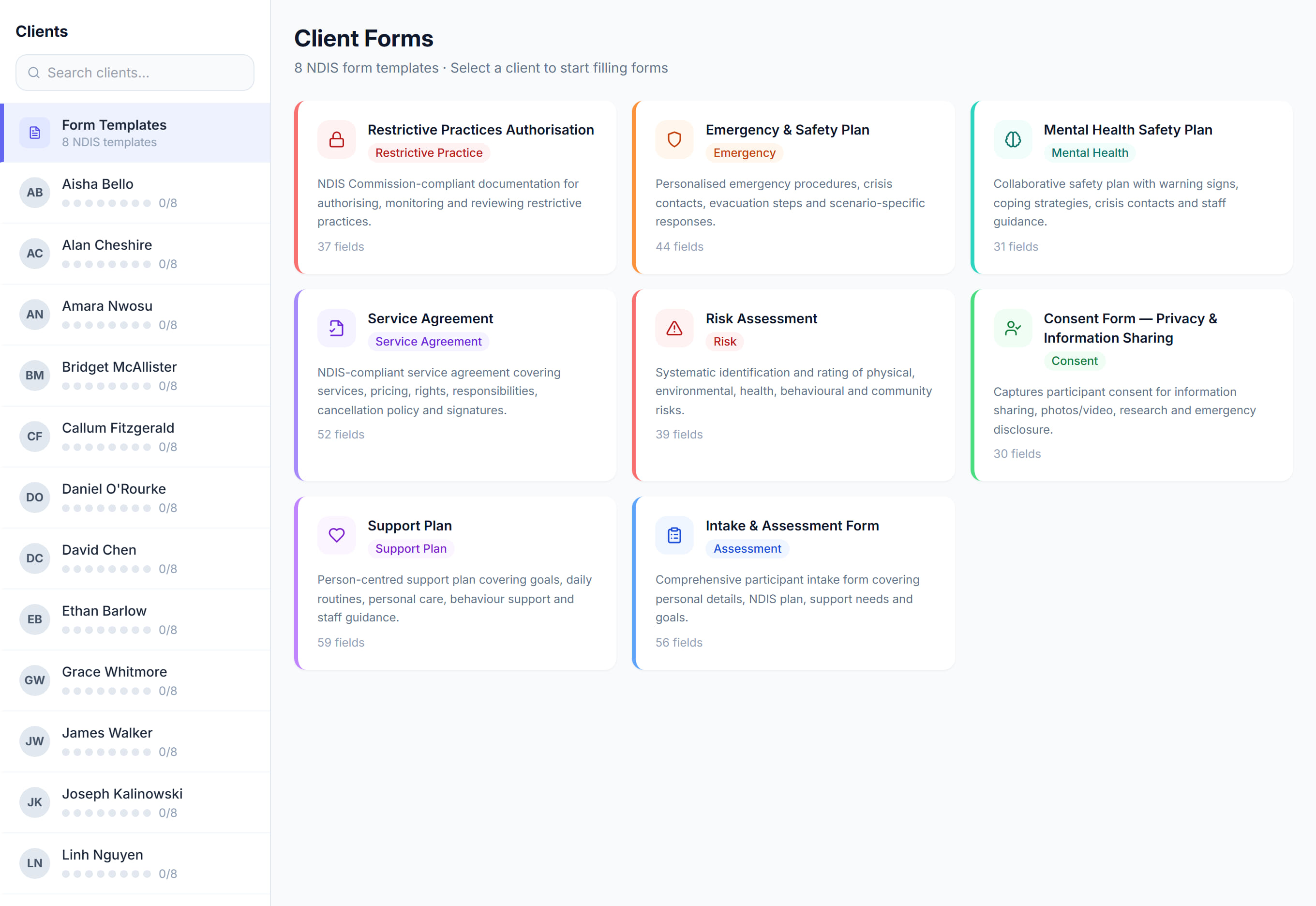
/forms9 stepsForms holds your organisation's form templates, such as assessments, checklists and consents, and each client's completed copies. Office staff fill forms in against a client, save drafts, track review dates and download finished forms as PDFs.
Step by step
- 1
Select Form templates at the top of the client list, then click New template. Enter a Form name and choose a Type.
- 2
Click Add question for each field and pick its answer type, such as Short answer, Dropdown, Yes or no or Signature. Tick Required where an answer is needed.
- 3
Click Create template. The template then appears for every active client; there is no separate step to assign it.
- 4
Choose a client from the list on the left. Their forms show as Not started, Draft or Completed, with their progress across the top.
- 5
Click Start or Continue to fill a form in. Auto-fill with AI reads the client's profile and fills what it can, so check every answer.
- 6
Click Save draft to come back to it later, or Complete and submit when the form is finished.
- 7
Click View to read a completed form, or the download icon for its PDF. Completed forms also show on the client's profile, under Forms.
- 8
Watch for Review overdue beside a form. The date comes from the form's own review-date answer, such as a Next review date question.
- 9
To change a shared NDIS template, choose Duplicate from its menu and edit your copy, because shared templates cannot be edited directly.
The screen
Did this answer your question?
If not, talk to us — we answer from Australia, in business hours.