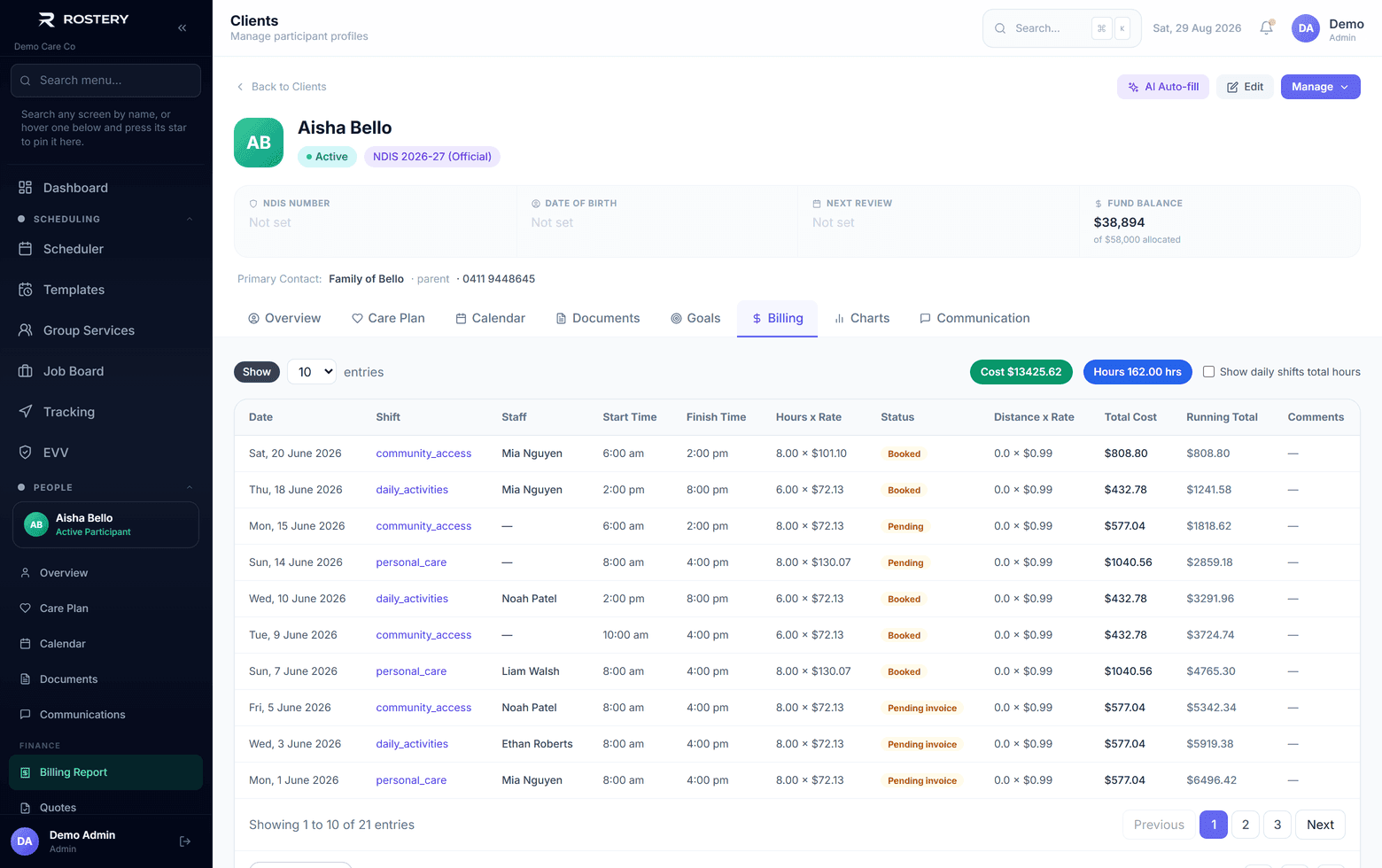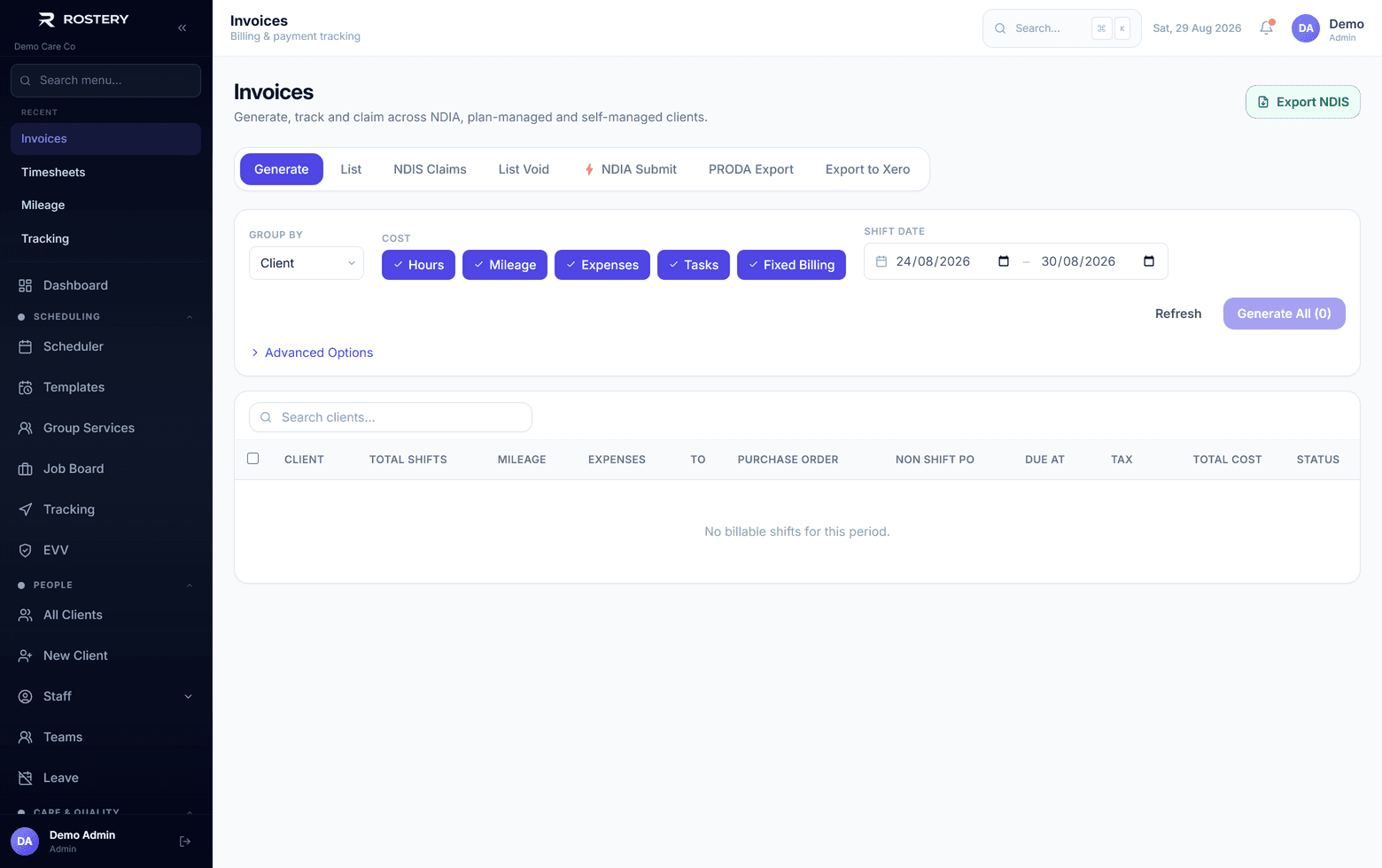
Rostery is NDIS claiming software for registered providers. It turns delivered, approved work into NDIA claims: invoices priced at the support item and price limit that applied on the day, and a bulk payment request file that is checked line by line before you upload it in the myplace provider portal. For supported independent living, plan management and support coordination, the NDIA's results come back into Rostery and land on the lines they belong to, so a rejection or a short payment is never lost in a batch total.
How Rostery prepares NDIS claims
Claiming starts with the roster. When a shift is completed and its timesheet approved, Rostery raises the invoice line at the support item for the day and time the support actually ran (weekday daytime, evening or night, Saturday, Sunday or public holiday). The NDIS price guide is loaded as dated versions, so a support delivered before a price change is still claimed at the price that applied then.
From the Invoices page, the PRODA export writes those NDIA-managed lines into the NDIA's 16-column bulk upload file, named within the portal's 20-character limit. Before it writes anything, it checks every line:
| Check | What Rostery looks for |
|---|---|
| Organisation ID | Starts with 405, the format the NDIA gives registered providers |
| NDIS number | 9 digits starting with 43 |
| Support item | A support item number on every line |
| Quantity or hours | One or the other, never both, in the format the NDIA accepts |
| Unit price | Above zero and no more than 8 digits and 2 decimals |
| GST code | P1, P2 or P5 |
| Claim type | Blank for a direct service, or a current NDIA code such as CANC or TRAN |
| Cancellation reason | Present for a short notice cancellation, and only then |
| Claim reference | Letters and numbers only, so the NDIA results can be matched back |
If any line fails, you get the list of lines and what is wrong with each, and no file. A file the portal would turn away, or worse, a file that uploads but quietly leaves lines unclaimed, never reaches the NDIA.
One claiming workflow for each way you are funded
| Work | How the claim is built | What happens after |
|---|---|---|
| Hourly and community supports | Invoices from approved shifts, then a bulk upload file from the Invoices page | Upload the file in the myplace provider portal |
| Supported independent living | Claimed each week from the participant's SIL funding line | Upload the NDIA results file; each line is marked paid, part paid or rejected |
| Plan management (add-on) | Provider invoices read, approved by the participant and checked before a claim batch | Results imported line by line, then payments reconciled |
| Support coordination (add-on) | Case notes become claim lines, grouped into claim batches | Results imported against the batch |
| Plan-managed and self-managed participants | Invoices sent to the plan manager or the participant | Payment tracked against the invoice |
For SIL claimed weekly, a rejected line gives its funding back to the plan in Rostery, so the balance stays right while you fix and resubmit it, and a claim held for a missing service agreement says which one.
Why it matters
NDIA claims fail for a small set of repeatable reasons: a wrong item for the day, a price above the limit, a mixed-up quantity and hours, a missing claim type. Each rejection is cash you are owed but not paid, plus staff time to find and fix it. Most of these can be caught before the file leaves your system, and that is where Rostery checks.
- Claims come from the work already recorded, so nobody retypes shifts into a spreadsheet.
- The right item and price for the day, time and location, every time.
- Problems listed by line before upload, instead of rejection codes after it.
- For SIL, plan management and support coordination, results matched back to the exact line.
Free tools and guides
Check a bulk claim CSV against the NDIA format in your browser with the free NDIS bulk claim file checker, look up any rejection in the NDIA claim rejection codes list, and find any item's 2026-27 price limit in the NDIS price guide. For the portal steps, read our NDIS bulk upload guide, and for how item numbers work, NDIS support item numbers explained.
Who it is for
Registered NDIS providers claiming NDIA-managed supports, SIL providers claiming weekly, plan managers lodging bulk claims for their participants' providers, and support coordinators billing their time. It works alongside NDIS billing and invoicing, SCHADS award interpretation and the plan management claim files.
Getting started
Invoicing and NDIA claim files are included in every Rostery plan; plan management and support coordination are add-ons. Book a demo and we will run a real week of your shifts through to a claim file, and bring your participants, staff and shifts across from your current software with Smart Switch.