
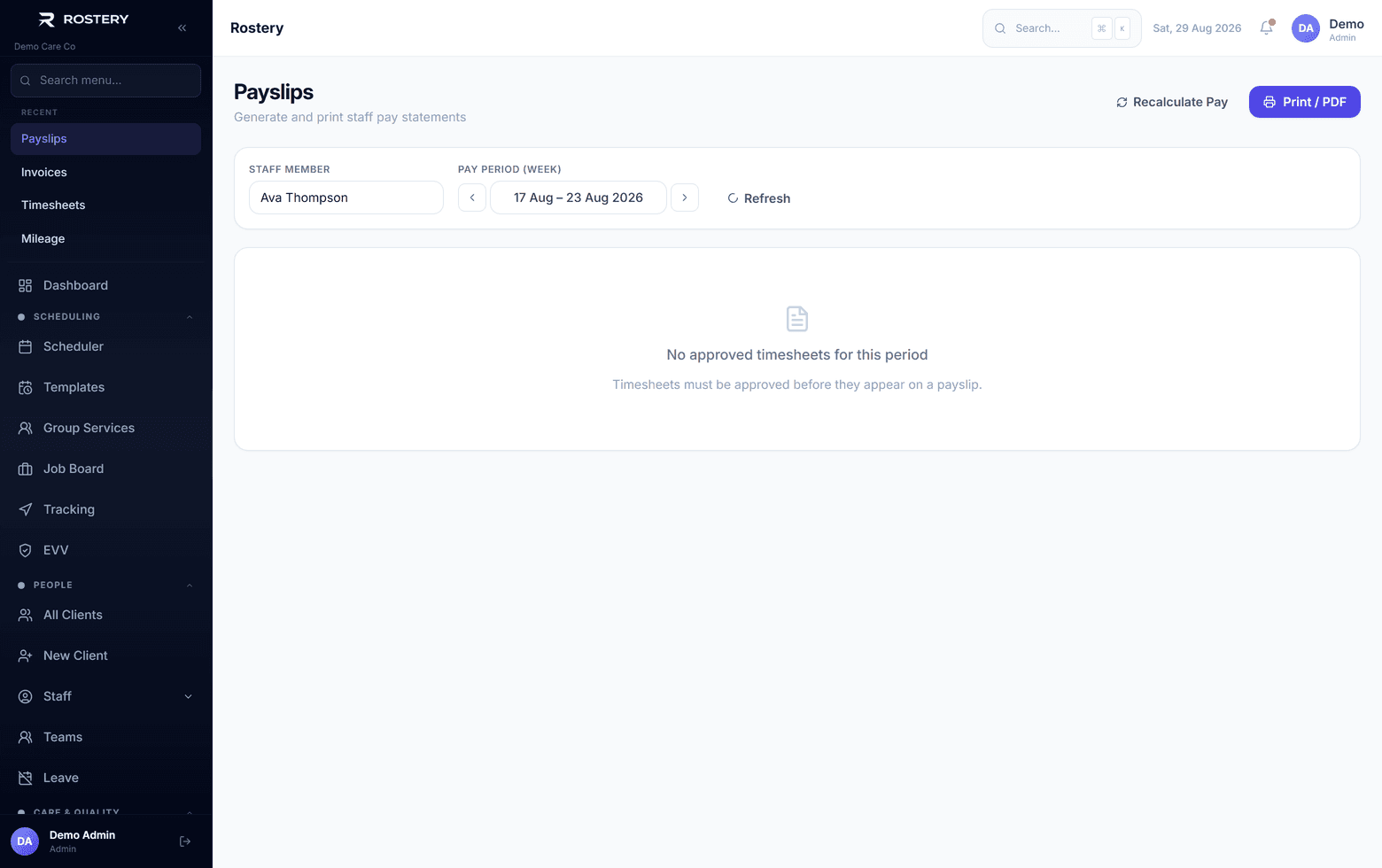
Rostery is SCHADS Award interpretation software. Award interpretation software reads each worked shift against the rules of an award, for NDIS and community services the SCHADS Award, and works out what the worker must be paid: the base rate for their classification, the penalty for the day and time, casual loading, and allowances such as broken shifts and sleepovers. In Rostery each shift's pay is shown line by line before it is approved, so a pay run can be checked before anyone is paid.
How Rostery works out SCHADS pay
When a shift is completed, Rostery takes the worker's classification and pay point and finds the award rate in force on the day of the shift. It then splits the hours into the bands the award pays differently: ordinary hours, afternoon and night shifts on weekdays, Saturdays, Sundays and public holidays. Casual loading is added to the penalty, as the award requires, rather than multiplied into it. Allowances attached to the shift, such as a sleepover, a broken shift, laundry or kilometres, are added at the amounts in your allowances list.
Timesheets then wait for approval. Your team sees each shift's hours, rate and pay, fixes anything that looks wrong, and approves. Approved hours go to Xero Payroll, Employment Hero or QuickBooks without being typed in again.
Worked example: one casual support worker's week
Sam is a casual disability support worker at SACS Level 2, pay point 1. From 1 July 2026 the minimum rate for that level is $36.22 an hour and the casual rate is $45.28. Sam works five shifts in a week. This is how the award prices each one, and what Rostery shows before the timesheets are approved.
| Shift | Hours | How the award pays it | Rate | Pay |
|---|---|---|---|---|
| Monday 7:00 to 9:00 am and 4:00 to 7:00 pm | 5 | Broken shift with one unpaid break, inside the 12-hour span: casual rate plus the broken shift allowance | $45.28 + $21.81 | $248.21 |
| Wednesday 9:00 am to 3:00 pm | 6 | Ordinary hours at the casual rate | $45.28 | $271.68 |
| Thursday 3:00 pm to 9:30 pm | 6.5 | Afternoon shift: it finishes after 8 pm, so 12.5% applies to the whole shift, plus casual loading | $49.80 | $323.70 |
| Saturday 8:00 am to 4:00 pm | 8 | Saturday rate of 150%, plus 25% casual loading: 175% of the minimum rate | $63.39 | $507.12 |
| Sunday night sleepover | Sleepover allowance for the night (work done during it is paid on top) | $62.87 | $62.87 | |
| Week | 25.5 | $1,413.58 |
The line most often got wrong is Saturday. Taking the casual rate and multiplying it by 150% gives $67.92 an hour, or $543.36 for the shift: $36.24 more than the award requires. Under SCHADS the 25% casual loading is added to the 150% Saturday rate, so the right rate is 175% of the minimum rate, $63.39 an hour. Underpaying a shift is a breach; overpaying every weekend shift quietly costs a provider thousands a year. Rostery prices it the award's way.
The rates are from the Fair Work Ombudsman pay guide for the SCHADS Award and apply from the first full pay period starting on or after 1 July 2026. Try your own shifts in the free SCHADS pay calculator, look up any rate in the SCHADS pay rates table, or read the rules behind them in our SCHADS Award 2026 guide.
Why it matters for NDIS providers
Underpayments are expensive to put right: back pay, interest, a possible Fair Work investigation, and the trust of the staff who were short paid. Most of them start in a spreadsheet, where a penalty is applied the wrong way or a rate is not updated on 1 July. Overpaying, as in the Saturday example, is quieter but eats the margin on every weekend and evening shift.
- Penalties, loadings and allowances are applied the same way to every shift.
- Each shift shows its pay line by line, so a question from a worker or an auditor has an answer.
- The rate used is the one in force on the date of the shift, so increases apply on time.
Getting started
The payroll engine is part of every Rostery plan; there is no separate module to buy. Book a demo and we will run your own shifts through it, and Rostery's Smart Switch migration brings your clients, staff and shifts across from your current software.