
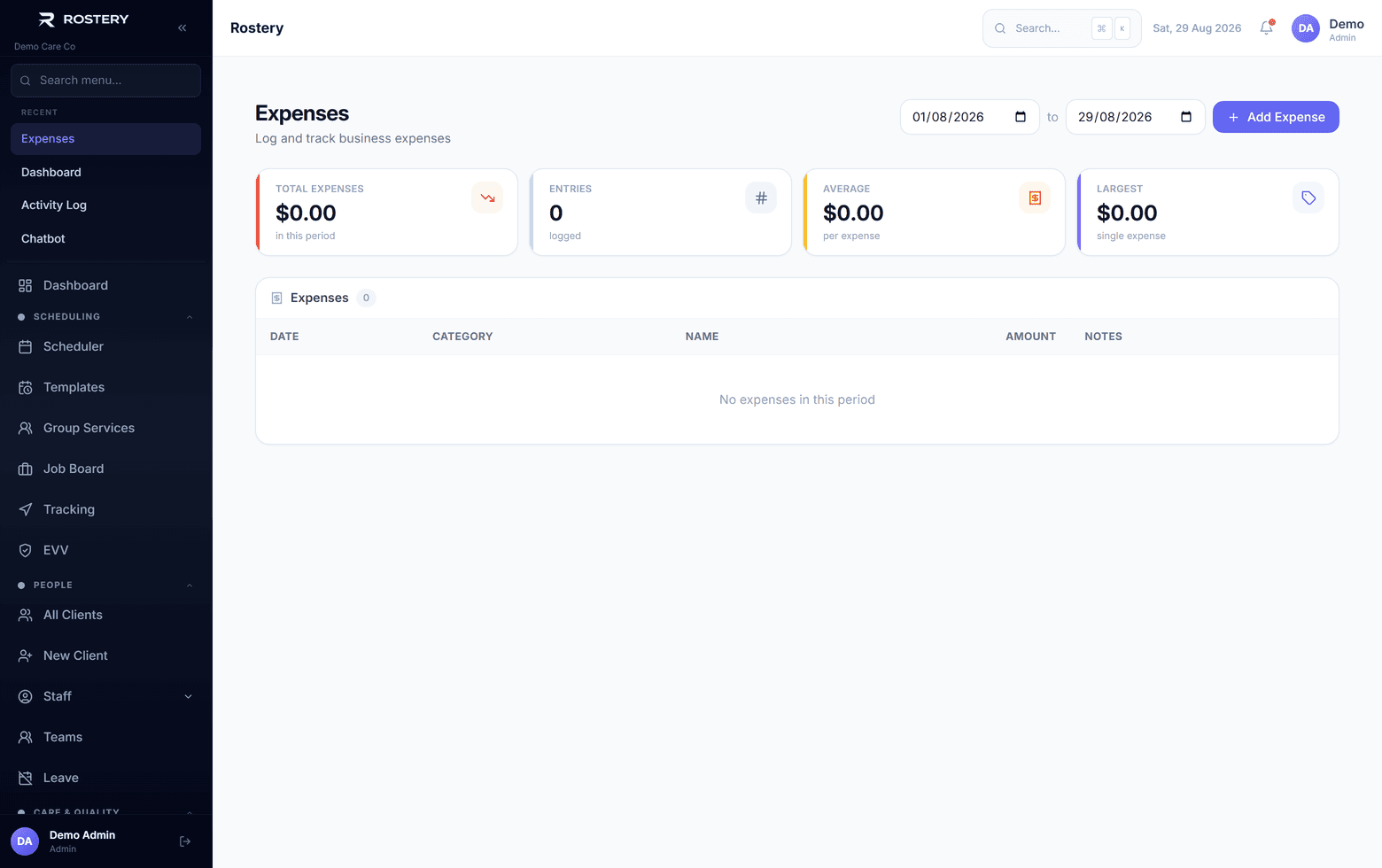
Support workers pay for things on shift: parking near a participant's home, entry to an activity, a meal on a community outing. If the receipt ends up in a car door and the claim in a text message, the worker waits for their money and the office can't see what was spent or why. Rostery gives every claim a receipt, a category, a shift and a status.
How expense claims work in Rostery
From a shift in the Rostery app, the worker taps Add an expense, picks a category, enters the amount and photographs the receipt or attaches a PDF. The claim is saved against the shift and the participant, and a note of the expense is added to the shift's progress notes. Workers can also make a claim from Reimbursements in the app menu, with nine categories from travel and meals to parking, tolls and accommodation.
The office reviews claims on the Reimbursements page: approve, reject with a reason, or mark as paid, one at a time or in bulk. Claims can be filtered and searched, exported to CSV, and summarised in the reimbursements report by status, category and worker.