
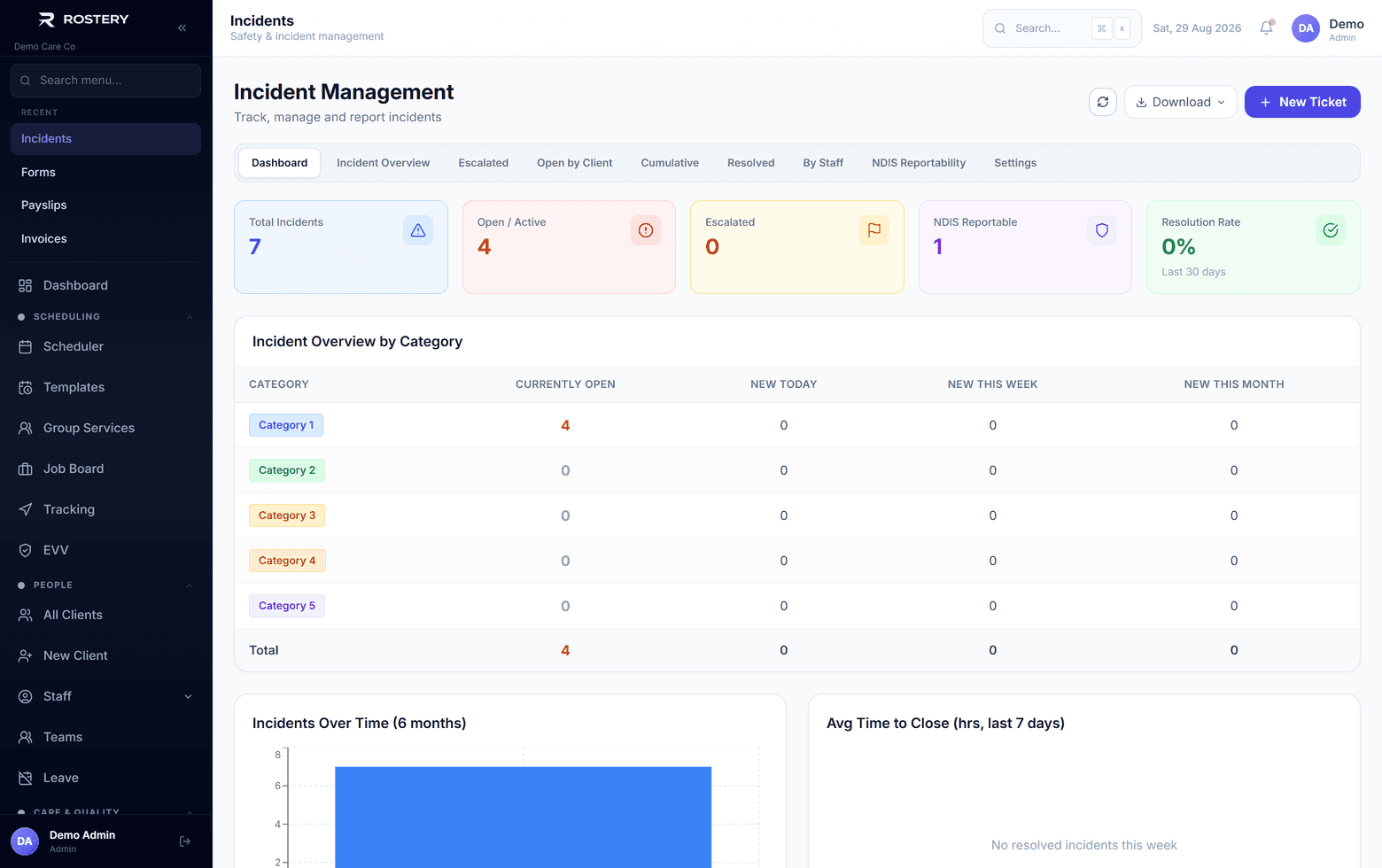
When something goes wrong on shift, the worker needs to report it while the details are fresh, and the office needs to act on it quickly: who was involved, what was done, whether it's reportable to the NDIS Commission, and what will stop it happening again.
How incident reporting works in Rostery
In the Rostery app, a worker reports an incident with its type, priority, date and time, location, what happened and what they did. Drafts are kept on the phone if they're interrupted, and the app shows who to call: their manager, team leader or risk manager. High and critical incidents are escalated automatically, and when a staff member is named, their manager is emailed.
The office manages each incident in the register: status (open, in progress, escalated, resolved, closed), priority, assignee, due date, follow-up and resolution notes, what will prevent it recurring, and the staff and participants involved. Switches record whether an incident is NDIS reportable and whether it has been reported. Descriptions, actions, injury details and follow-up notes are encrypted, and incidents are archived, never deleted. Each one downloads as a PDF or Word report, and the register exports to Excel.