
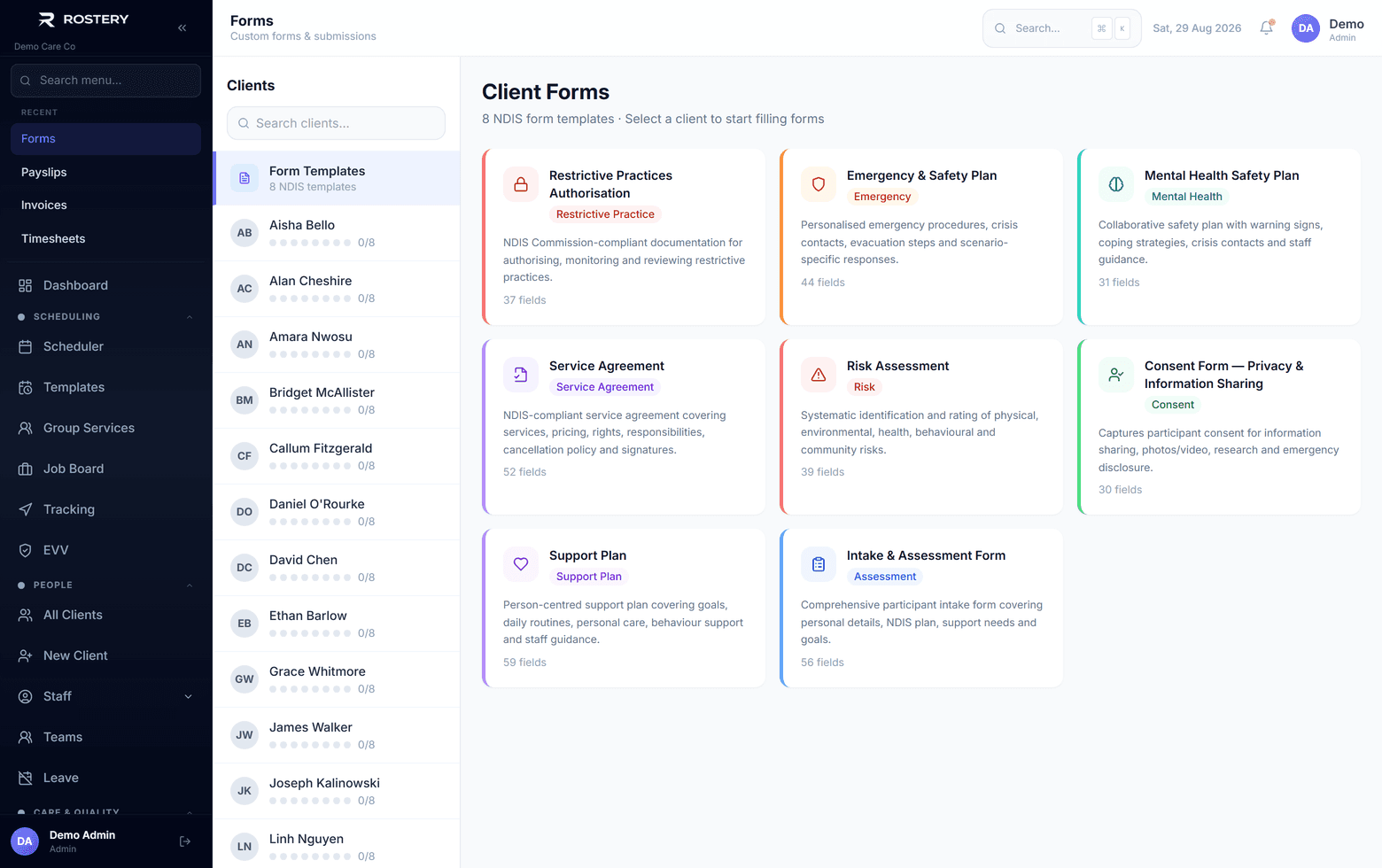
Intake, risk assessments, consent, support plans: every participant brings paperwork, and every coordinator fills it in a little differently. The forms engine gives your team the same form each time, filled in on screen, signed, saved against the participant and ready as a PDF.
How NDIS forms work in Rostery
Rostery comes with eight NDIS templates: Intake and Assessment, Risk Assessment, Emergency and Safety Plan, Consent for Privacy and Information Sharing, Support Plan, Restrictive Practices Authorisation, Mental Health Safety Plan and Service Agreement. Duplicate a template to make your own version, or build a form from scratch with text, number, date, time, choice, yes/no, signature and heading fields, and mark the questions that must be answered.
Office staff fill a form in for a participant, save a draft and come back to it, then complete and submit. Forms can be signed, downloaded as a PDF one at a time or all together for a participant, and AI pre-fill can draft answers from the participant's profile, contacts, medications and care plan for you to check. If a form has a review date, Rostery tracks it and flags completed forms that are overdue for review.