
Communications
Receptionist Setup
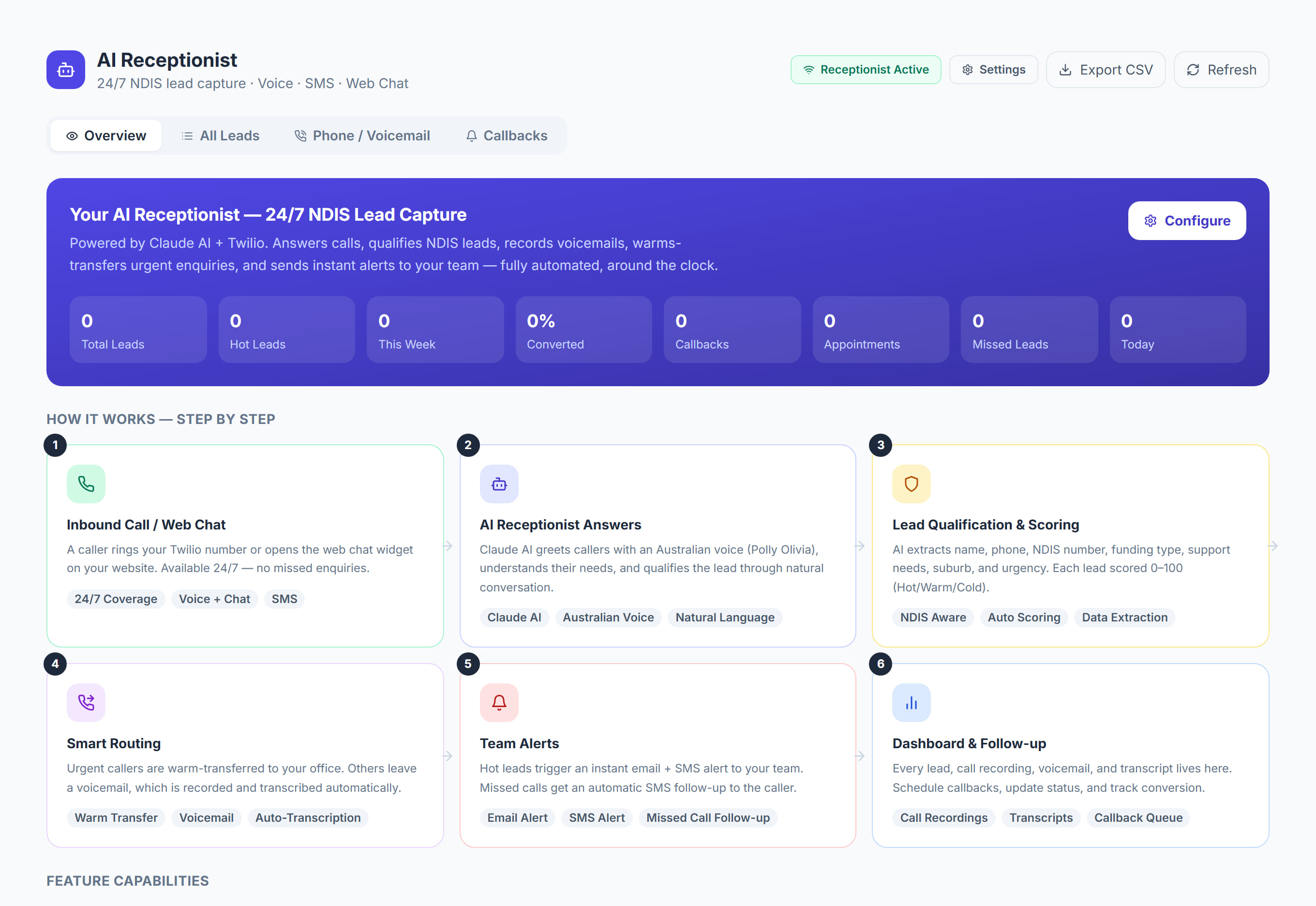
/settings/ai-receptionist9 stepsWhere an admin sets up the AI phone receptionist: switching it on, connecting your Twilio number and teaching it what to tell callers. Open it with the Settings button on the AI Receptionist page, or from Settings, AI Receptionist.
Step by step
- 1
Open the AI Receptionist page and click Settings, or go to Settings, AI Receptionist. The page only works once the AI receptionist has been granted to your organisation.
- 2
Under Knowledge & Training, fill in the Business / Service Name and the Greeting callers hear first. Leave the greeting blank to use a friendly default.
- 3
Add Services you provide, Pricing information, Operating hours, Areas served, Languages and your Intake / referral process. This is what the receptionist tells callers.
- 4
Use Anything else the receptionist should know for FAQs and policies, such as services you do not offer or where complaints should be transferred.
- 5
Under Telephony, enter your Twilio Account SID, Twilio Auth Token and Twilio Phone Number, plus a Transfer Number for calls handed over to a person.
- 6
Under Voice (AI), enter the ElevenLabs, Groq, Deepgram and Anthropic API keys and the ElevenLabs Voice ID, then choose Gather or Stream for Voice Mode.
- 7
Click Save Changes, then copy the Webhook URL and set it as your Twilio number's A call comes in webhook in the Twilio console.
- 8
Switch on Enable AI Receptionist and save. Ring the number yourself to test it before you publish the number or forward your office line to it.
- 9
If your organisation has website chat, switch on Show the chat widget on your website in the Website chat section and paste its embed code into your site.
The screen
Did this answer your question?
If not, talk to us — we answer from Australia, in business hours.