
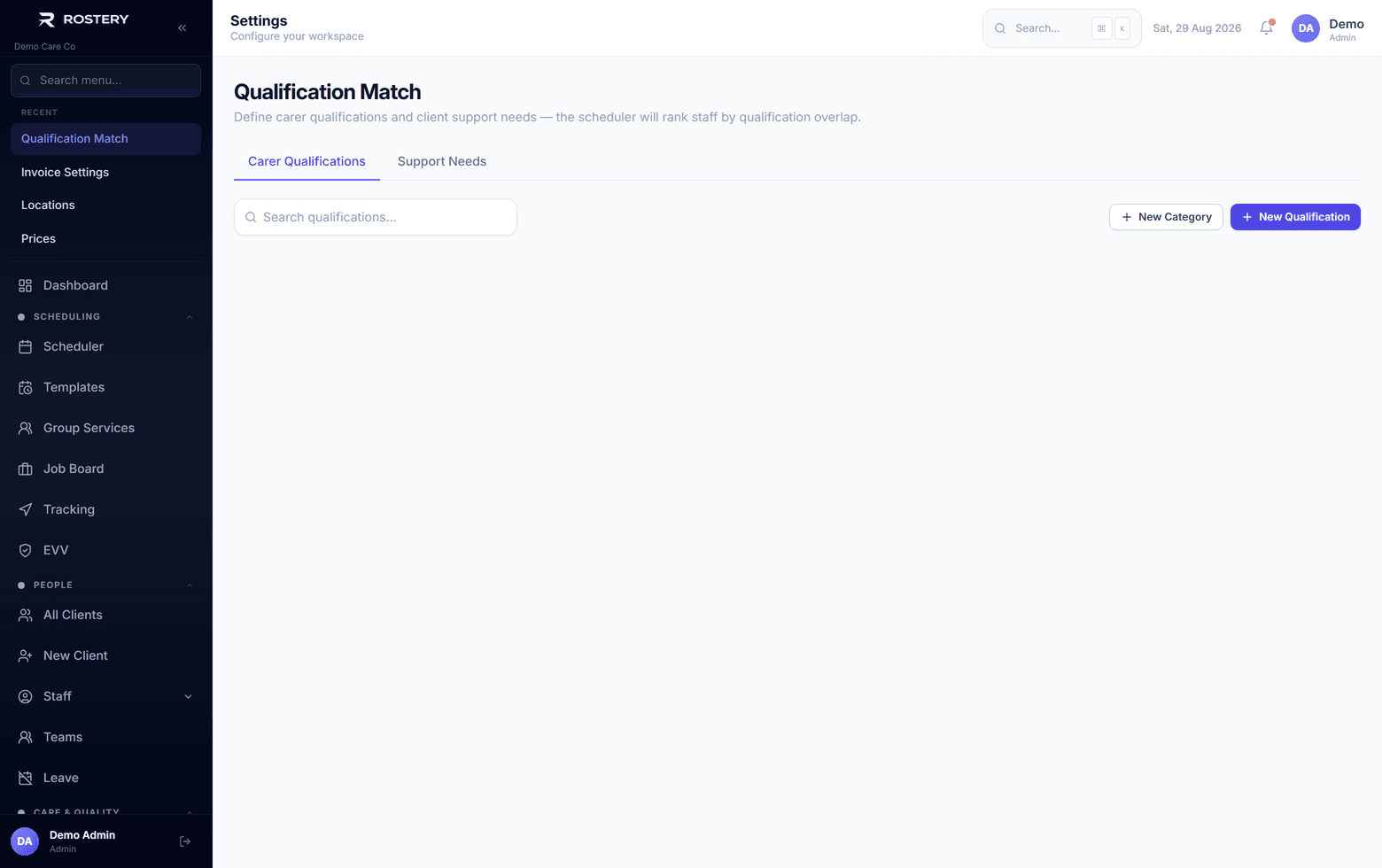
Finding the right worker for a shift usually means scrolling a staff list and remembering who has done manual handling training, whose first aid certificate is still current and who this participant gets on with. SmartMatch does that check for you. It compares each worker's verified qualifications with the participant's support needs and ranks the team by how well they fit.
How NDIS staff matching works in Rostery
First, set up the qualification library in Settings, then Qualification Match. Rostery starts you with five categories and about 30 common qualifications, such as First Aid, the NDIS Worker Screening Check, the Working with Children Check and Certificate III in Disability, and you can add your own. Link qualifications to support needs, then set each participant's support needs on their profile.
In the shift form, choose Rank by qualifications. Rostery lists the ten best-fitting workers with a match percentage and the needs each one is missing. Only verified qualifications that haven't expired count. For a second opinion, AI Match asks an AI model to weigh qualifications, past shifts with this participant, hours already worked this week and clashing shifts, and it returns up to five picks, each with a one-line reason.