
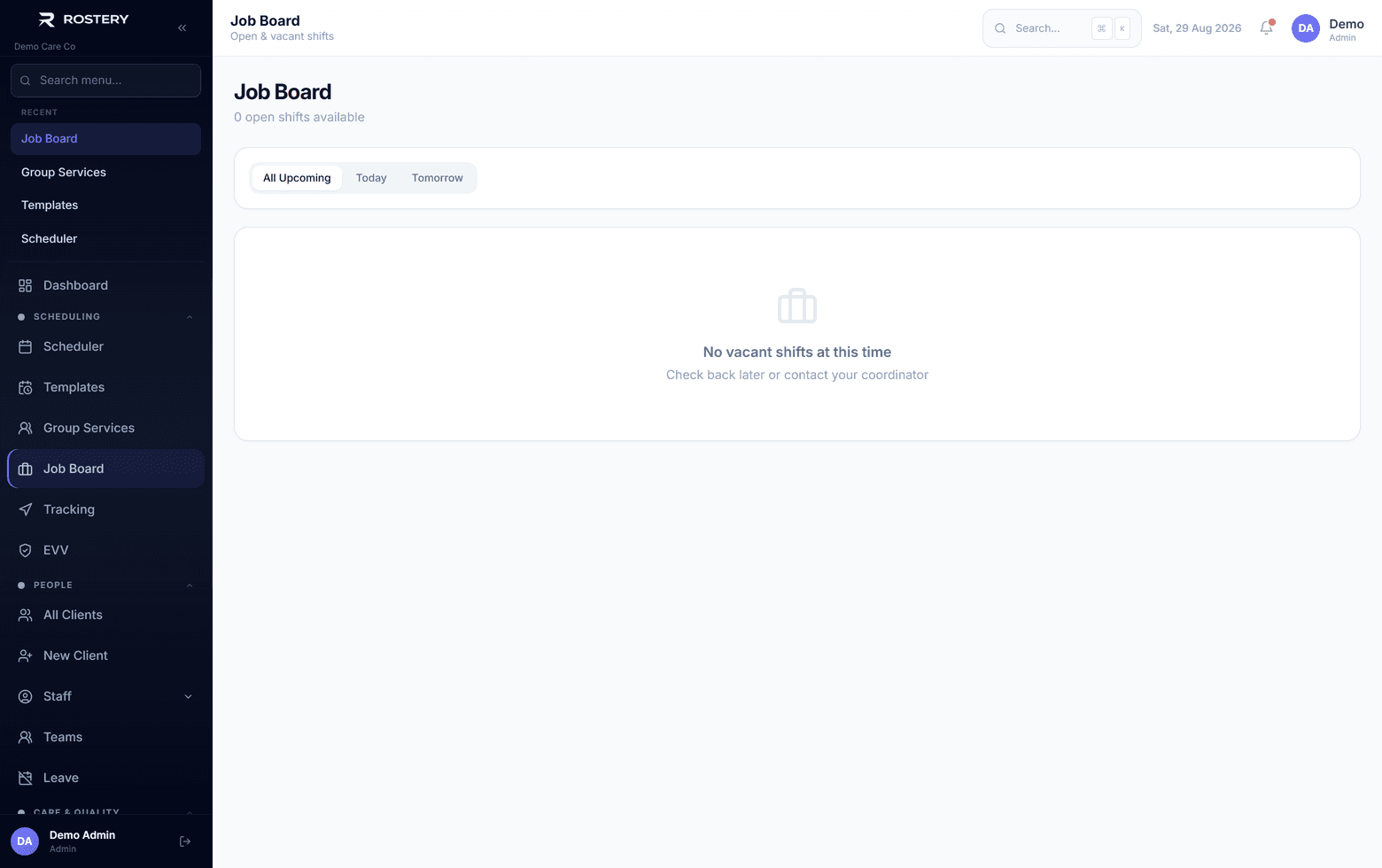
A sick call at 6am, a new participant, a week of leave to cover: unfilled shifts land on the coordinator's phone, and filling them one call at a time is slow. The Job Board lets your workers pick up open shifts themselves.
How the NDIS shift job board works in Rostery
When a shift has no worker, switch on Add to Job Board in the shift form, or drag it onto the Job Board row of the roster. Workers see open shifts in the Job board tab of the Rostery app, with a count on the tab, or on the web, with the participant, time, address and instructions, and claim the one they want.
Every claim is checked: the worker can't claim a shift that clashes with another of theirs, one for a participant they are marked incompatible with, or one when their screening check has expired. The first worker to claim goes straight onto the shift as pending, it shows in their schedule as pending, and the office confirms it. When leave is approved, the shifts it frees are posted to the Job Board automatically.