Families want to know who is coming, when, and how the day went. Without a portal those questions come to the office by phone. Rostery's family portal lets a family member see it for themselves, on the web or in the Rostery app, from the same shifts and notes your workers record.
How the family portal works in Rostery
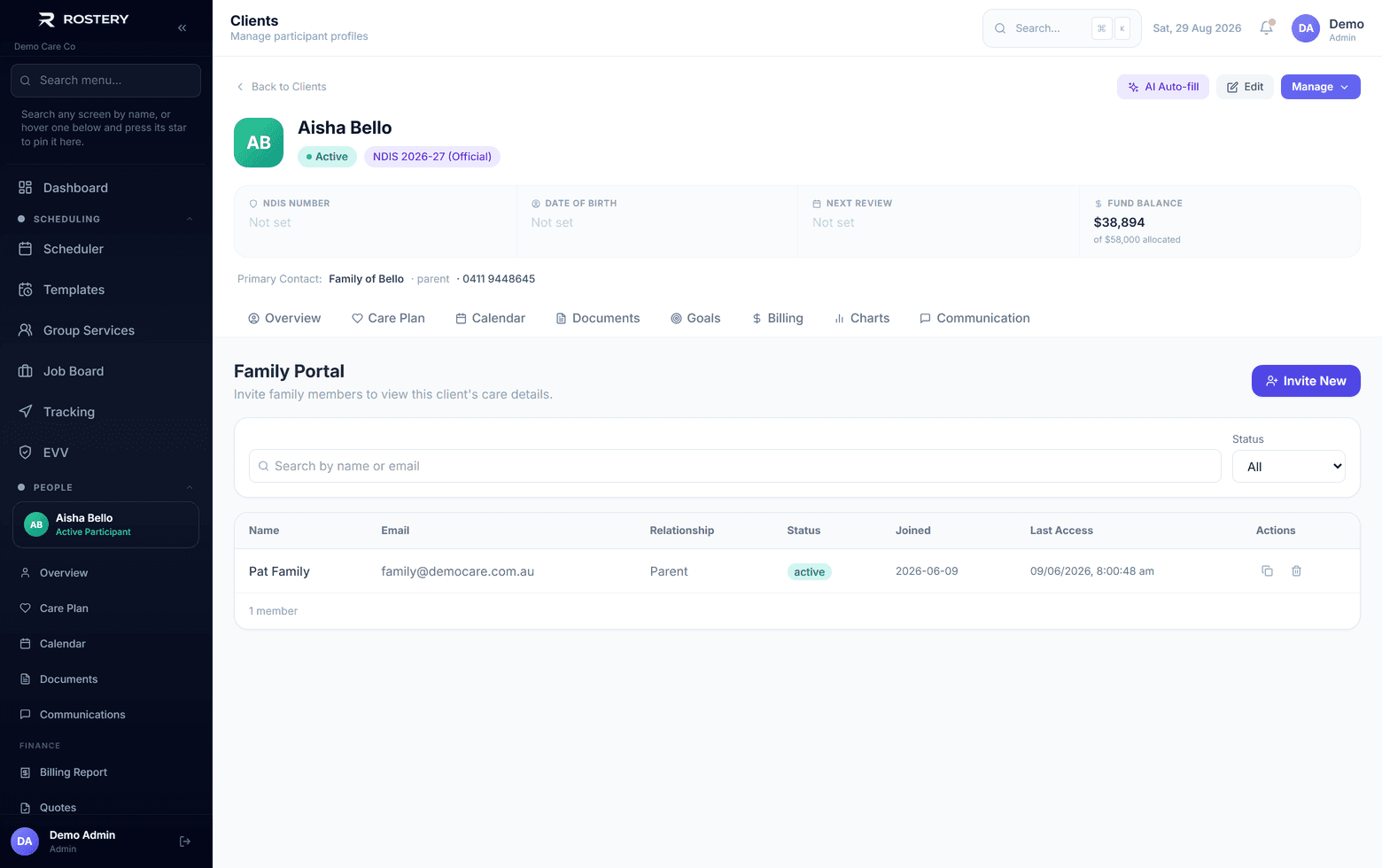
From the participant's profile, invite a family member with their name, email, relationship and phone. They get an email link to set a password, then sign in on the web or in the Rostery app. They see a timeline of the last 30 days of activity and the upcoming shifts, and whatever else you allow.
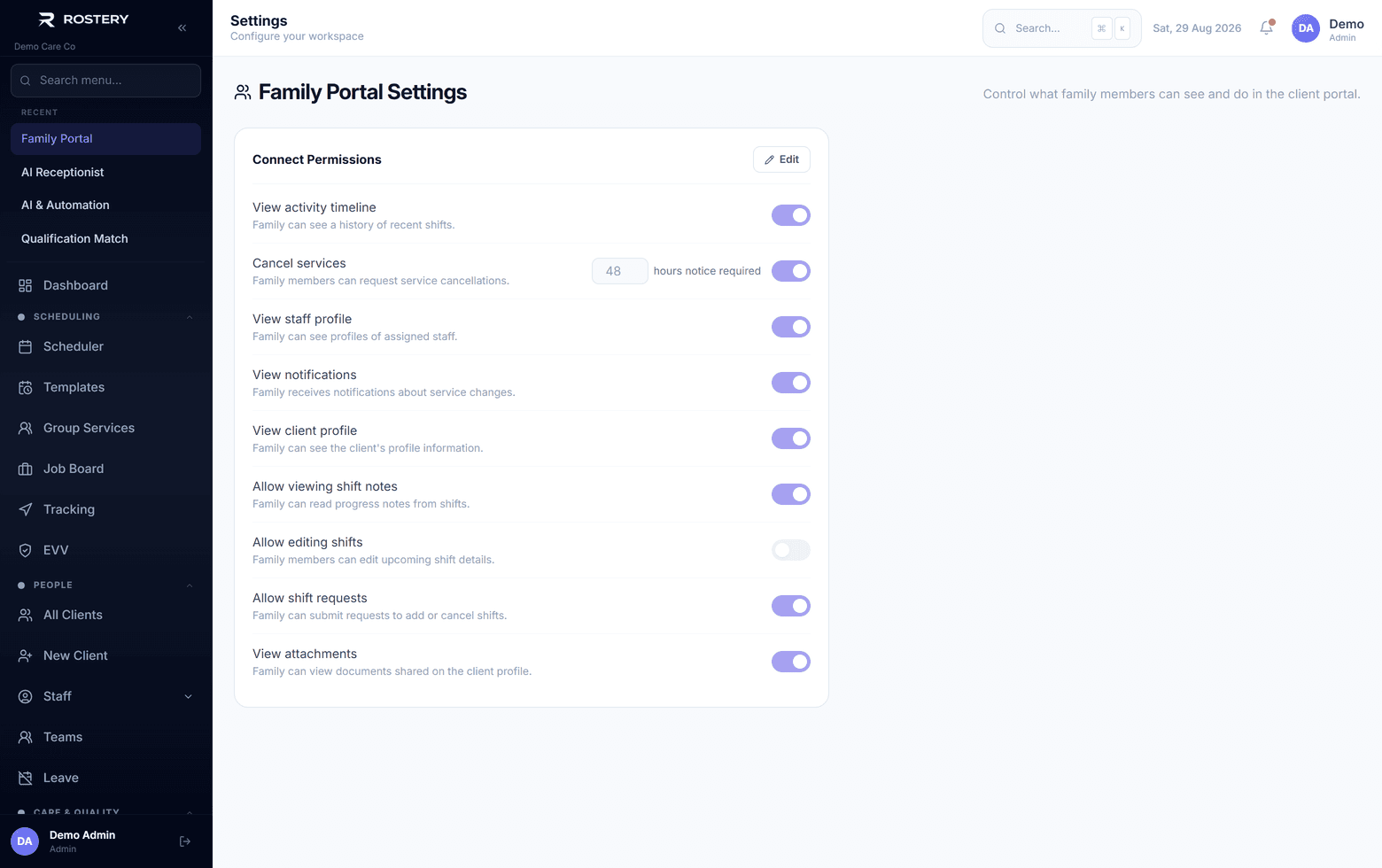
You decide what is shared. In Settings, an administrator switches on what families can see across the organisation: the support workers, progress notes (private notes are never shown), the participant's profile and documents. Documents are then shared one at a time with a Shown to family switch. You can resend an invite or revoke access at any time, and a revoked family member is signed out straight away.